Sky background generator
Make a sky background for any hour of the day: a clear blue noon, golden hour, a sunset over the sea or the pink glow after it. Pick the clouds and the horizon, then download it free in 4K for your desktop, phone or next video call.
Sky background generator tool
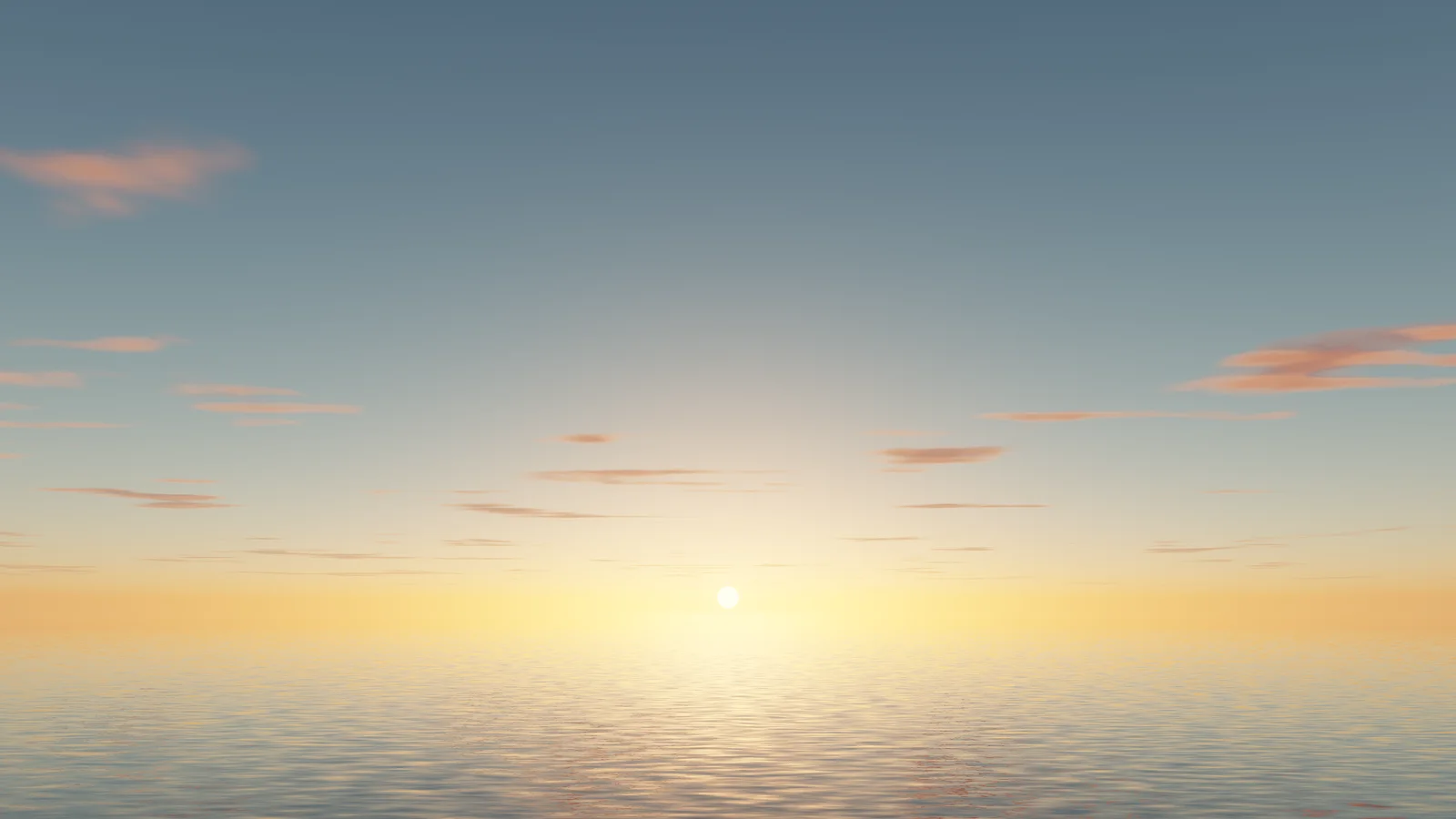
Ready-made sky backgrounds
Every sky here was made with the generator above. Download one in 4K for your desktop or at phone size for your lock screen, or click the pencil to open it in the generator and change the hour, the clouds or the horizon.
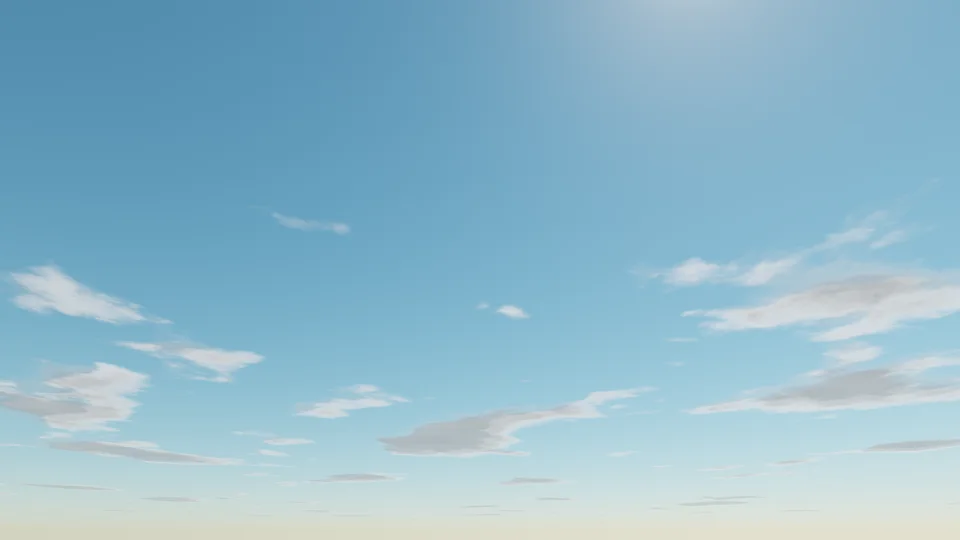
Blue sky
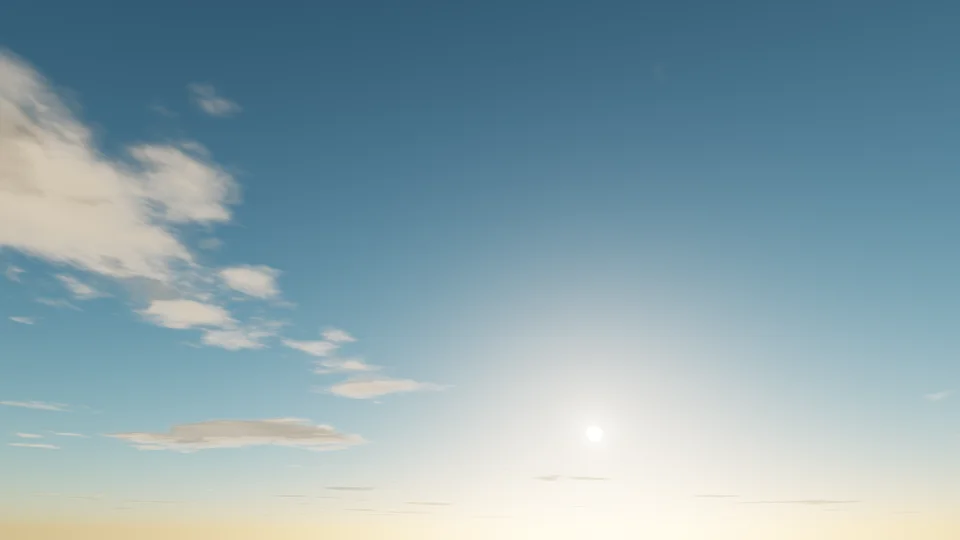
Golden hour
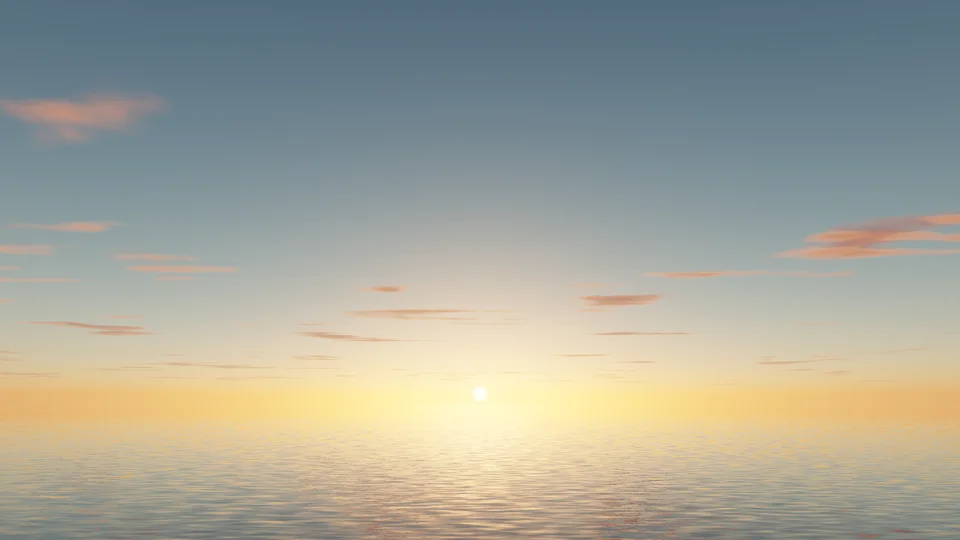
Sunset sea
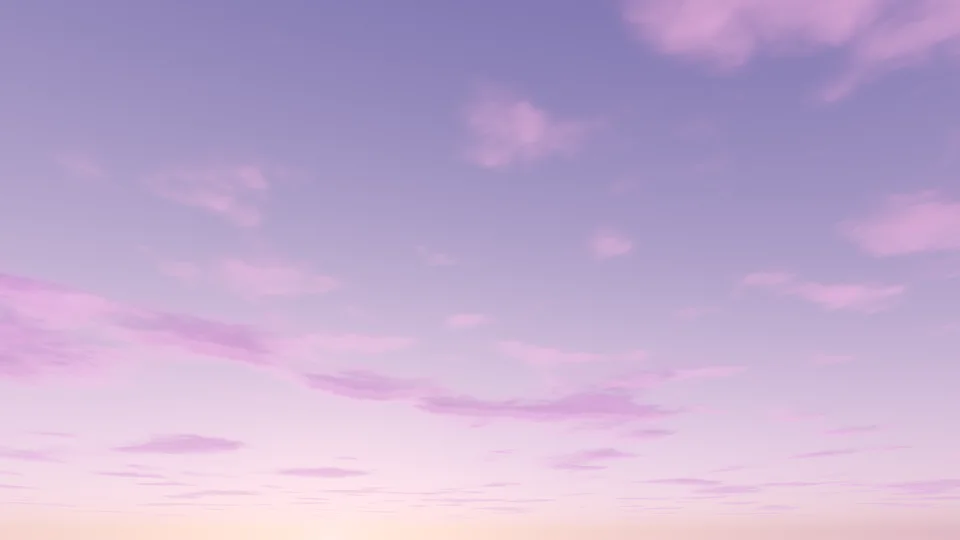
Cotton candy
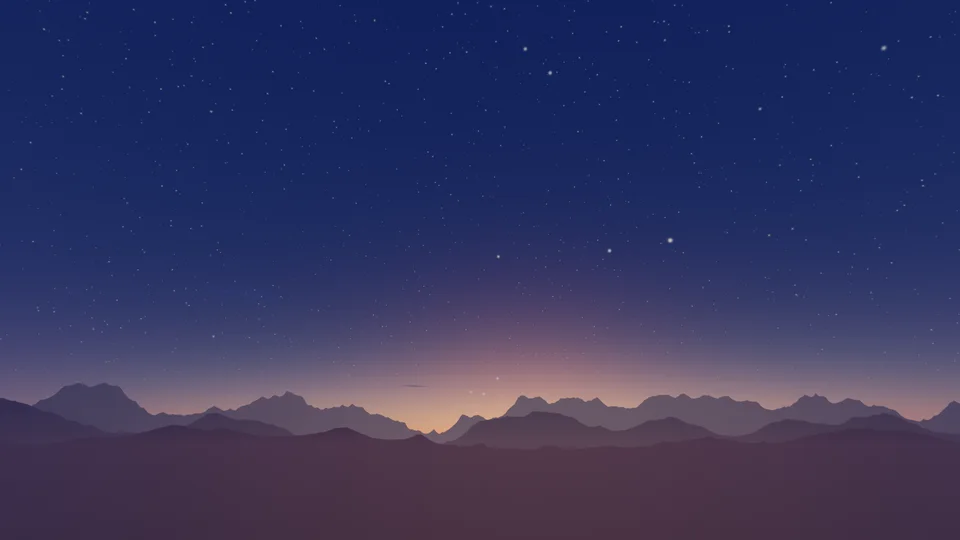
Blue hour
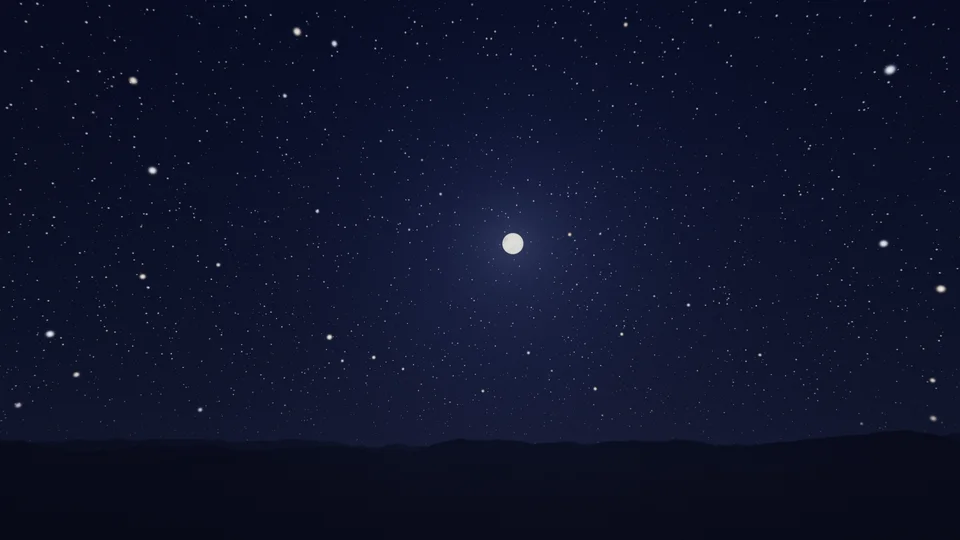
Starry night
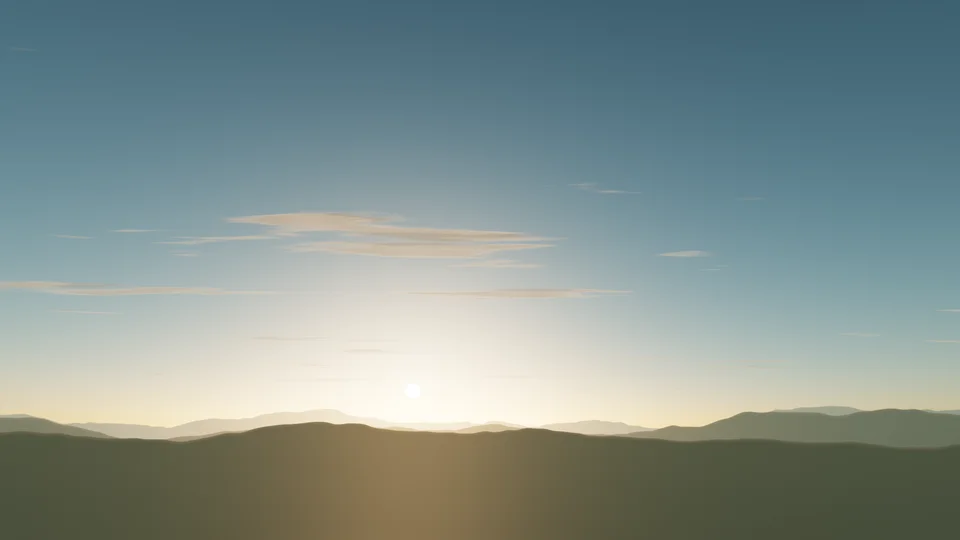
Sunrise hills
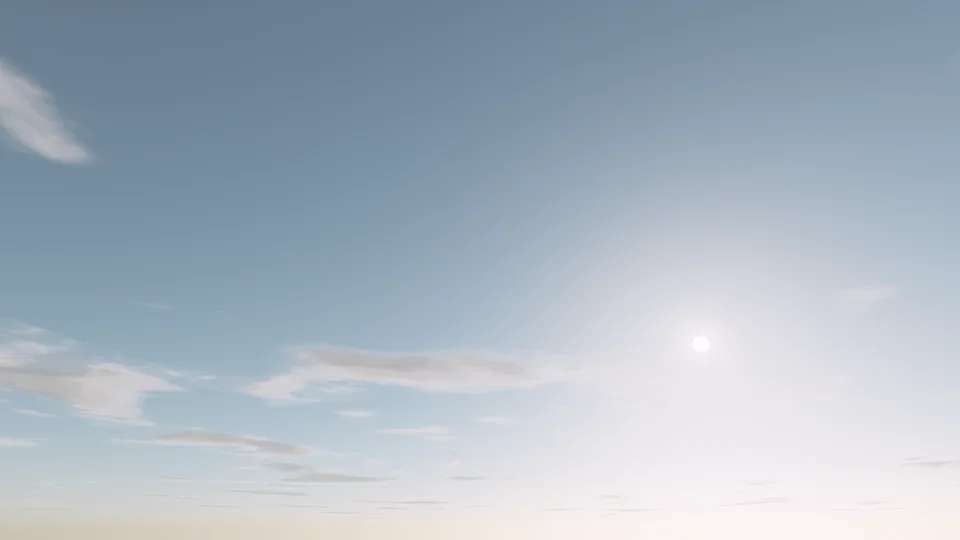
Pastel dream
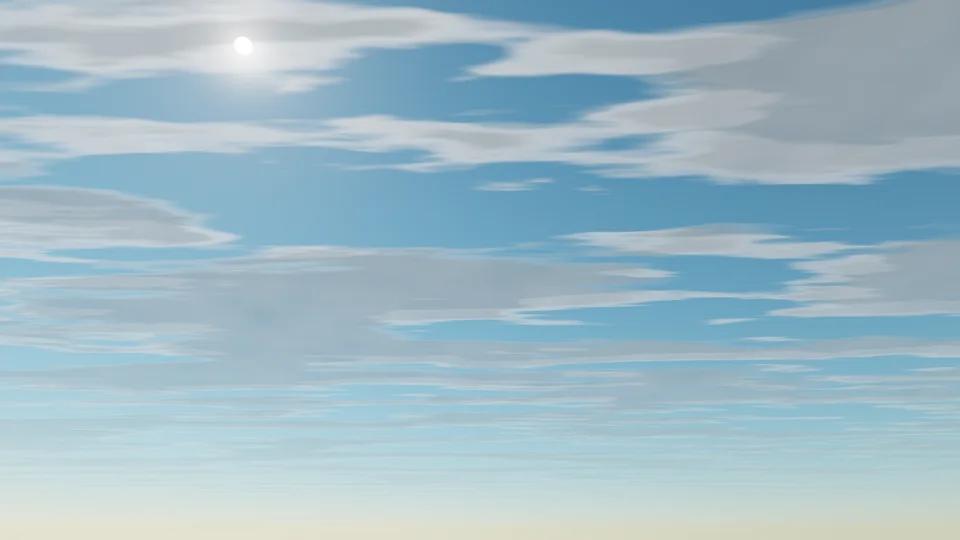
Cirrus
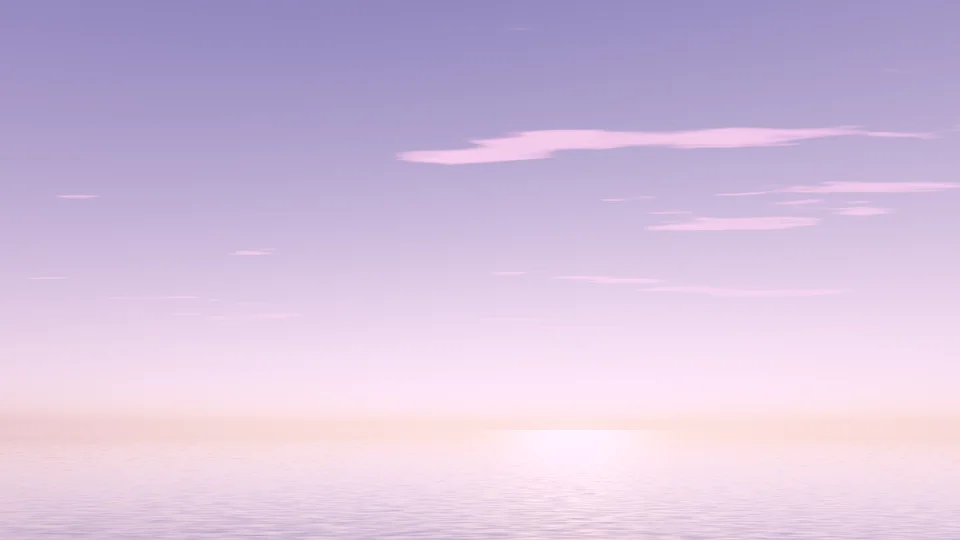
Purple dusk
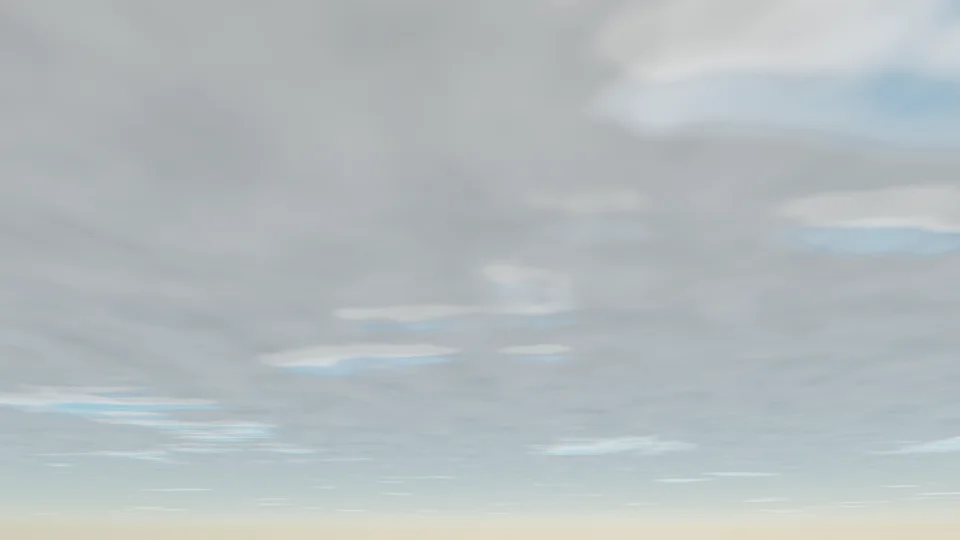
Overcast
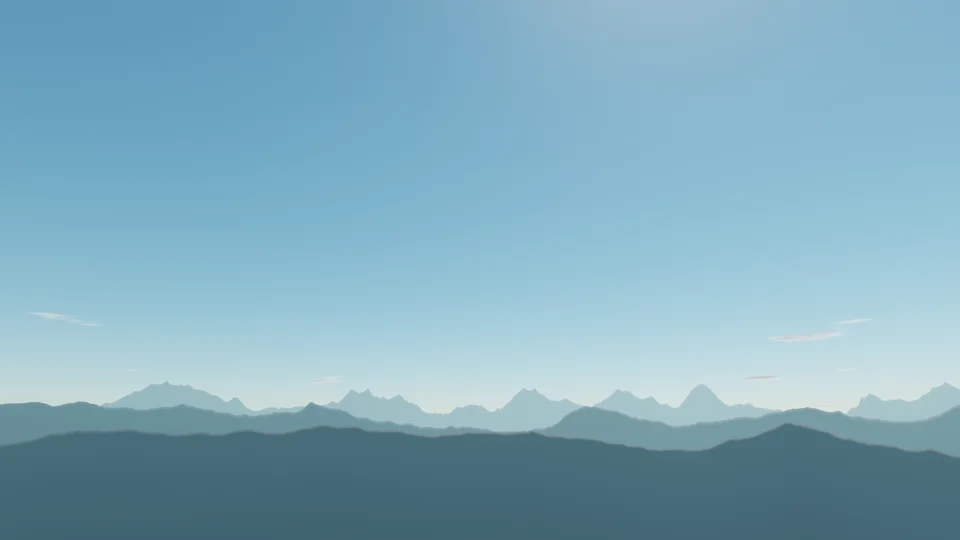
Mountain noon
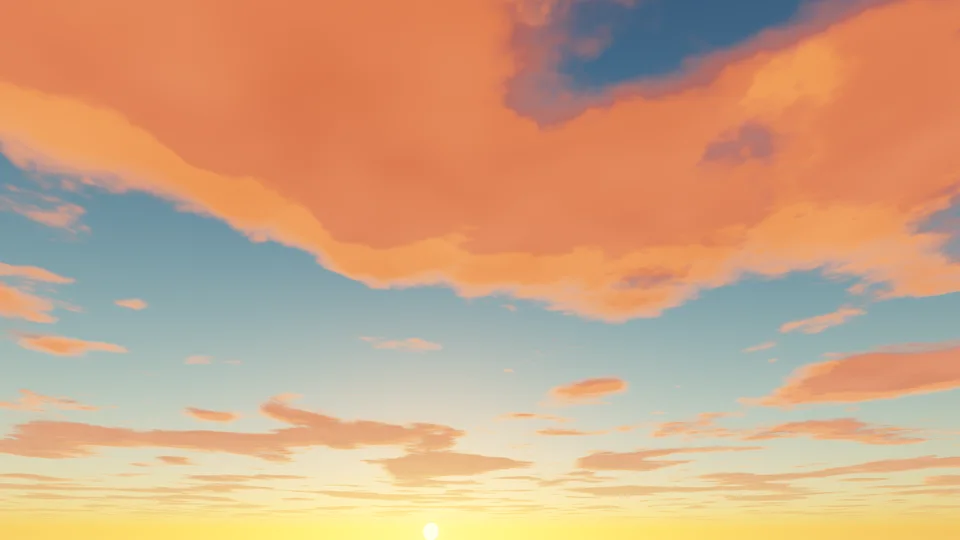
Fire sky
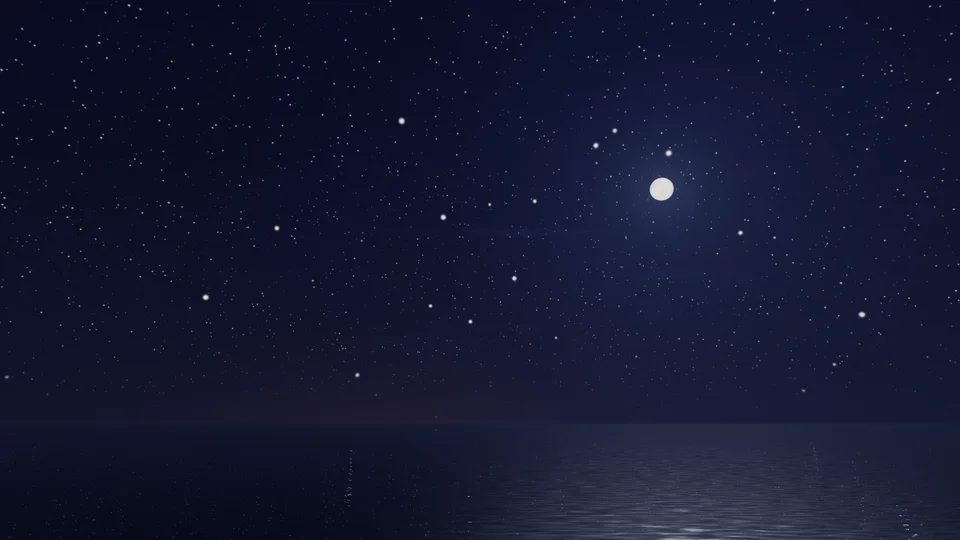
Moonlit sea
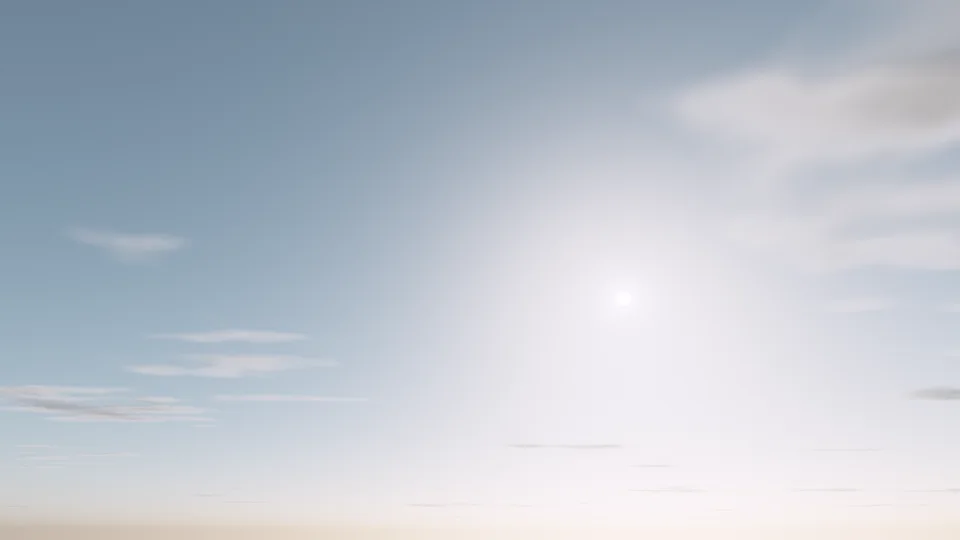
Morning haze
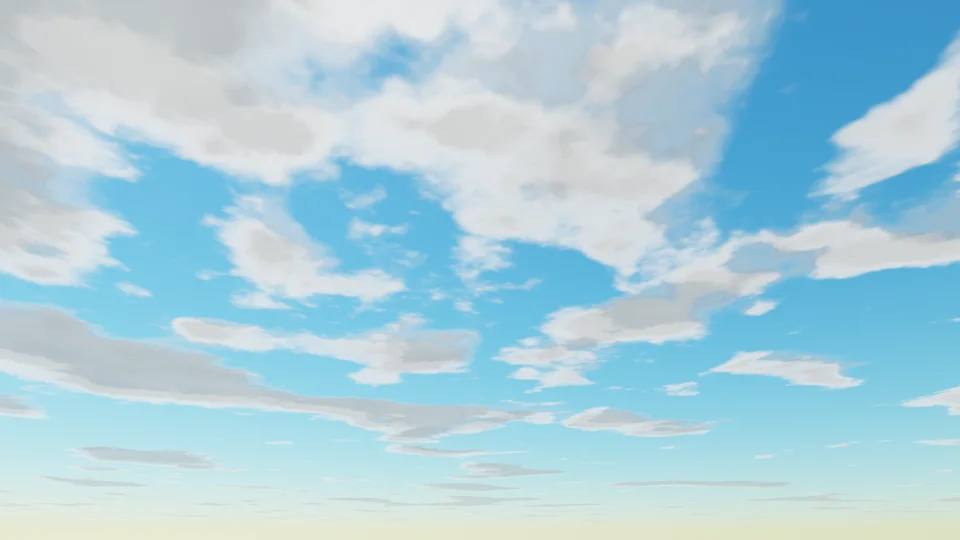
Vivid blue
Each download is rendered fresh in your browser: 3840×2160 for desktop, 1290×2796 for phones. Free, no signup, no watermark.
How to make a sky background
Pick an hour
Start from one of 16 presets, or drag Time from before dawn through midday to blue hour and night. The light changes the way it does outside: blue at noon, gold in the late afternoon, orange and pink at sunset. Use my time matches the sky to your own clock.
Shape the sky
Choose puffy, wispy or layered clouds and how many, a mood (natural, pastel, vivid or dreamy), the haze and the size of the sun. Add a sea that mirrors the sky, rolling hills or mountain ridges, and set how high the horizon sits.
Download
Click Download, pick a size (desktop up to 4K, ultrawide, MacBook, iPhone, Android, iPad, Zoom or Teams, story, YouTube banner or square) and save a PNG or JPG. With Drift on, you can also save a seamless video loop of the clouds moving.
Why the sky changes color through the day
Blue at noon. Sunlight is every color at once. On its way down it bumps into the molecules of the air, and those scatter short, blue wavelengths far more than long, red ones. With the sun high, the light crosses little air, so the scattered blue fills the whole sky. Straight overhead looks deepest, and the sky pales toward the horizon, where you look through much more air.
Gold, orange and pink at sunset. When the sun is low, its light crosses many times more air before it reaches you. Most of the blue is scattered away on the journey and the warm colors are what is left, so the sun turns orange and clouds lit from below glow red and pink. Haze, dust and sea air add a wide, bright glow around the sun.
Blue hour after sunset. For a while after the sun goes down, the sky is lit only from high up. The light is soft and deep blue, the horizon still glows warm where the sun set, and the first stars come out.
The generator works these colors out from the sun’s height with a model of light scattering in the air, instead of painting a fixed gradient, which is why dragging Time looks like a real day passing.
Picking the right sky for the job
- Desktop wallpaper: a low horizon and a clear patch of sky at the top keep icons readable. Ultrawide (3440×1440) gives a sunset room to spread.
- Phone lock screen: the clock sits at the top, so keep the brightest part, a sunset glow or a sea, in the lower half of a tall frame.
- Zoom and Teams: a calm morning or a pastel sky with soft clouds works best. Move the sun aside with Sun position so it is not right behind your head.
- Stories and social posts: the Story size (1080×1920) with the Dreamy or Pastel mood gives a soft pink or lilac backdrop for text.
- YouTube banner: the 2560×1440 size with a sunset across the middle reads well, since phones and laptops show only a strip across the middle.
Tips for a better sky
- The best color happens in a narrow window. Nudge Time a few minutes either side of sunset and watch the clouds change from gold to pink to grey.
- Clouds make a sunset. A clear sky at sunset is a plain gradient; raise Amount a little and the clouds catch the light.
- Haze adds a wide glow around the sun and a warmer horizon. Keep it low for a crisp, deep blue midday.
- Click New clouds a few times. The same settings give a different arrangement each time, and one will frame your screen better.
- A touch of Grain under Finish keeps smooth skies from banding in compressed files and on video calls.
More backgrounds and tools
For a night full of stars, nebulas and planets, try the galaxy background generator. For finished art, browse our aesthetic wallpapers or the aurora wallpapers collection. Want the colors without the scenery? The free gradient wallpapers include warm sunset blends, and Gradient Lab animates them. To put your name or logo on a call background, use the Teams background maker.
Explore more: aesthetic wallpapers, moving backgrounds, free gradient wallpapers, gradient backgrounds, cool backgrounds, free aesthetic backgrounds.
FAQs
Sky background questions: sunsets, clouds, sizes and use
Pick a preset, drag Time to the hour you want and adjust the clouds, mood and horizon until it looks right, then click Download and choose a size. The sky is drawn live in your browser, so every change shows straight away, and the file is rendered fresh at full size when you download. No account or app needed.
Yes. Every preset, size and format is free, with no signup and no watermark. Skies you make here, and the ready-made ones on this page, are yours to use in personal and commercial work: wallpapers, video calls, YouTube and stream backgrounds, slides, websites, posters and social posts. No attribution required.
Because it is worked out the way real daylight is. Sunlight scatters off the air on its way to you: at midday the path is short and blue light scatters most, so the sky is blue. Near sunrise and sunset the light crosses far more air, the blue is scattered away and the reds and oranges are left. The generator simulates that, so golden hour, sunset and blue hour all come from the sun's height.
Start from Sunset sea, Golden hour or Fire sky, or drag Time to between about 5:15 and 6:05 pm. Put the sun where you want it with Sun position, add Sea for a reflection and a glittering path on the water, and raise Haze for a deeper orange band at the horizon. Layered clouds catch the last light best.
Yes. Choose the Dreamy mood and set Time just after sunset: the light turns pink and lilac and the clouds glow rose. Cotton candy and Purple dusk are ready-made versions. Pastel gives a lighter, softer pink and baby blue, which suits phone wallpapers and Instagram story backgrounds.
For a clear blue sky, set Time near midday and Amount to Clear under Clouds. For a cloud background, start from Blue sky or Vivid blue and raise Amount, then pick Puffy for fair-weather clouds, Wispy for high streaks or Layered for broad sheets. Click New clouds until the arrangement frames your screen well.
Yes. Choose Desktop 4K in the Download menu to save a 3840×2160 PNG or JPG. The whole scene is rendered again at full size in tiles, so the 4K file shows the same sky and clouds as the preview with finer detail, not an upscale. Every ready-made sky below also has a one-click 4K button.
Desktop 1080p (1920×1080), 1440p (2560×1440) and 4K (3840×2160), MacBook (3024×1964), ultrawide (3440×1440), iPhone (1290×2796), Android (1080×2400), iPad (2048×2732), Zoom or Teams (1920×1080), story (1080×1920), YouTube banner (2560×1440) and square (2048×2048). The preview switches to the shape you pick.
Pick iPhone (1290×2796) in the Download menu and the preview turns tall. The clock covers the top of the lock screen, so a low horizon with clouds or a sunset glow in the lower half works well. Save the PNG, open it in Photos and set it as your wallpaper. Android (1080×2400) works the same way.
Yes. Pick Zoom / Teams and save a JPG at 1920×1080, then add it as a custom background in your video app. A calm sky with soft clouds, or a pastel morning, keeps the focus on you and looks tidy behind your head. Avoid putting the sun right behind where you sit.
Yes, as a video. Turn up Drift and the clouds float across the sky while the sea ripples and stars twinkle. The Download menu then offers a 16 second loop at 1080p class that repeats seamlessly, as MP4 (or WebM in browsers that cannot record MP4). It works as a looping video background for websites, streams or slides.
Use my time sets the clock to the time on your device, so the sky matches the light outside your window (very late at night it shows a night sky). Sun position moves the sun, or the moon at night, from left to right, which is useful for keeping a bright sun away from desktop icons or your face on a call.
PNG keeps every gradient exactly as rendered and is best for wallpapers and editing. JPG makes a much smaller file at high quality, which suits video calls and quick sharing. A little Grain under Finish helps either format avoid visible banding in smooth skies.
Nothing is uploaded. The sky is drawn on your device by your browser's graphics chip, and downloads are made on your device too, so it works the same on a phone, tablet or computer. Large sizes take a few seconds longer to render on a phone.