Galaxy background generator
Make a galaxy background with glowing nebula clouds, thousands of stars, the Milky Way, a planet or a moon. Pick a look, change the colors and download it free in 4K for your desktop, phone, Zoom or Discord.
Galaxy background generator tool
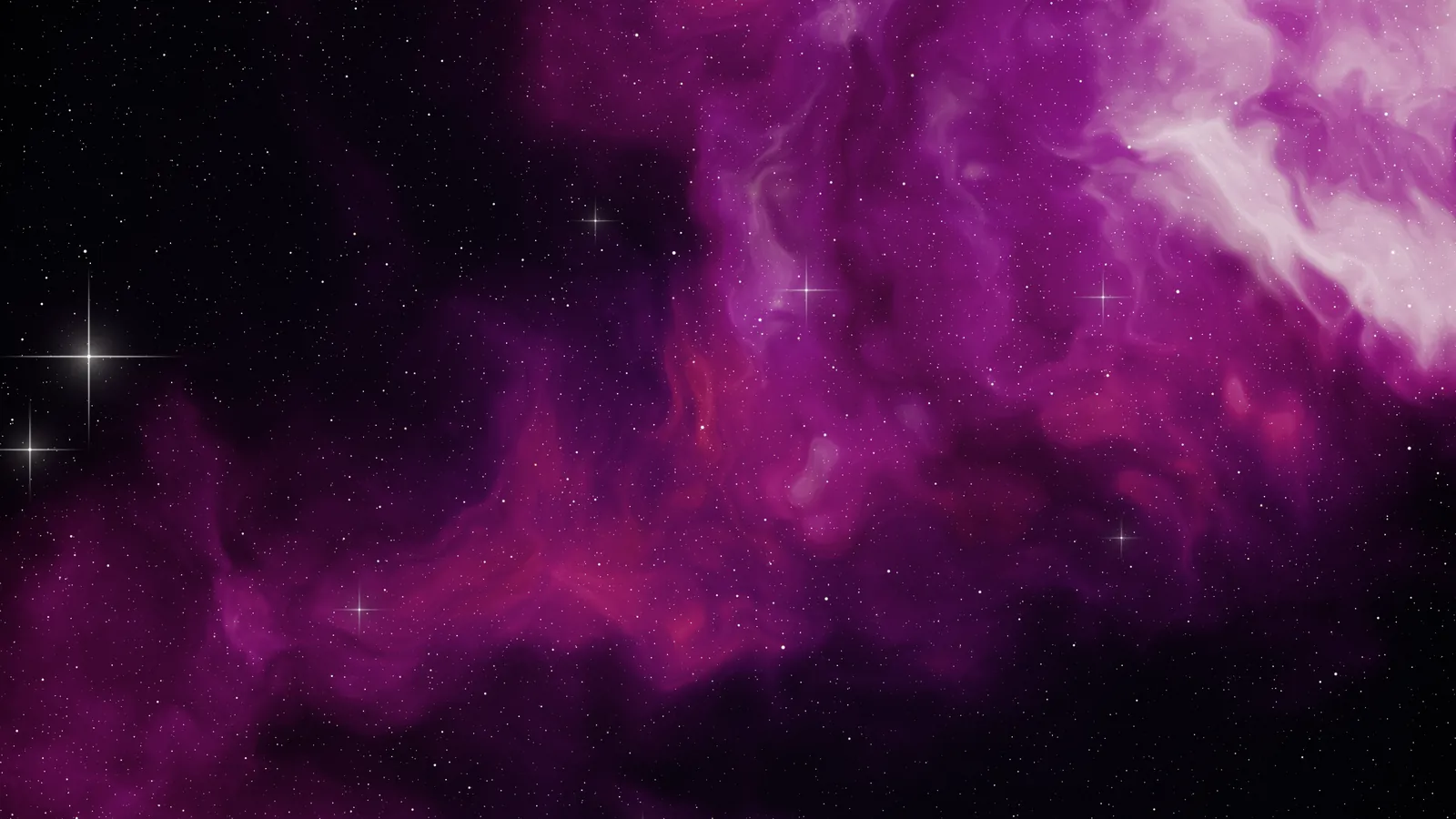
Ready-made galaxy backgrounds
Every image here was made with the generator above. Download one in 4K for your desktop or at iPhone size for your lock screen, or click the pencil to open it in the generator and change it.
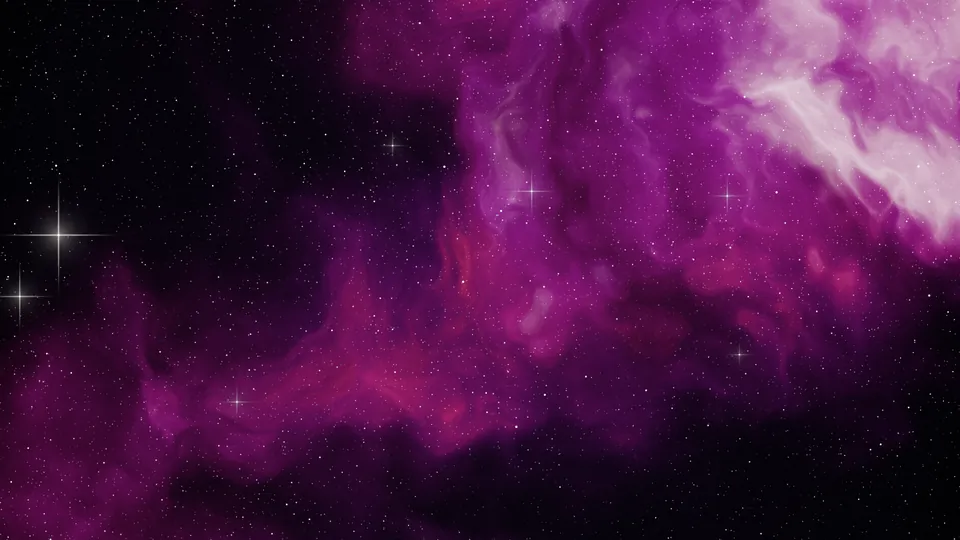
Nebula pink
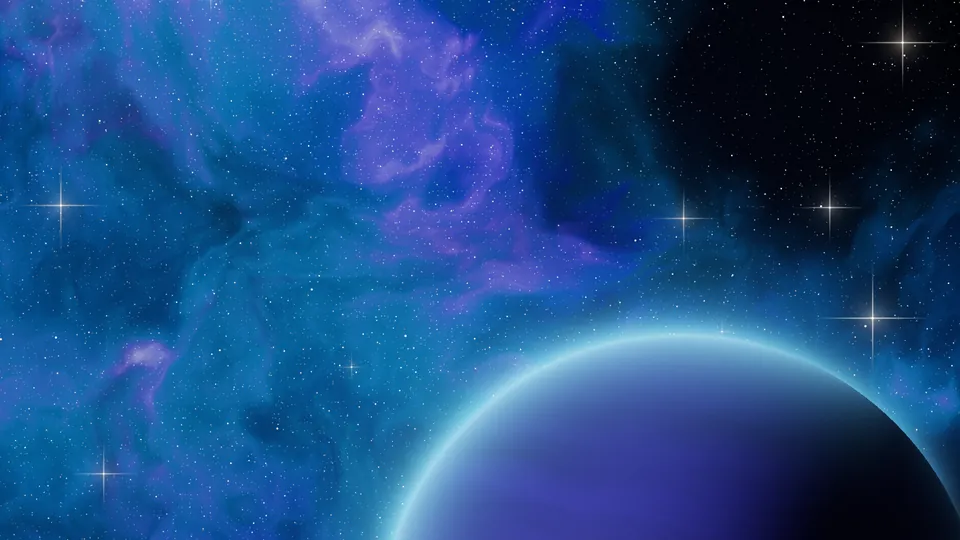
Deep blue
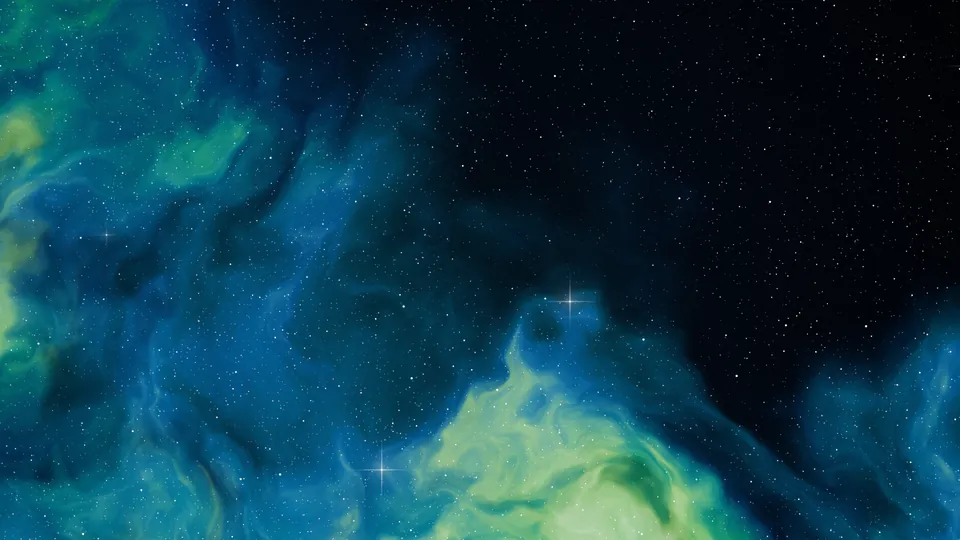
Aurora green
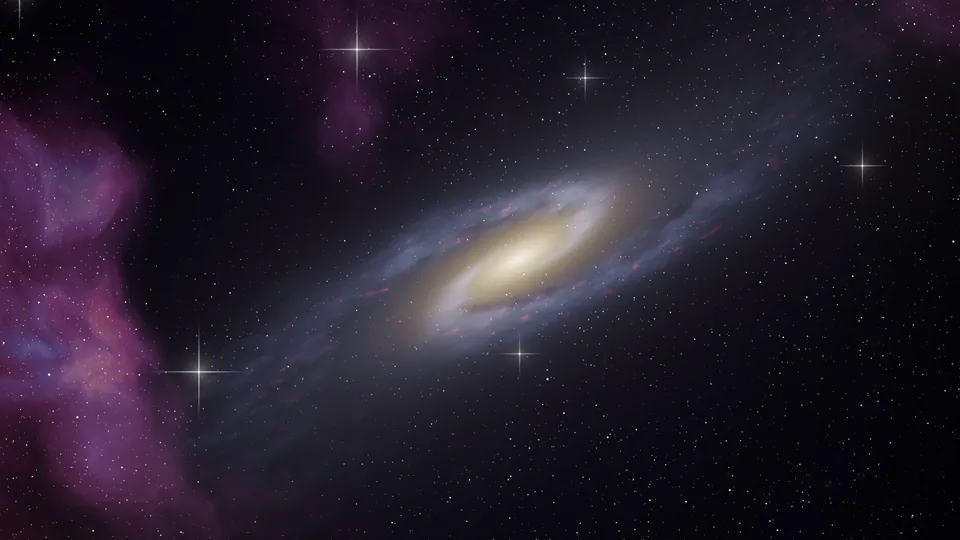
Andromeda
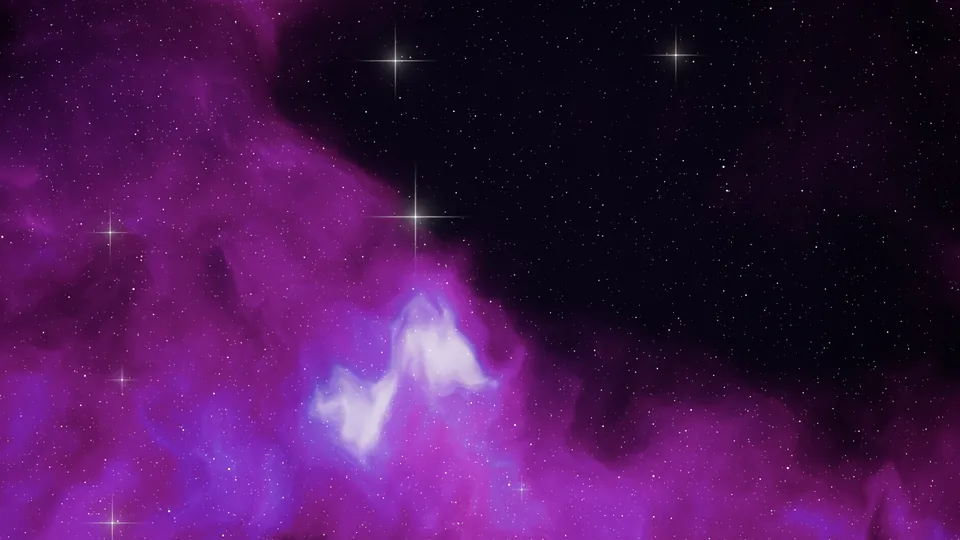
Purple haze
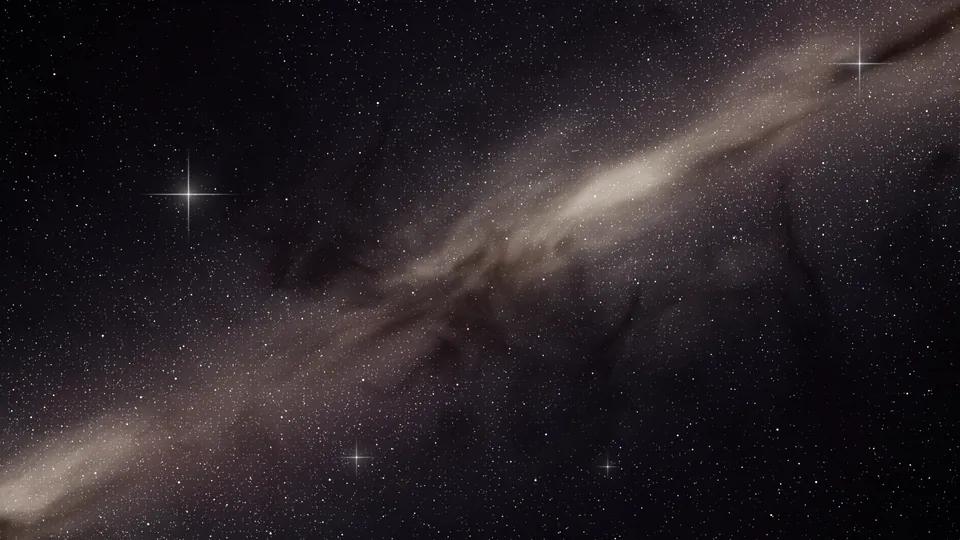
Milky Way
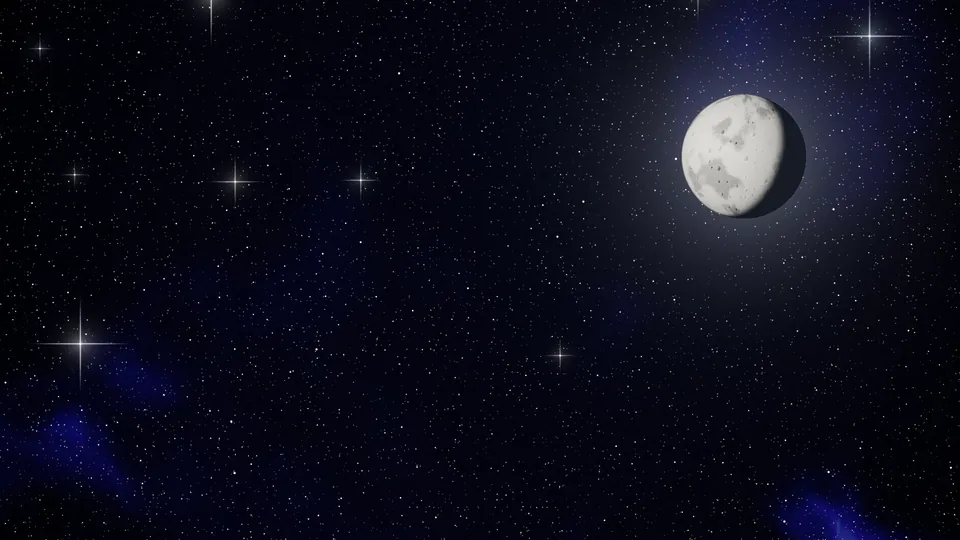
Starry night
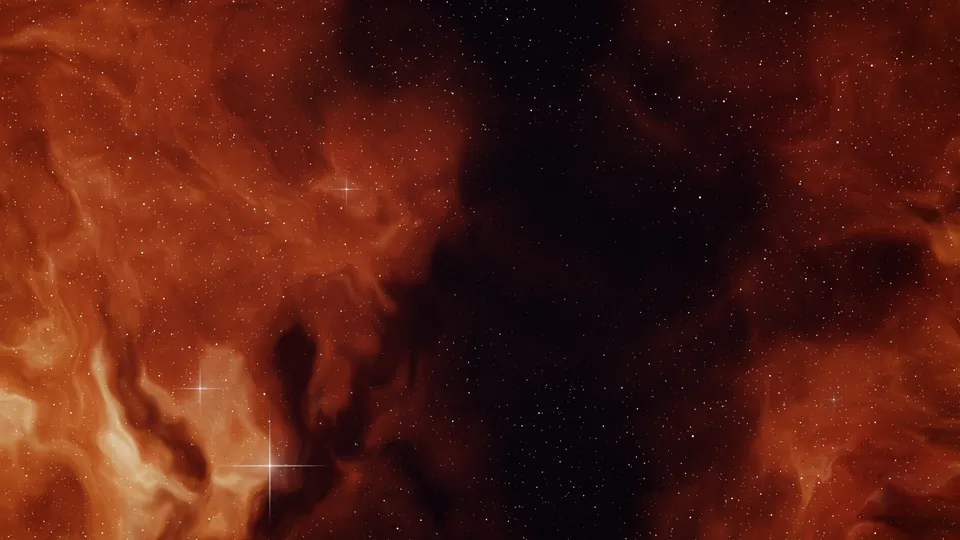
Cosmic dust
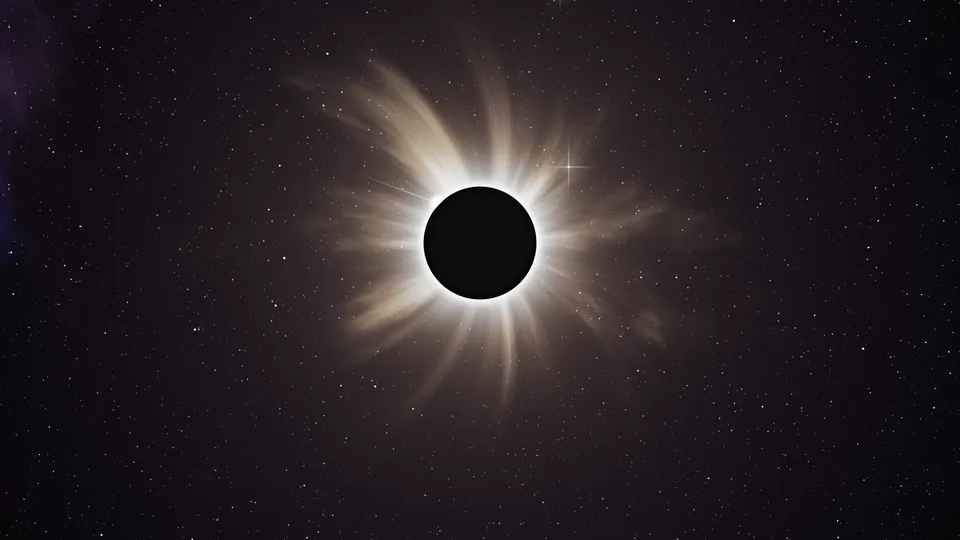
Total eclipse
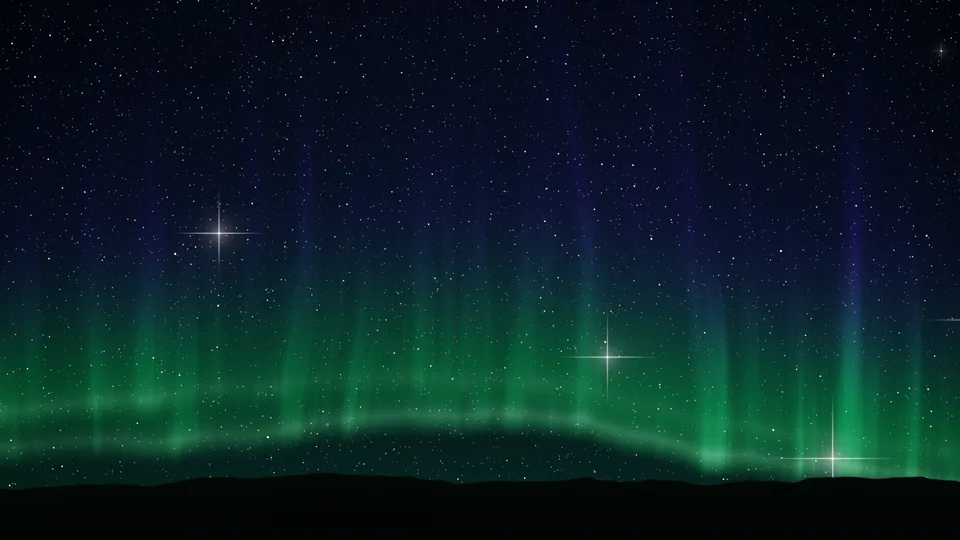
Northern lights
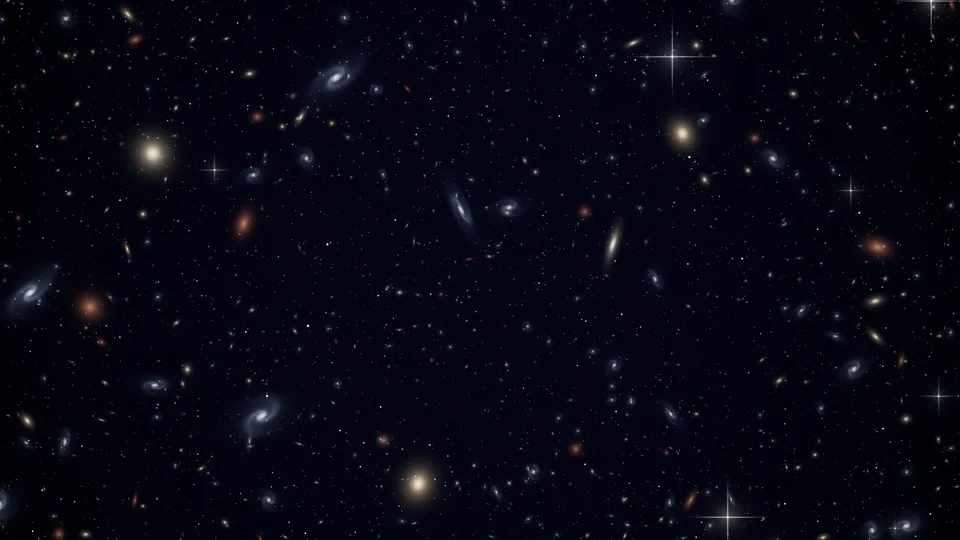
Deep field
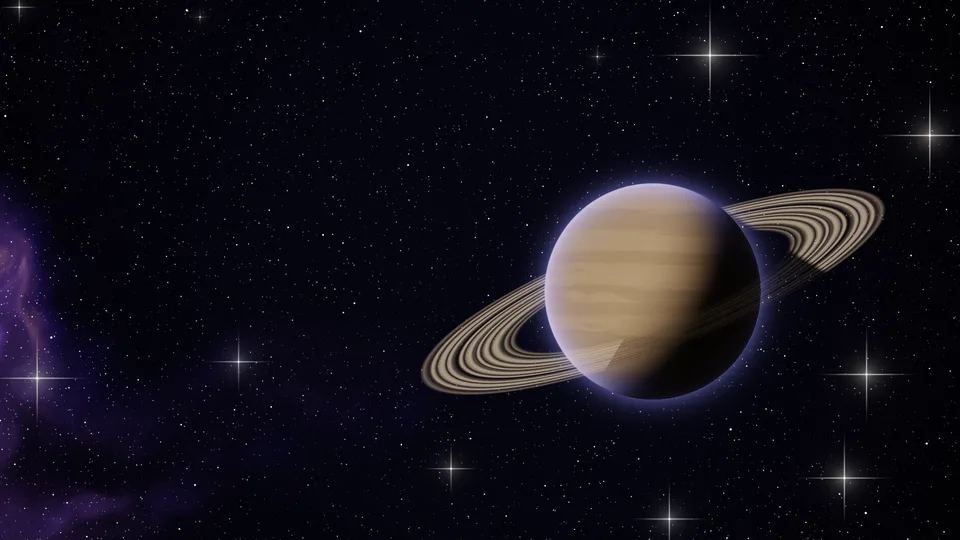
Ringed giant
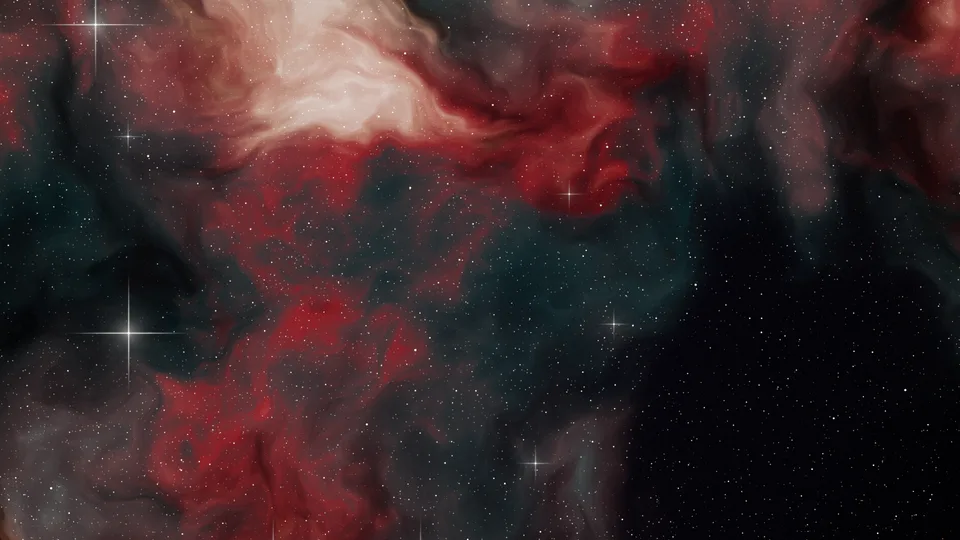
Crimson nebula
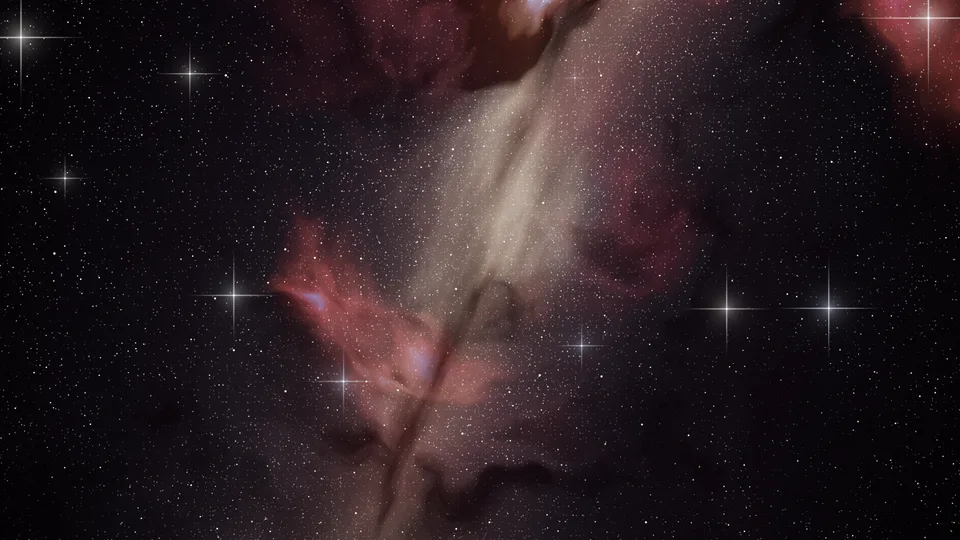
Galactic core
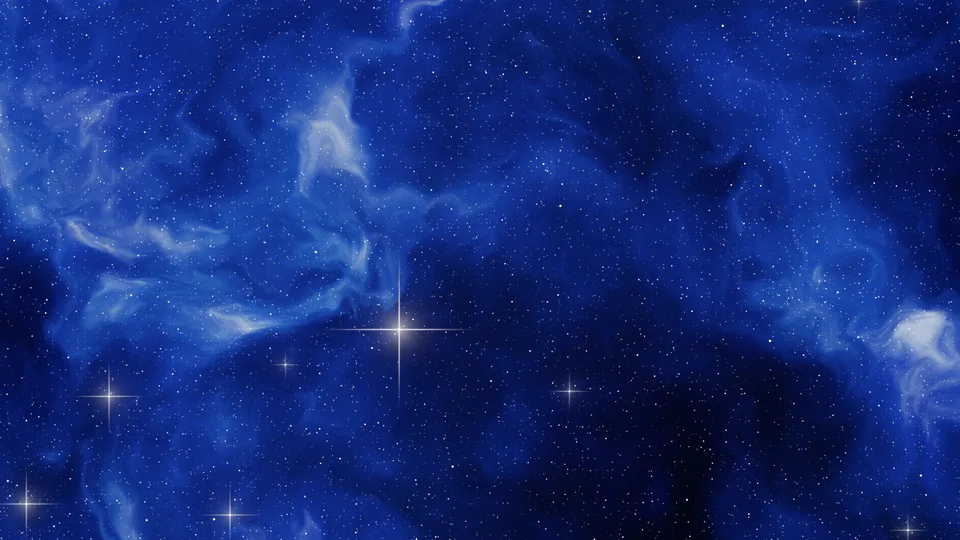
Blue reflection
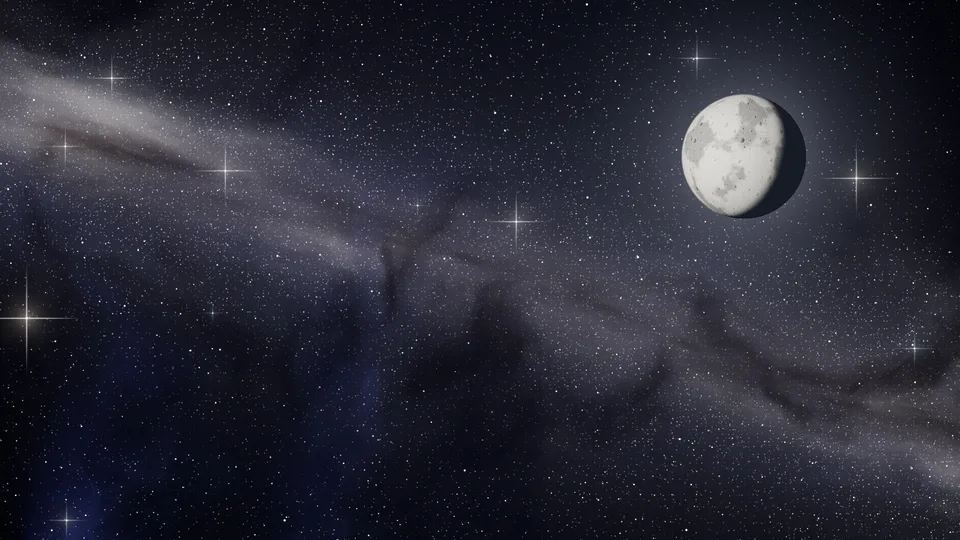
Moonlit Milky Way
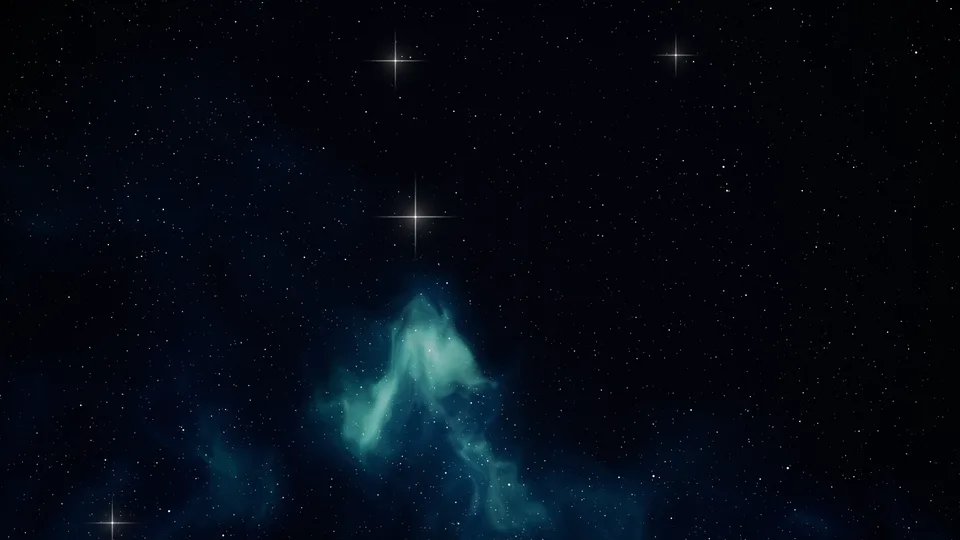
Quiet void
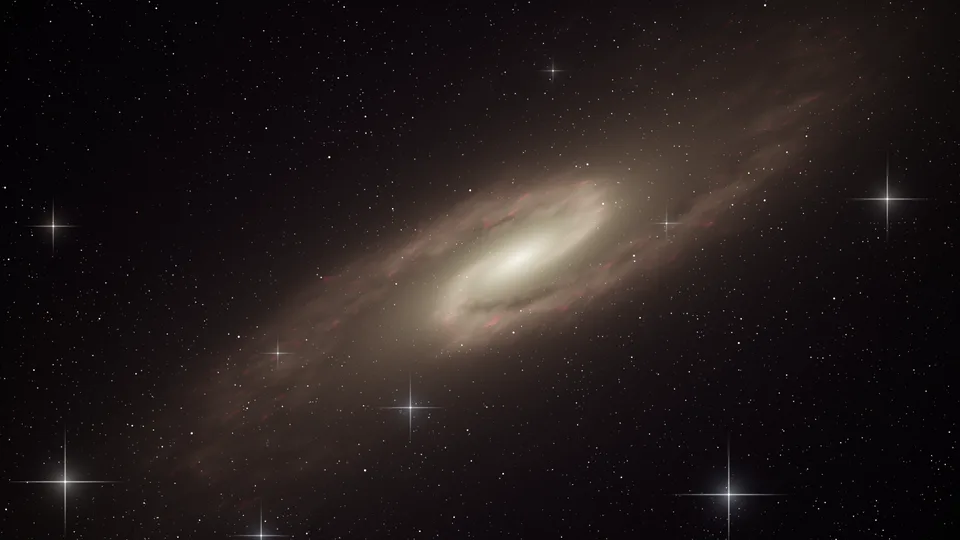
Golden spiral
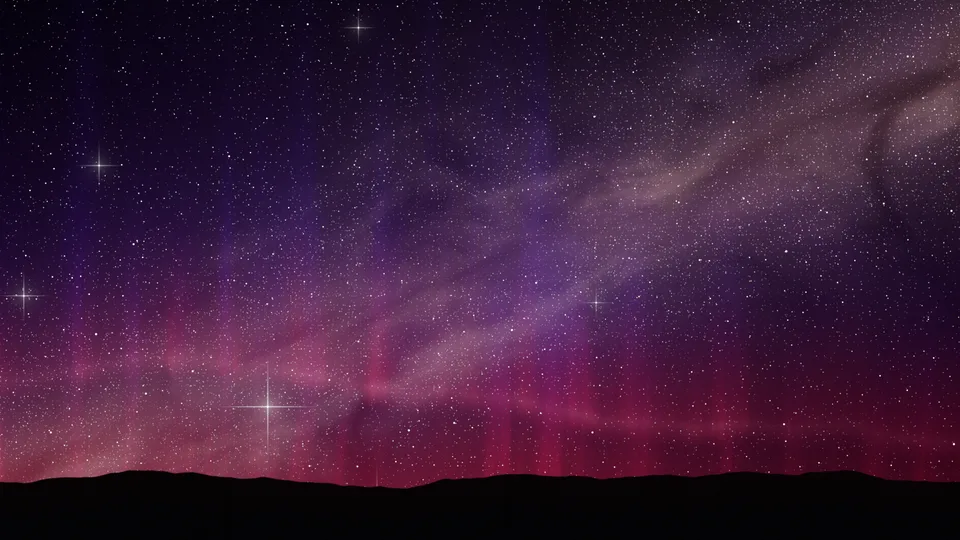
Crimson aurora
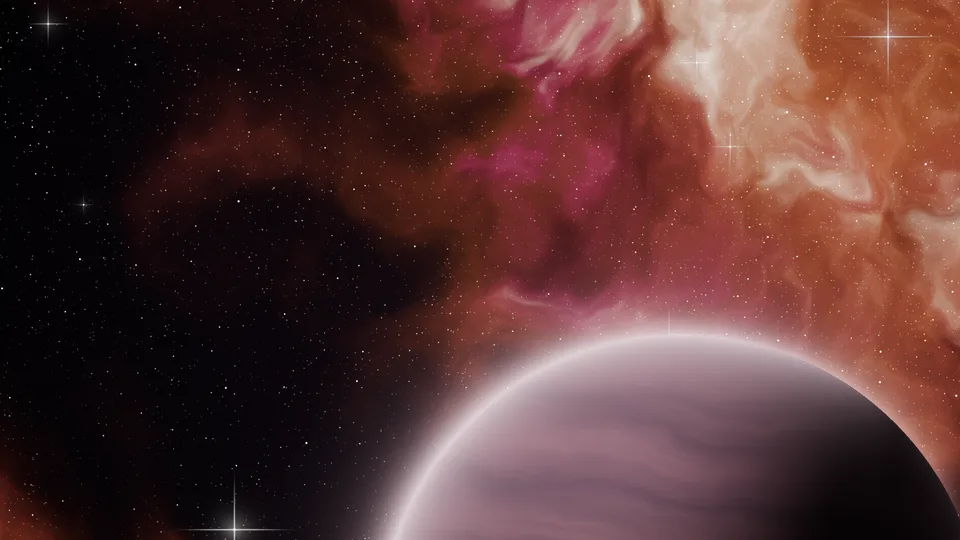
Rose planet
Each download is rendered fresh in your browser: 3840×2160 for desktop, 1290×2796 for phones. Free, no signup, no watermark.
How to make a galaxy background
Pick a look
Start from one of 20 presets, from nebulae and the Milky Way to a ringed planet, a total eclipse, the northern lights and a deep field of distant galaxies. Open the gallery (the grid button after the presets) to see them all. New sky keeps the look and shows a different patch of space.
Make it yours
Click a swatch to change the nebula colors, then set how much nebula, dust and glow you want, how many stars and how bright. Turn on the Milky Way and set its angle, or add a planet, a ringed planet, a moon, a spiral galaxy, an eclipse, an aurora or a deep field.
Download
Click Download, pick a size (desktop up to 4K, iPhone, Android, iPad, MacBook, Zoom or Teams, Discord banner or square) and save a PNG or JPG. With Twinkle on, you can also save a seamless video loop.
What makes a galaxy background look real
Stars come in every size and color. A real sky is mostly faint pinpoints, with far fewer bright stars, and each one has a color from its temperature: red and orange for cool stars, white, and blue-white for hot ones. The generator draws them that way, and the brightest get a soft halo and four thin diffraction spikes, the cross a telescope adds.
Nebulas glow, dust hides. Nebula clouds are gas lit from within, faint at the edges and hot toward the core, which is why the third color sits in the brightest parts. Dust lanes do the opposite: they block the light behind them, so they show up as dark, reddish filaments in front of the glow and dim the stars they cover.
The Milky Way is made of stars. Its band is millions of stars too faint to see one by one, with brighter star clouds, a warm core and a dark rift of dust down the middle. Tilt it with the angle slider for a diagonal that leads the eye across a wide screen.
It stays sharp at any size. Everything is placed relative to the picture, not to pixels, so a 4K download shows the same sky as the preview, only with finer detail. Nothing is upscaled.
Picking the right size
- Desktop and MacBook: 4K looks crisp on every monitor and scales down cleanly. Keep bright features away from where your icons and dock sit.
- iPhone and Android: the clock covers the top third of a lock screen, so a planet rising from the bottom or a nebula low in the frame works well.
- iPad: the tall size fills the screen upright. Keep the main feature near the middle so it stays in view when you turn the iPad sideways.
- Zoom and Teams: a darker sky with the brightest parts at the edges keeps you readable in front of it.
- Discord banner: the wide strip shows best with the Milky Way at a low angle running across it.
Tips for a better sky
- Less is often more: a sky that is half empty space looks deeper than one filled edge to edge with nebula.
- Pick colors next to each other on the color wheel (pink, violet, blue) for a calm look, or a warm core against cool outer gas for drama.
- Raise Dust lanes on a bright nebula to carve out shapes. It works best above 50% Nebula.
- If the sky feels busy behind your icons, lower star Brightness first, then Amount.
- Click New sky a few times. The same settings give a different arrangement each time, and one will frame your screen better.
More backgrounds and tools
Want finished space art instead? The cool space backgrounds in the Horizon collection are ready to download. Want something softer? Browse free gradient wallpapers or make an animated one in Gradient Lab. For finished art, our aesthetic wallpapers are ready to download. To put your name or logo on a call background, use the Teams background maker, and to add film grain to any image, the grain texture generator.
Explore more: aesthetic wallpapers, moving backgrounds, free gradient wallpapers, gradient backgrounds, cool backgrounds, free aesthetic backgrounds.
FAQs
Galaxy wallpaper questions: 4K, iPhone, Zoom, Discord and starry skies
Pick a preset, change the nebula colors and sliders until you like it, then click Download and choose a size. The sky is drawn live in your browser, so every change shows straight away, and the file is rendered fresh at full size when you download. It takes under a minute and needs no account or app.
Yes. Every preset, size and format is free, with no signup and no watermark. Backgrounds you make here, and the ready-made ones on this page, are yours to use in personal and commercial work: wallpapers, streams, YouTube videos, slides, websites, album art and social posts. No attribution required.
Yes. Choose Desktop 4K in the Download menu to save a 3840×2160 PNG or JPG. The sky is rendered again at full size in tiles, so the 4K file shows the same stars and nebula as the preview with finer detail, not an upscale. The ready-made galaxy backgrounds below also have a one-click 4K button.
Desktop 1080p (1920×1080), 1440p (2560×1440) and 4K (3840×2160), MacBook (3024×1964), iPhone (1290×2796), Android (1080×2400), iPad (2048×2732), Zoom or Teams (1920×1080), Discord banner (1360×480) and square (2048×2048). The preview switches to the shape you pick, so what you see is what you get.
Not from this generator: its largest file is 4K (3840×2160), which is sharp on almost every monitor and TV. If you need an 8K still, the animated background generator on Backgrounds Supply exports PNGs up to 7680×4320, and its Moondust look gives fine white sparkling speckle on a near-black background.
Pick iPhone (1290×2796) or Android (1080×2400) in the Download menu and the preview turns tall. The clock covers the top third of a lock screen, so a planet rising from the bottom or a nebula low in the frame works well. Save the PNG, open it from Photos or Gallery and set it as your wallpaper.
Yes. Pick Zoom / Teams in the Download menu and save a JPG or PNG at 1920×1080, then add it as a custom background in your video app's background settings. Darker skies with the nebula toward the edges keep the focus on you, and a planet or moon in a corner reads well behind your head.
Start from Starry night, or set Nebula and Dust lanes to zero on any preset. Raise Amount under Stars for a denser sky, and Brightness for more bright stars with diffraction spikes. Turn on the Milky Way for a band of faint stars across the sky, and add a moon in the corner for a night scene.
Yes. Start from the Milky Way preset, or switch on Milky Way band on any look. The band is made of countless faint stars with brighter star clouds, a warm core and a dark rift of dust down the middle. Tilt it with Angle; a diagonal leads the eye across a wide desktop screen.
It makes a video, not a GIF. Turn up Twinkle and the stars shimmer while the clouds drift slowly. The Download menu then offers a 12 second loop at 1080p class that repeats seamlessly, as MP4 (or WebM in browsers that cannot record MP4). Video keeps the soft nebula smooth, where a GIF would band it into blotches.
Start from Purple haze or Nebula pink, then click a swatch to set your own three nebula colors, for example lilac, pink and peach. Lower Stars for a calmer phone wallpaper and add a little Grain for a soft film look. Aurora green and Deep blue give cooler, dreamy skies.
PNG keeps every star and gradient exactly as rendered and is best for wallpapers and editing. JPG makes a much smaller file at high quality, which suits Zoom, Teams and quick sharing. Both are saved with no hidden metadata, and both come in every size from the Download menu.
Nothing is uploaded. The sky is drawn on your device by your browser's graphics chip, and downloads are made on your device too, so it works the same on a phone, tablet or computer. Large sizes take a few seconds longer to render on a phone.