Image to gradient: turn any photo into a gradient
Pick an image and watch it melt into a soft, moving gradient, or a clean wash of its colors. Change any color, then export up to 8K. Free, no signup, and your image never leaves your browser.
Image to gradient tool: make a gradient from an image
Want more than one gradient?
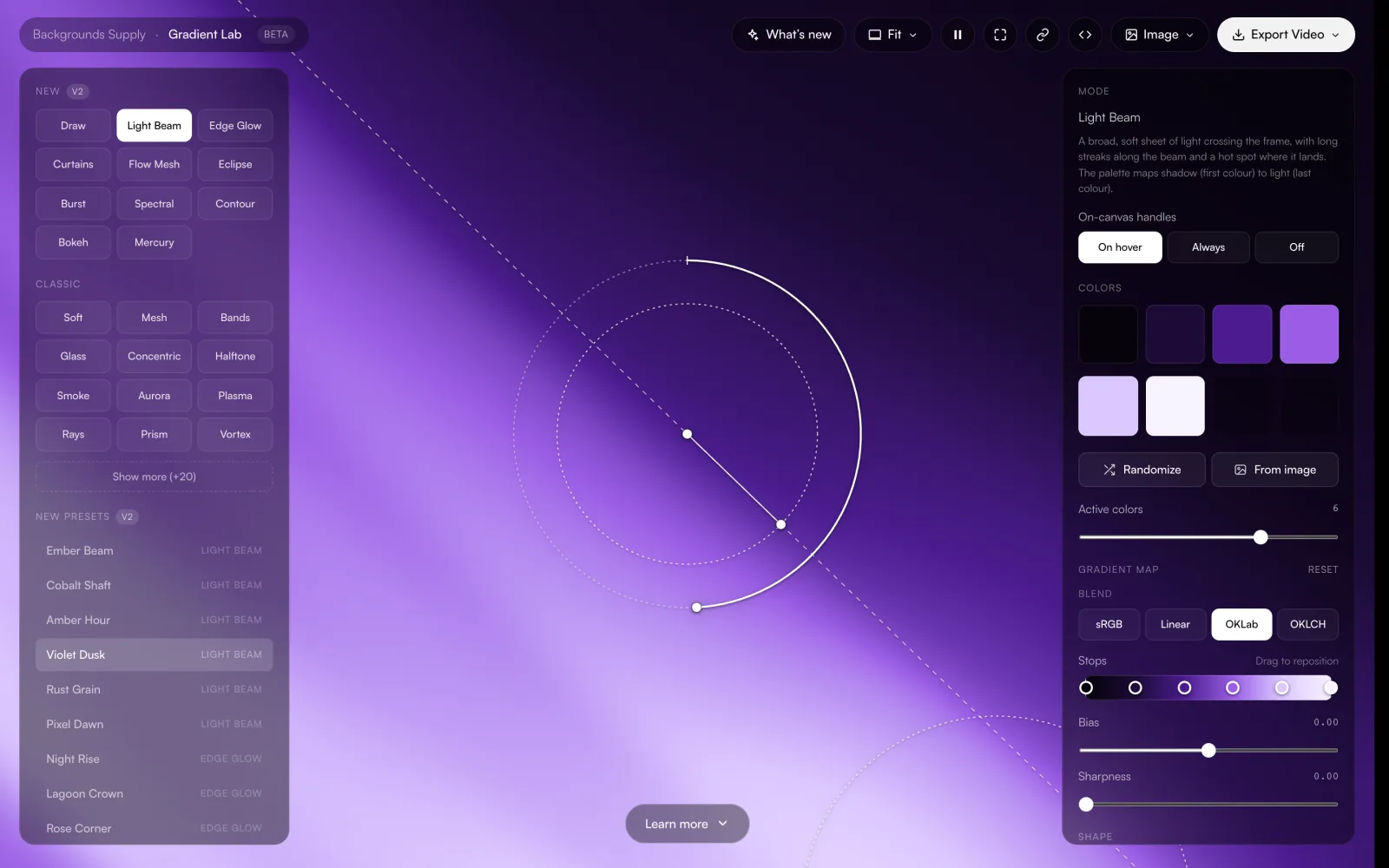
Gradient Lab is the full editor, free in your browser. Start from your image's colors or from scratch.
- Dozens of styles and 90+ presets
- Drag handles, color and shape controls
- Stills and MP4 or WebM video
How to turn an image into a gradient
Pick an image
Try one of the sample photos, click Upload an image, or drop a JPG, PNG or WebP anywhere on the page. Your image is read in your browser and never uploaded.
Choose a style and make it yours
Blur and Fluted turn the image itself into a soft gradient that drifts slowly; drag on it to smudge the colors around. Soft and Liquid blend 4 to 6 colors picked from the image, each on a dot you can drag. Click a swatch to change a color, or try Shuffle, Vivid, Softer or Darker.
Export
Click Export, pick 1080p, 1440p, 4K, 8K, a phone or a square size, and download a PNG or JPG, or a seamless video loop of the motion. All of it is free.
Why make a gradient from your photo?
On-brand colors without guessing. Drop in a product shot, a logo on its usual background or a brand photo, and the gradient comes back in exactly those tones. Open a swatch to copy its hex code for the rest of your layout.
A background that matches your hero image. A gradient built from the same photo sits behind headlines, cards and sections next to that image without clashing, and blends into it at the edges of a layout.
Wallpapers from a favorite moment. A travel shot, a sunset or a flower photo turns into a soft gradient wallpaper with the same mood, minus the detail that fights your icons. The phone size matches an iPhone screen, and 8K covers the biggest desktop displays.
Tips for better results
- Photos with a clear light-to-dark direction, like skies, sunsets and backlit scenes, give the smoothest gradients.
- Busy photos work too: Blur melts the detail away, and Soft keeps only the 4 to 6 colors that matter.
- In Blur, drag across the gradient to push a color where you want it. Undo smudges puts the image back.
- If one color is off, click its swatch and nudge it. The rest of the gradient keeps its colors.
- Dark photos make moody backgrounds that work well behind white text.
- Pick the phone or square size in the Export menu first: the preview switches to that shape, so you see exactly what you get.
Examples: from image to gradient
Each pair is an image from our free aesthetic backgrounds and the gradient this gradient generator from image makes from it on Blur, its default style, untouched.
Image 
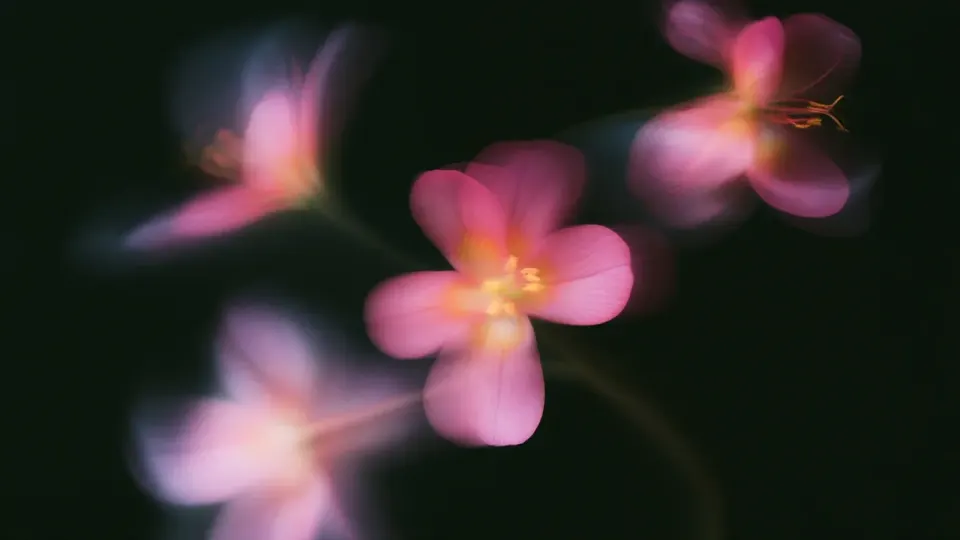
Gradient Pink blossoms
The blossoms melt into soft rose glows that float over the dark leaves.
Image 
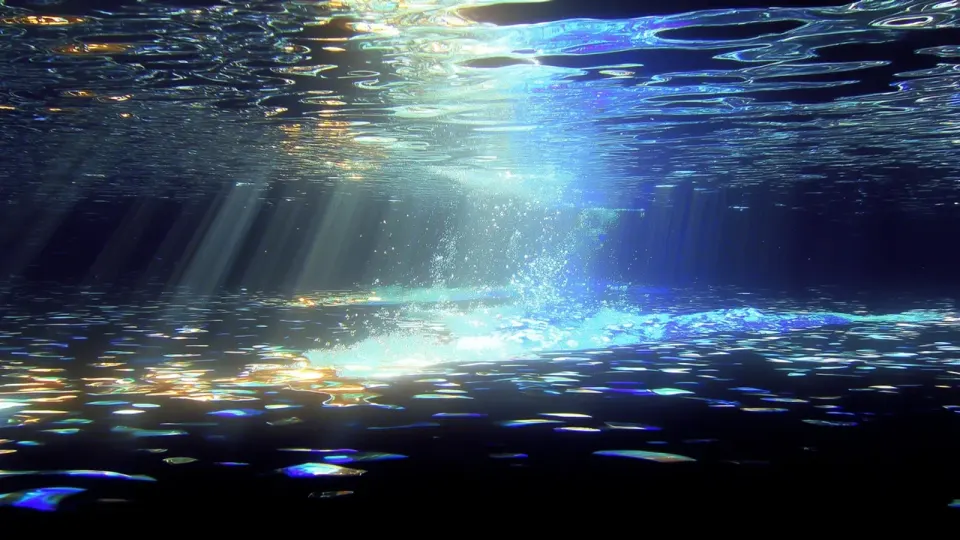
Gradient Underwater light
A photo with one light source gives a calm fade from shadow to light, ready to sit behind text.
Image 
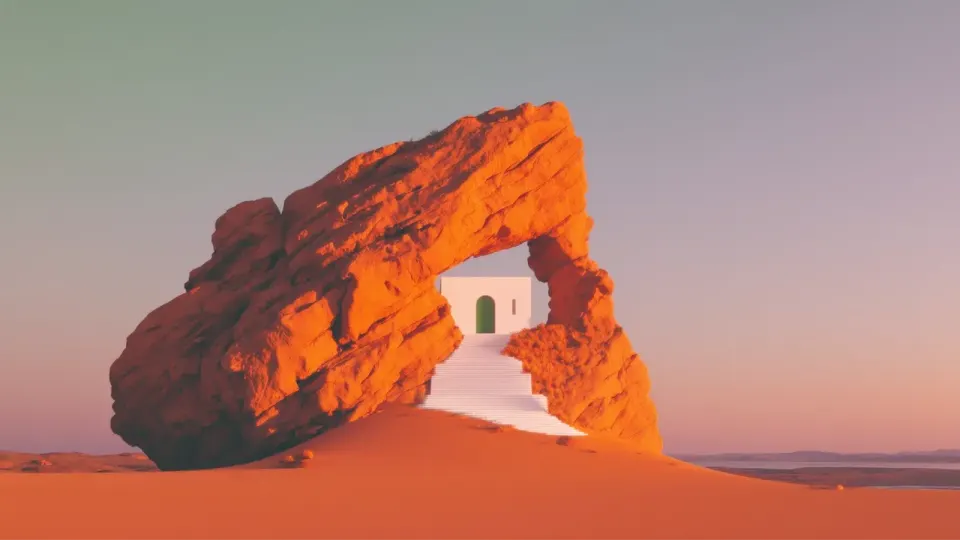
Gradient Desert arch
Warm rock and a dusky sky turn into a sunset-toned backdrop without the detail.
Image 
Gradient Mountain lake
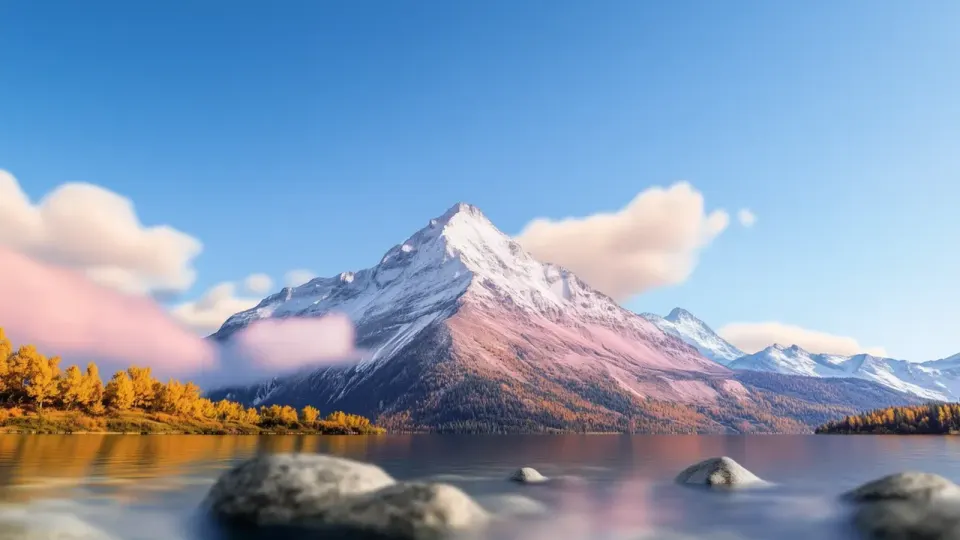
The sky's blues fill the top, the mountain softens into grey and violet, and the autumn trees leave a warm amber corner.
Image 
Gradient Molten planet
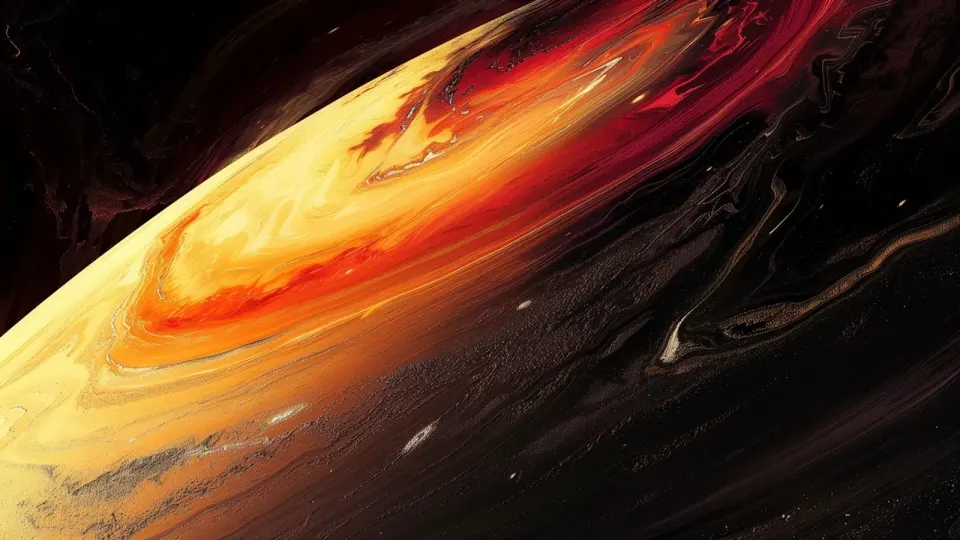
Dark images make moody gradients: the glow keeps its place against the black.
Image 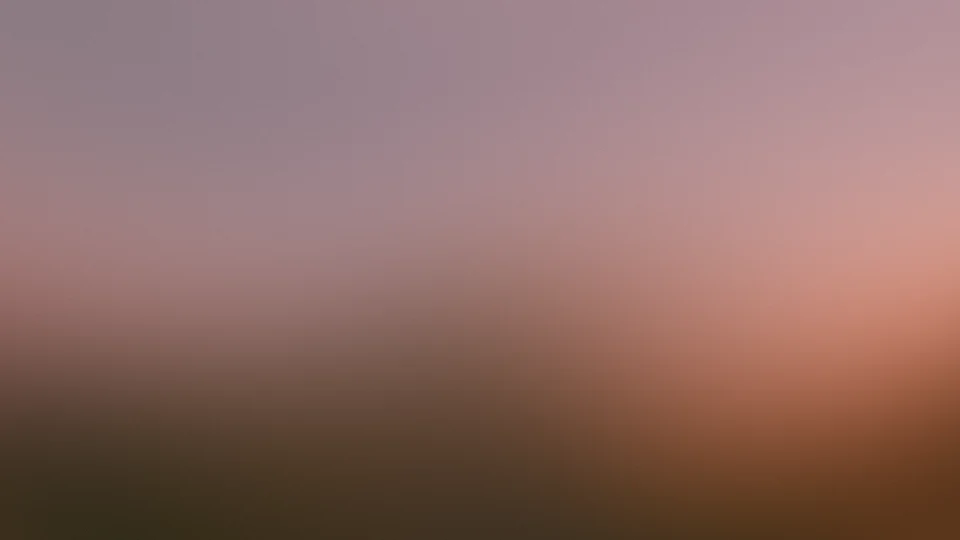
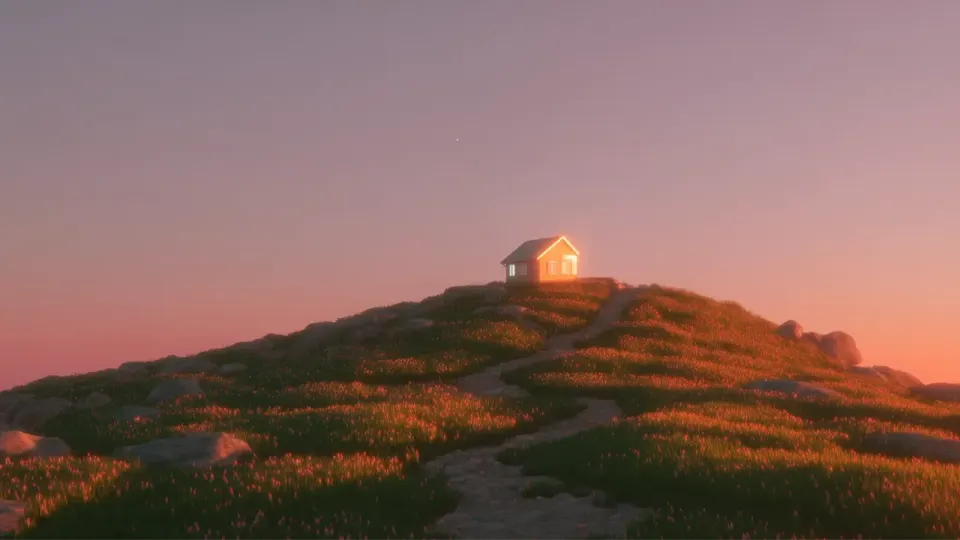
Gradient Sunset hill
The dusky sky fills the frame, the sunlit edge glows on the right and the hill's dark grass settles along the bottom.
More gradients and textures
Want a ready-made look instead? Browse 60+ free gradient wallpapers and open any of them to recolor. For animated backgrounds, video export and every style, use the full gradient background generator. To turn a gradient into dots, try the halftone gradient generator, and to add film grain to a gradient, the grain texture generator. If you would rather start from finished art, grab the free background pack.
Explore more: aesthetic wallpapers, moving backgrounds, free gradient wallpapers, gradient backgrounds, cool backgrounds, free aesthetic backgrounds.
FAQs
Turning a photo into a gradient: sizes, colors, video loops and privacy
Upload a photo or drop it on the page and the tool turns it into a gradient straight away: by default the photo itself, blurred until only its colors and light are left, drifting slowly. Pick another style if you like, change any color, then click Export and download a PNG, JPG or video loop. It takes seconds and needs no account.
Yes. The tool picks 4 to 6 main colors from your image and shows them as swatches in the panel. Click a swatch to see and copy its hex code for Figma, CSS or Canva, or download the gradient built from those colors. The palette always spans the photo's darkest and lightest tones.
Yes, completely. Every style, every size up to 8K, PNG and JPG stills and video loops are free, with no signup and no watermark. There is no Pro tier on this tool, and you can export as many gradients as you like.
PNG or JPG at 1080p (1920×1080), 1440p (2560×1440), 4K (3840×2160), 8K (7680×4320), phone (1290×2796) or square (4096×4096). When the gradient moves, you can also save a seamless MP4 or WebM loop at 1080p. Every file is drawn at full size by the same shader as the preview, with no seams or blocky pixels and no metadata.
Yes, for free. Choose 4K (3840×2160) or 8K (7680×4320) in the Export menu and the gradient is rendered fresh at that size, so it stays smooth on the largest desktop screens. For a phone wallpaper, pick the 1290×2796 phone size first; the preview switches to that shape so you can see the crop.
Yes. When Motion is above zero, the Export menu offers a video loop: a 30 fps MP4 or WebM at 1080p that repeats seamlessly, between 5 and 16 seconds long depending on the Motion setting. It works as a website background, a video backdrop or a calm screen loop, free for personal and commercial use.
Yes. The Soft and Liquid styles blend 4 to 6 colors from your photo, and each color sits on a dot you can drag, much like a mesh gradient. Each dot starts where that color appears in the photo. Liquid adds a slow liquid warp. For more mesh control, Open in Gradient Lab takes your colors and layout to the full editor.
Blur turns the image itself into a soft, slowly moving gradient, and you can drag on it to smudge colors around. Fluted is that blurred image seen through reeded glass. Soft is a clean, even wash between the photo's main colors, and Liquid is the same wash with a slow liquid warp. Blur, Warp, Motion, Softness and Grain fine-tune each one.
Yes. Click any swatch to open the color picker or type a hex code, and the gradient updates as you drag. In Blur and Fluted the image is recolored toward your new palette, so the parts of the photo in that color follow your edit. Shuffle, Vivid, Softer and Darker change the whole palette in one click.
JPG, PNG and WebP files up to 20 MB. Click Upload an image, drop a file anywhere on the page, or start from one of the sample photos. Photos with a clear light-to-dark direction, like skies, sunsets and backlit scenes, give the smoothest gradients, but busy photos work too.
No. Your image never leaves your browser. It is decoded on your device and the tool keeps only small copies in memory (256 px for the gradient, 128 px to pick the colors) while the page is open. Nothing is stored or sent anywhere, and closing the tab forgets it.
This tool makes a new gradient from your image rather than laying one over it. To tint a photo with a gradient, use our gradient map tool, which has a gradient overlay mode. In Canva, search Elements for a gradient, place it over the photo and lower its transparency. In Photoshop, add a Gradient Fill layer and set its blend mode and opacity.
Yes. Gradients you make here are yours to use in personal and commercial work: websites, apps, ads, social posts, slides and wallpapers, with no attribution required. If you start from someone else's photo, make sure you have the rights to use it.
This page does one thing: it turns an image into a gradient, free up to 8K. Gradient Lab is the full gradient generator, with dozens of animated styles, presets, Draw mode, color and shape controls, and MP4 or WebM export up to 30 seconds. Open in Gradient Lab, in the panel, carries your colors and layout across.