Pattern background generator
Make a polka dot, checkered, grid, graph paper, striped or gingham background in any two colors. Bend it into waves or soften the edges, then download it free in 4K or at phone size.
Pattern background generator tool
Ready-made pattern backgrounds
Every pattern here was made with the generator above. Download one in 4K for your desktop or at phone size, or click the pencil to open it in the generator and change the colors.
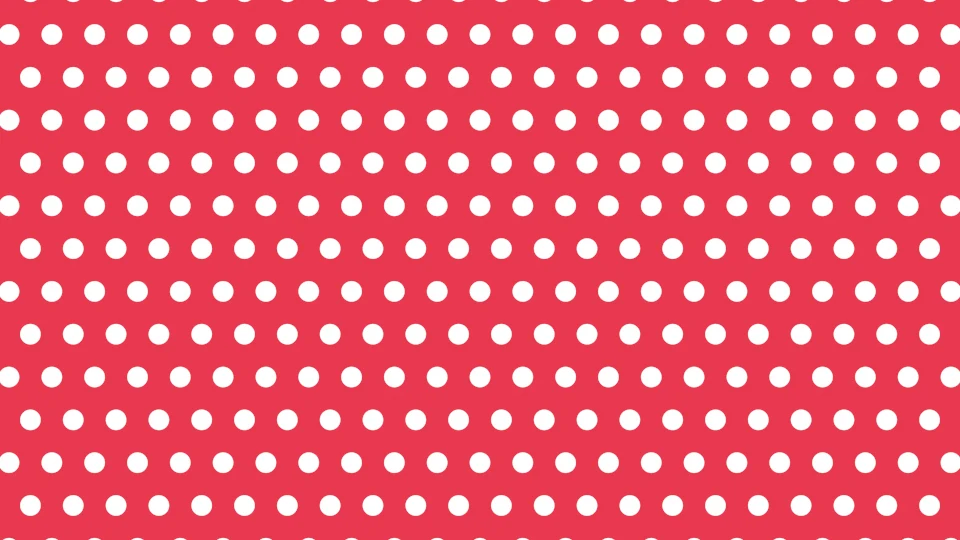
Classic polka dot
Pastel polka dot
Black and white check
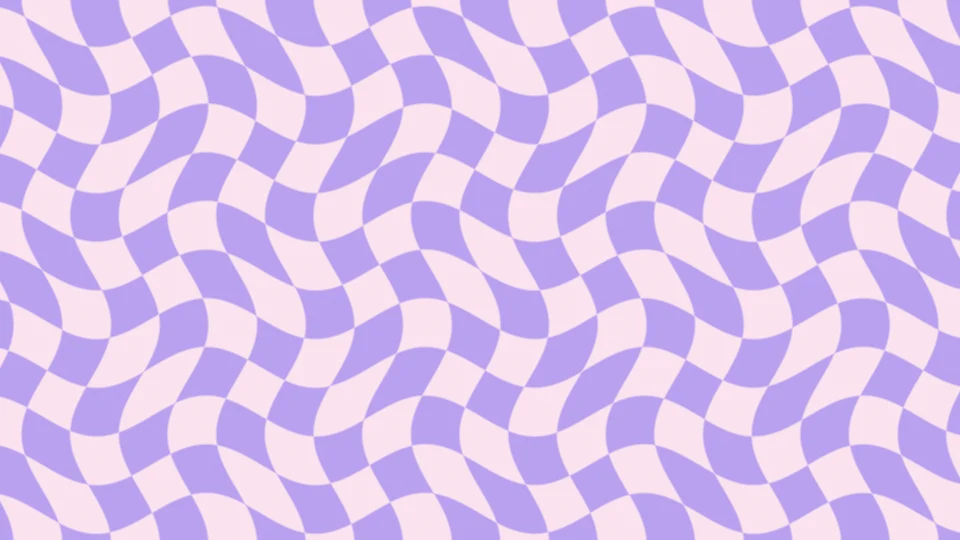
Wavy checkered
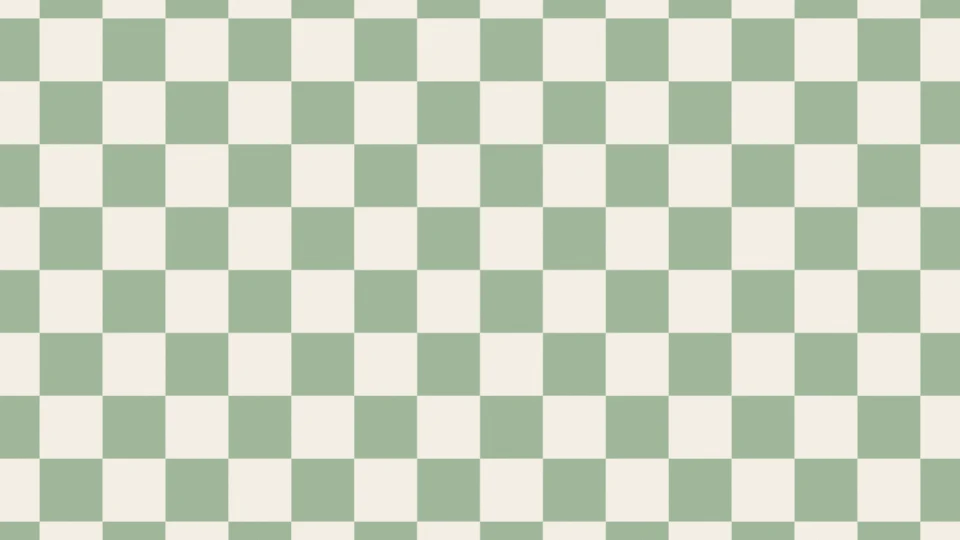
Sage check
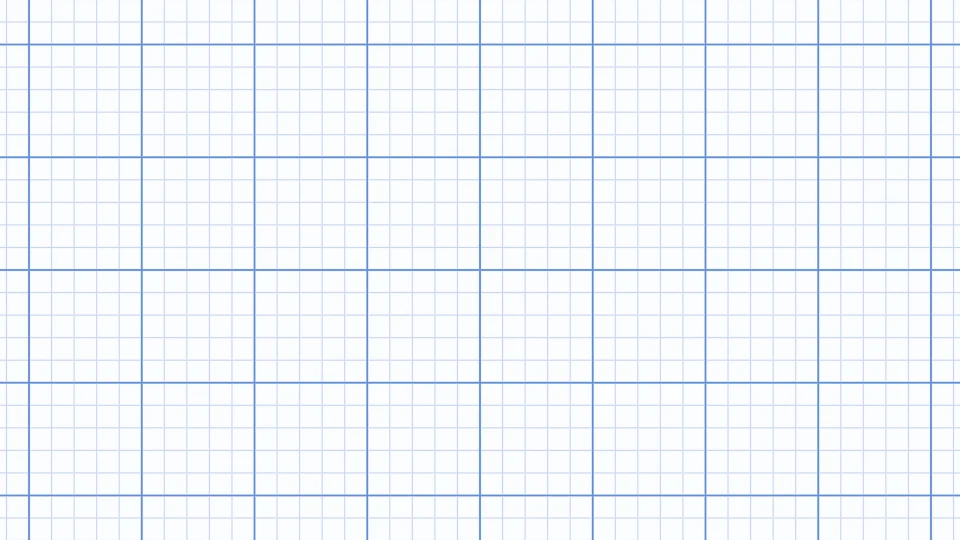
Graph paper
Dark grid
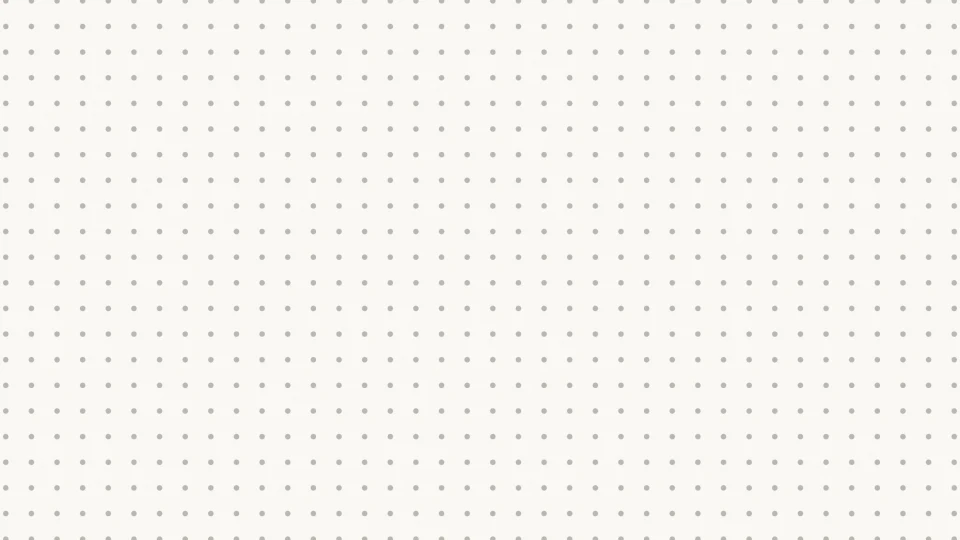
Dot grid
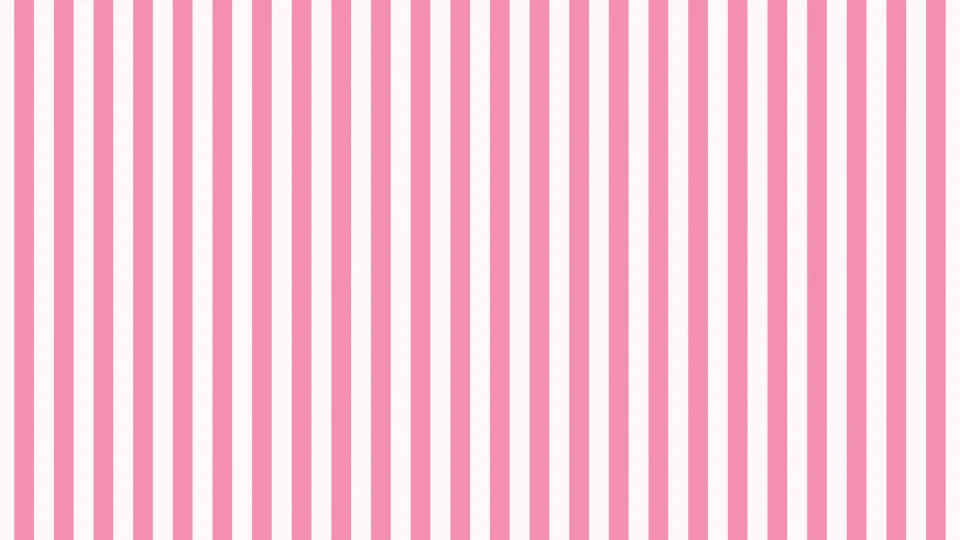
Candy stripes
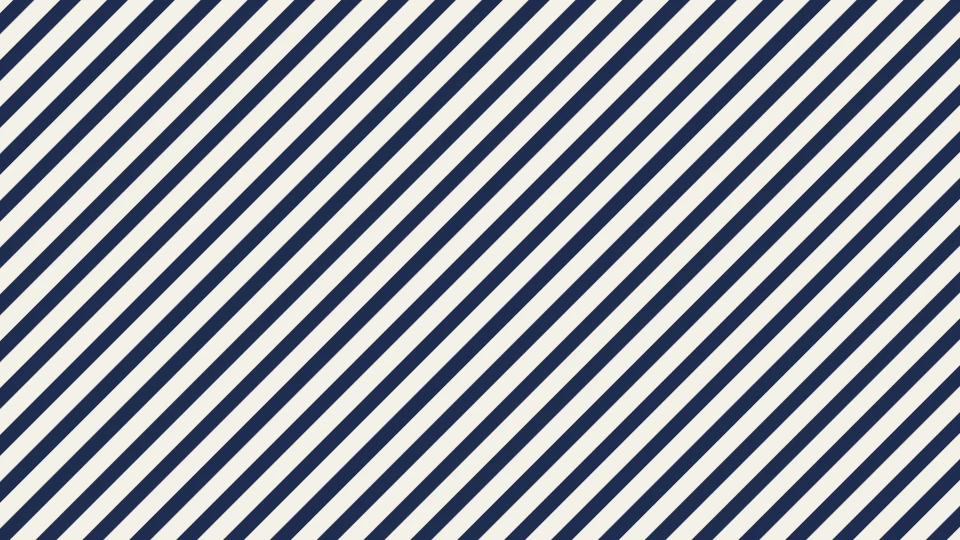
Navy diagonal
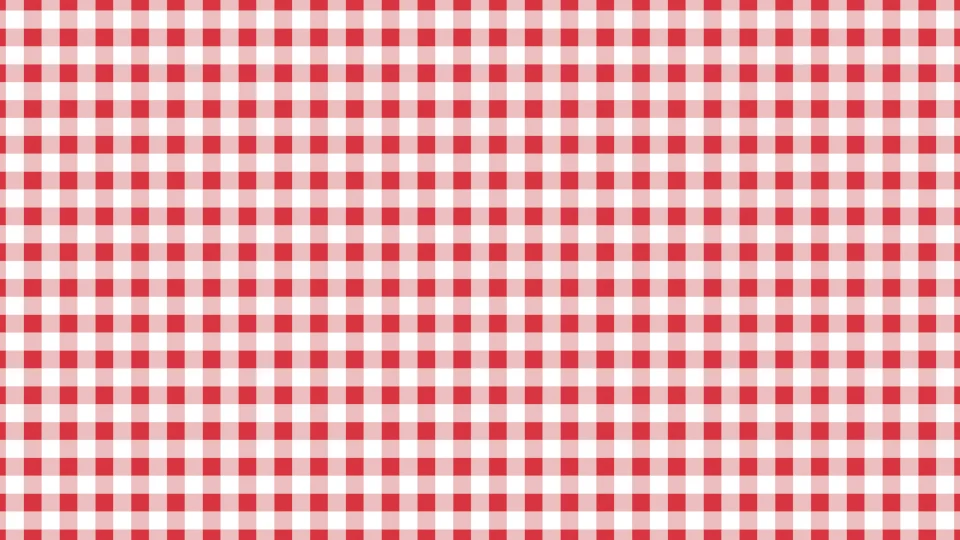
Red gingham
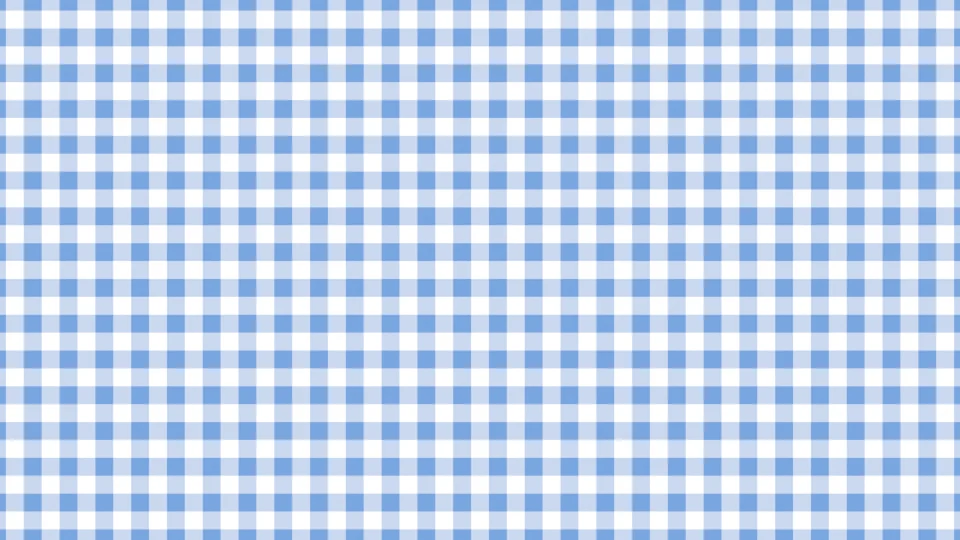
Blue gingham
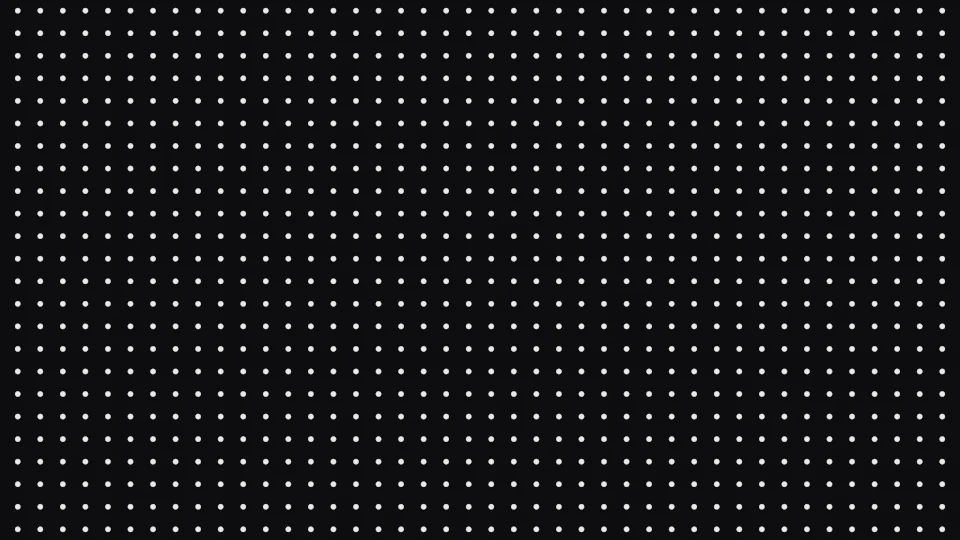
Minimal dots
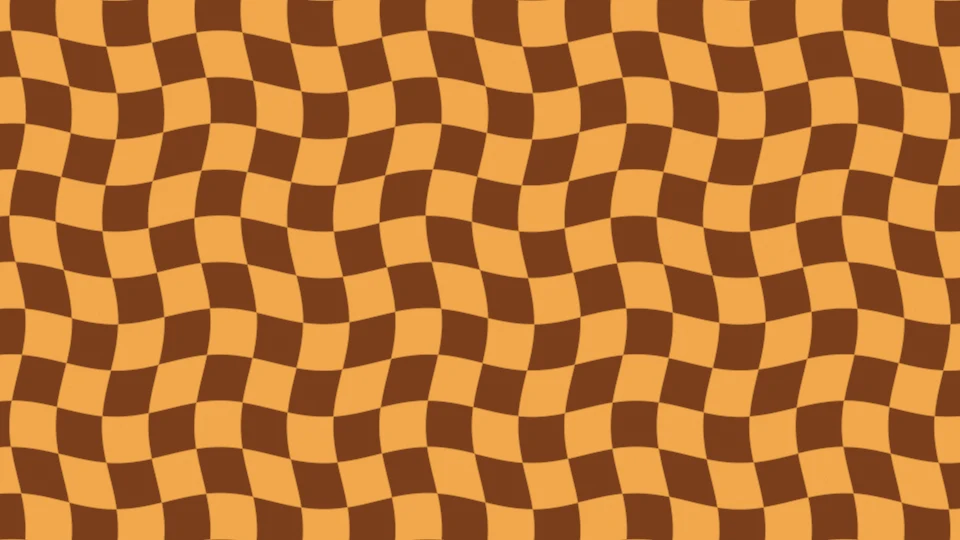
Retro check
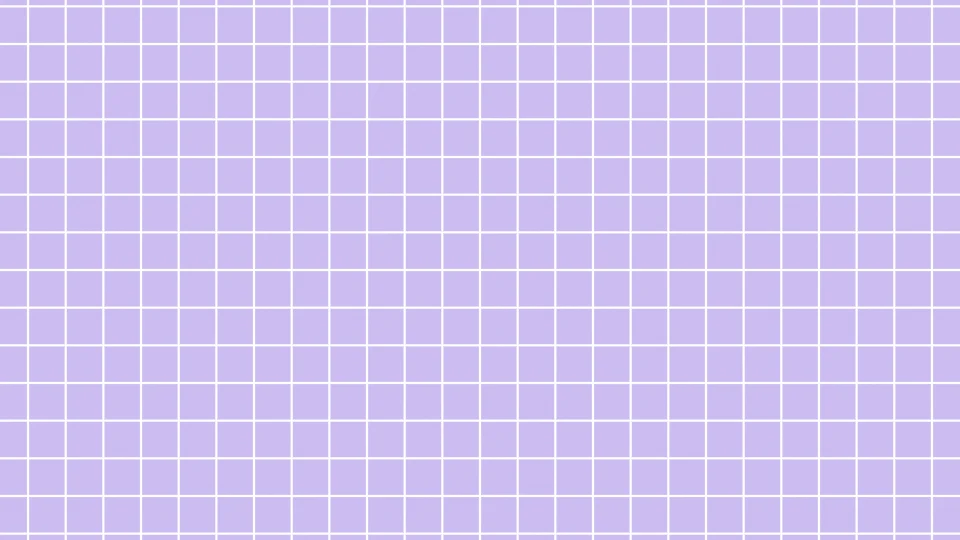
Lilac grid
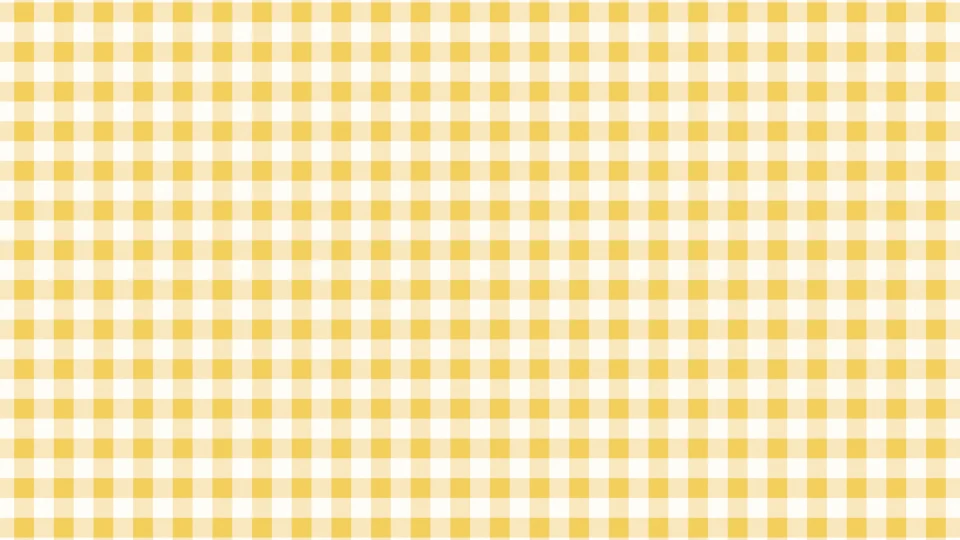
Butter gingham
Each download is rendered fresh in your browser: 3840×2160 for desktop, 1290×2796 for phones. Free, no signup, no watermark.
How to make a pattern background
Pick a pattern
Start from one of 16 presets or choose a pattern: polka dots, checks, grid, graph paper, stripes or gingham. Open the gallery (the grid button after the presets) to see every ready-made look.
Set colors and shape
Click Pattern or Background to pick any color, or New colors for a fresh curated pair. Set the pattern size, dot size or line weight, the angle, and add Waves for a wavy checkered look or Softness for blurred, dreamy edges.
Download
Click Download, pick a size (desktop up to 4K, MacBook, iPhone, Android, iPad, story, Instagram post, Zoom or Teams, YouTube banner or square) and save a PNG or JPG. With Scroll on, you can also save a seamless video loop.
Choosing a pattern
- Polka dots: playful and friendly. Staggered rows are the classic look; a straight grid of tiny dots reads as calm and organized, like a dotted notebook.
- Checks: bold in black and white, soft in sage or lilac. Waves turn them into the wavy checkered pattern that is everywhere on phone screens.
- Grid and graph paper: neat, technical and quiet. Thin lines on white for notes and slides, faint lines on black for tech, coding and design backdrops.
- Stripes and gingham: stripes add direction and energy, especially at 45 degrees; gingham feels warm and homemade, like a picnic cloth.
Tips for a pattern that works as a background
- Lower the contrast behind text and icons: a pale pattern on a pale background, or a dark one on dark, keeps everything on top readable.
- Bigger is calmer. Large dots and checks feel relaxed; small, dense patterns can shimmer on screens, especially on video calls.
- On a phone, keep the pattern size large enough that a cell is wider than a finger tip; it looks intentional rather than busy.
- Add a little Grain for a printed, paper-like feel, and a touch of Softness for a dreamy aesthetic look.
More backgrounds and tools
Want a smooth blend instead of a pattern? Browse the free gradient wallpapers or make an animated one in Gradient Lab. The halftone gradient generator turns a gradient into dots that grow and shrink, and the solid color background tool makes a plain backdrop in any color. For finished art, our aesthetic wallpapers are ready to download.
Explore more: aesthetic wallpapers, moving backgrounds, free gradient wallpapers, gradient backgrounds, cool backgrounds, free aesthetic backgrounds.
FAQs
Pattern background questions: polka dots, checkered, grid and more
Choose Dots, pick a pattern color and a background color, and set the dot size and pattern size. Staggered gives the classic polka dot, with every other row shifted; Straight grid gives a neat dotted-notebook look. Then click Download and choose your size. It is drawn live in your browser and saved at full resolution.
Yes. Every pattern, size and format is free, with no signup and no watermark. Patterns you make here, and the ready-made ones on this page, are yours to use in personal and commercial work: wallpapers, social posts, slides, websites, packaging mockups and video backgrounds. No attribution required.
Choose Checks, set your two colors and the pattern size. Black and white gives a classic checkerboard; sage, lilac or orange and brown give the softer and retro looks that are popular as wallpapers. Turn Angle to 45 degrees for a diamond check.
Choose Checks and raise Waves. The squares bend into soft waves, the trippy checkered look popular on phones and in Y2K designs. Wavy checkered and Retro check are ready-made starting points; Waves works on every other pattern too, for wavy stripes or a warped grid.
Choose Grid for evenly spaced lines, or Graph for graph paper, which adds a stronger line every five squares. Set the line weight and pattern size; thin grey or blue lines on white look like real graph paper, and faint lines on black give the dark grid used on tech and design sites.
Yes. Choose Dots, switch to Straight grid, make the dots small with Dot size and use a light grey on off-white. The Dot grid preset is set up this way and works well as a desktop wallpaper, a note-taking background or a slide backdrop.
Desktop 1080p (1920x1080), 1440p (2560x1440) and 4K (3840x2160), MacBook (3024x1964), iPhone (1290x2796), Android (1080x2400), iPad (2048x2732), story (1080x1920), Instagram post (1080x1350), Zoom or Teams (1920x1080), YouTube banner (2560x1440) and square (2048x2048).
Yes. The pattern is drawn mathematically at the exact size you download, not scaled up from a small tile, and every edge is smoothed to one pixel. A 4K file has the same number of dots or squares as the preview, just with crisper edges.
Yes. Pick iPhone or Android in the Download menu and the preview turns tall. The pattern keeps the same number of cells across the screen's width, so dots and checks stay a comfortable size on a phone. Smaller, lower-contrast patterns keep app icons easy to read.
Yes, as a video. Turn up Scroll and the pattern slides diagonally across the frame; with Waves on, the waves ripple too. The Download menu then offers an 8 second loop at 1080p class that repeats seamlessly, as MP4 (or WebM in browsers that cannot record MP4).
It blurs the edges of the dots, lines or squares. A little softness gives a gentle, dreamy pattern for aesthetic wallpapers; at zero every edge is crisp, which suits graph paper, grids and print-style patterns.
Nothing is uploaded. The pattern is drawn on your device by your browser's graphics chip, and the download is made on your device too, so it works the same on a phone, tablet or computer.