Aura wallpaper generator
Make an aura wallpaper: a soft glow of colors melting into each other, with a touch of grain. Pick your colors and a shape, then download it free for your iPhone, Android or desktop.
Aura background generator tool
Ready-made aura wallpapers
Every aura here was made with the generator above. Download one at phone size for your lock screen or in 4K for your desktop, or click the pencil to open it in the generator and change the colors.
Neon dream
Northern lights
Cotton candy
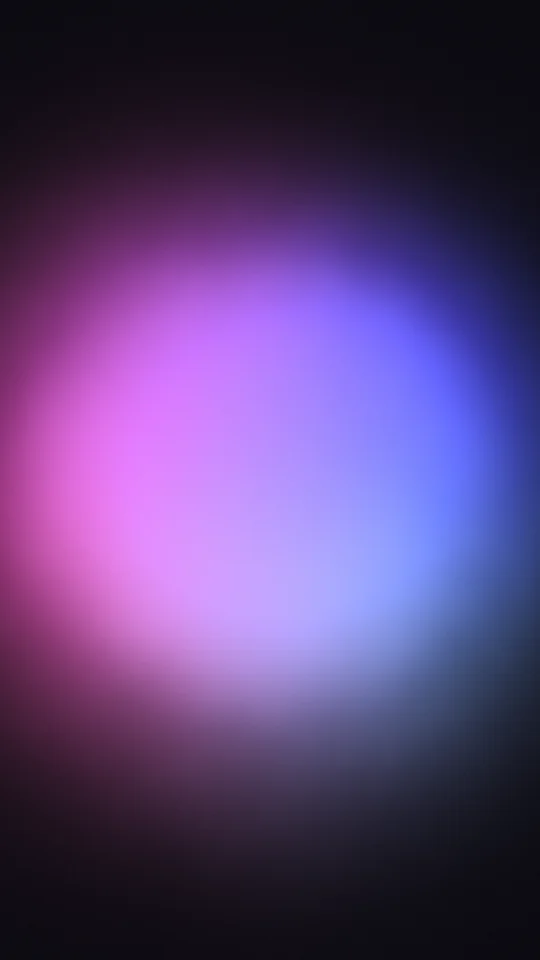
Midnight orb
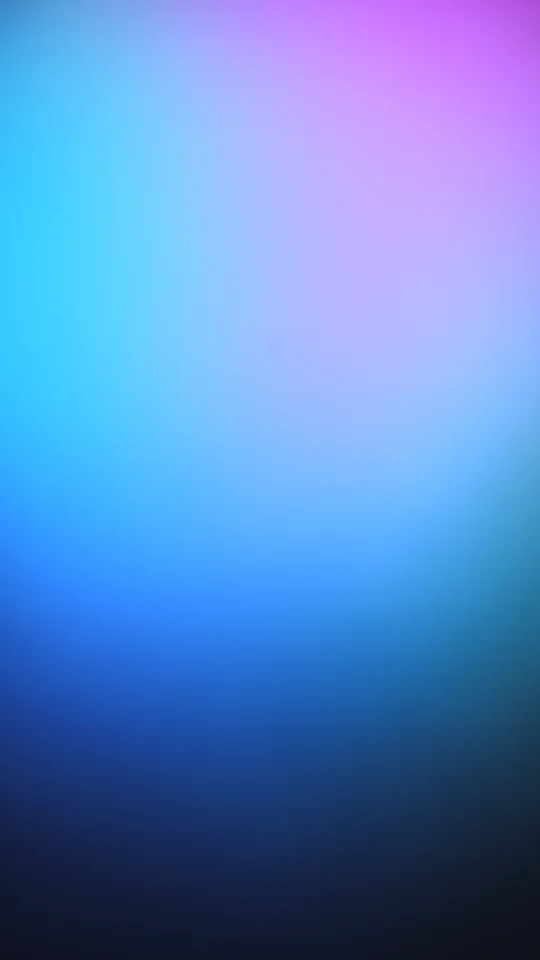
Electric
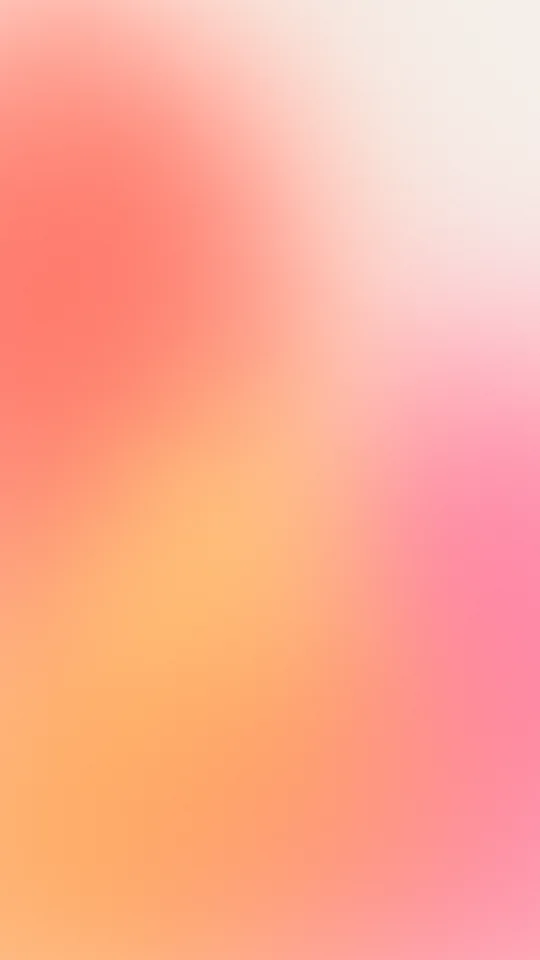
Sunset glow
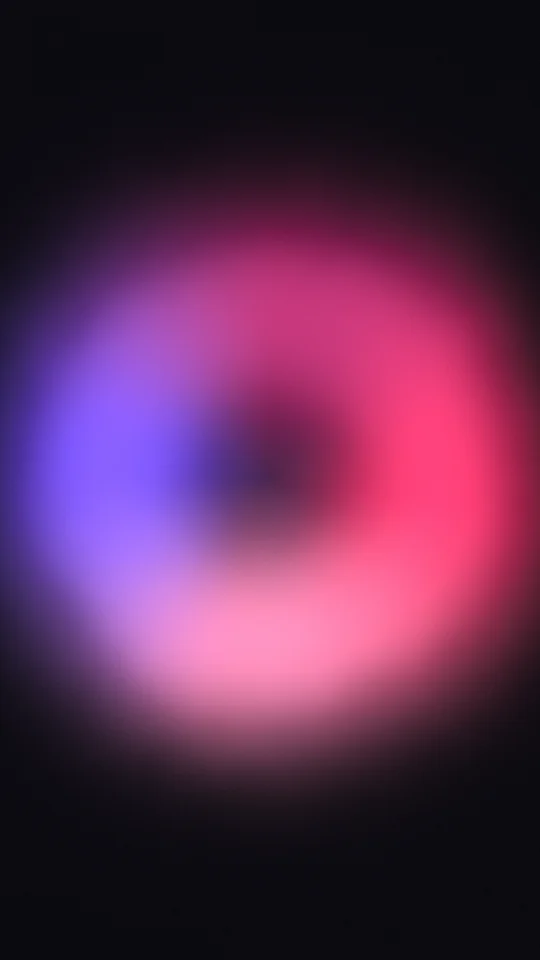
Berry halo
Lavender mist
Fire rise
Deep sea
Peach orb
Ultraviolet
Mint haze
Pastel rainbow
Rose gold
Citrus pop
Each download is rendered fresh in your browser: 1290×2796 for phones, 3840×2160 for desktop. Free, no signup, no watermark.
How to make an aura wallpaper
Pick a look
Start from one of 16 presets, from glowing Neon dream and Northern lights to pastel Cotton candy and Lavender mist. Then tap one of 16 palettes to recolor it in one click, or Shuffle for a new arrangement of the same colors.
Make it yours
Click a swatch to fine-tune any of the four colors, pick a cream, white, black or navy background (or any color), and choose a shape: orb, duo, halo, haze or rise. Then set the size, softness, glow, warp and where the aura sits.
Download
Click Download, pick a size (iPhone, Android, story, iPad, desktop up to 4K, MacBook, ultrawide, Zoom or Teams, Instagram post or square) and save a PNG or JPG. With Breathe on, you can also save a seamless video loop.
What makes an aura look right
Soft edges, no hard shapes. An aura is light, not paint, so every edge fades out gradually. If yours looks like a flat circle, raise Softness or lower Glow until the outside melts into the background.
Neighboring colors blend best. Colors that sit near each other on the color wheel (pink, peach and yellow, or lilac, blue and mint) give the calm, dreamy look. A single contrasting accent, like a coral in a blue aura, adds life without turning muddy.
Grain makes it feel real. A little film grain is what separates an aura from a plain digital gradient. It also stops smooth color from banding into visible steps on phone screens and in compressed images.
The background sets the mood. Cream and white backgrounds give the pastel, airy look most people know from aura lock screens. Black and navy turn the same colors into a neon glow.
Using an aura as a lock screen
- Keep the top clear: the clock and widgets sit at the top, so move the aura to the middle or a little lower with Bottom to top.
- Match your focus modes: make a few auras in different colors (a calm blue for work, a warm peach for evenings) and pair each with a lock screen.
- Light or dark mode: a pastel aura on cream reads best in light mode; a glowing aura on black looks right in dark mode and on OLED screens.
- Home screen too: a Haze aura spreads color evenly, so icons sit on a soft wash instead of a bright center.
More backgrounds and tools
Want to animate an aura or build one point by point? Gradient Lab has an aura gradient style with more control. For ready-made color blends, browse the free gradient wallpapers, and to add grain to any image, use the grain texture generator. For finished art, our aesthetic wallpapers are ready to download, and the solid color background tool makes a plain backdrop in any size.
Explore more: aesthetic wallpapers, moving backgrounds, free gradient wallpapers, gradient backgrounds, cool backgrounds, free aesthetic backgrounds.
FAQs
Aura wallpaper questions: iPhone, colors, shapes and use
A soft, blurred glow of a few colors melting into each other over a plain background, usually with a little film grain. It looks like the colored light some people say surrounds a person, which is where the name comes from. Auras are popular as phone lock screens because they are calm, colorful and keep the clock easy to read.
Pick a preset, click a color swatch to change any of the four colors, choose a background and a shape, then click Download and pick your phone or screen size. The aura is drawn live in your browser, so every change shows straight away, and the file is rendered fresh at full size when you download.
Yes. Every preset, size and format is free, with no signup and no watermark. Auras you make here, and the ready-made ones on this page, are yours to use in personal and commercial work: wallpapers, social posts, album art, streams, slides and websites. No attribution required.
The tool opens at iPhone size (1290x2796), so the preview already shows your lock screen shape. Keep the aura in the middle or lower half with the Bottom to top slider so the clock sits on clean background. Download the PNG, open it in Photos and set it as your wallpaper. Android (1080x2400) works the same way.
iPhone (1290x2796), Android (1080x2400), story (1080x1920), iPad (2048x2732), desktop 1080p (1920x1080), 1440p (2560x1440) and 4K (3840x2160), MacBook (3024x1964), ultrawide (3440x1440), Zoom or Teams (1920x1080), Instagram post (1080x1350) and square (2048x2048). The preview switches to the shape you pick.
Yes. The Palettes row has 16 curated four-color palettes, from Neon dream and Northern lights to Cotton candy and Rose gold. One click swaps the colors and keeps your shape, background and sliders, so you can try a look in every palette in seconds. Surprise me picks one at random, and you can still fine-tune each color afterwards.
Orb is one soft glow of blended color, the classic aura. Duo overlaps two auras so their colors meet in the middle. Halo is a ring of light around a dark or pale center. Haze spreads soft color across the whole frame, and Rise makes the light glow up from the bottom edge like a dawn.
Use a cream or white background and light colors such as baby pink, peach, lilac and sky blue. Raise Softness and keep Glow around the middle, then add a little Grain. Cotton candy, Lavender mist and Pastel rainbow are ready-made pastel starts, and the Cotton candy, Lavender, Peach and Mint palettes recolor any look in one click.
Choose the Black or Navy background and saturated colors such as violet, electric blue or hot pink. On a dark background the tool adds a brighter core, and raising Glow makes it richer. Neon dream, Northern lights and Electric are good dark starting points; a large Haze on black gives the richest result.
The colors are mixed in a perceptual color space (OKLab) instead of plain RGB. That keeps the in-between colors bright and clean, so pink and blue meet in lilac rather than a muddy grey, the way light mixes in real auras and long-exposure photos.
Yes, as a video. Turn up Breathe and the aura slowly pulses and drifts. The Download menu then offers a 10 second loop at 1080p class that repeats seamlessly, as MP4 (or WebM in browsers that cannot record MP4). On iPhone you can use it as a moving background in video apps and stories.
PNG keeps the smooth gradient exactly as rendered and is best for wallpapers. JPG makes a smaller file for sharing and calls. Leave some Grain on either way: it is what stops smooth gradients from showing bands on screens and in compressed files.
Nothing is uploaded. The aura is drawn on your device by your browser's graphics chip and the download is made on your device too, so it works the same on a phone, tablet or computer.