Grain texture generator: grainy noise overlays
Download seamless grain on its own as a transparent PNG, add it to your own image, bake it into a gradient or copy it as CSS, or grab a ready-made grain PNG below. Free, and it all runs in your browser.
Grain texture generator tool
Texture PNG
Grain
Preview on
Gradient
Free grain texture PNGs
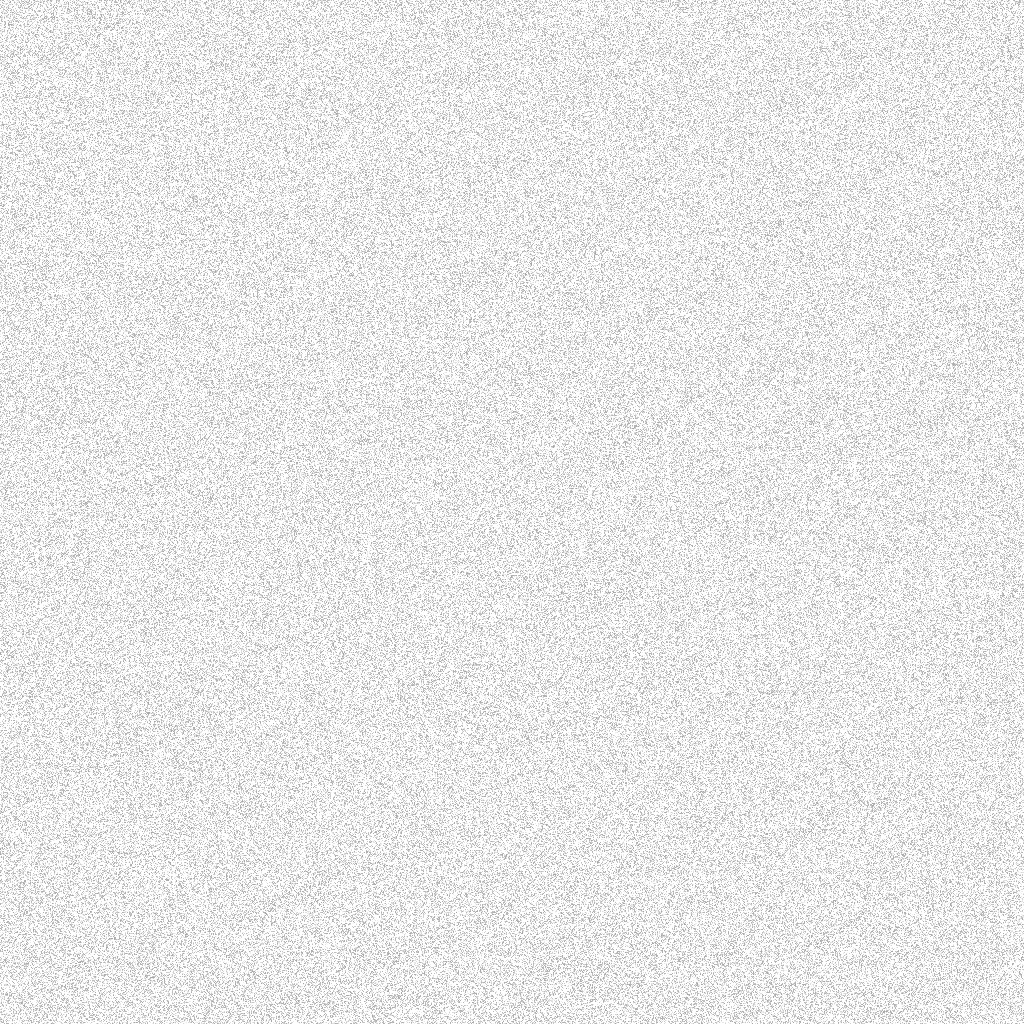
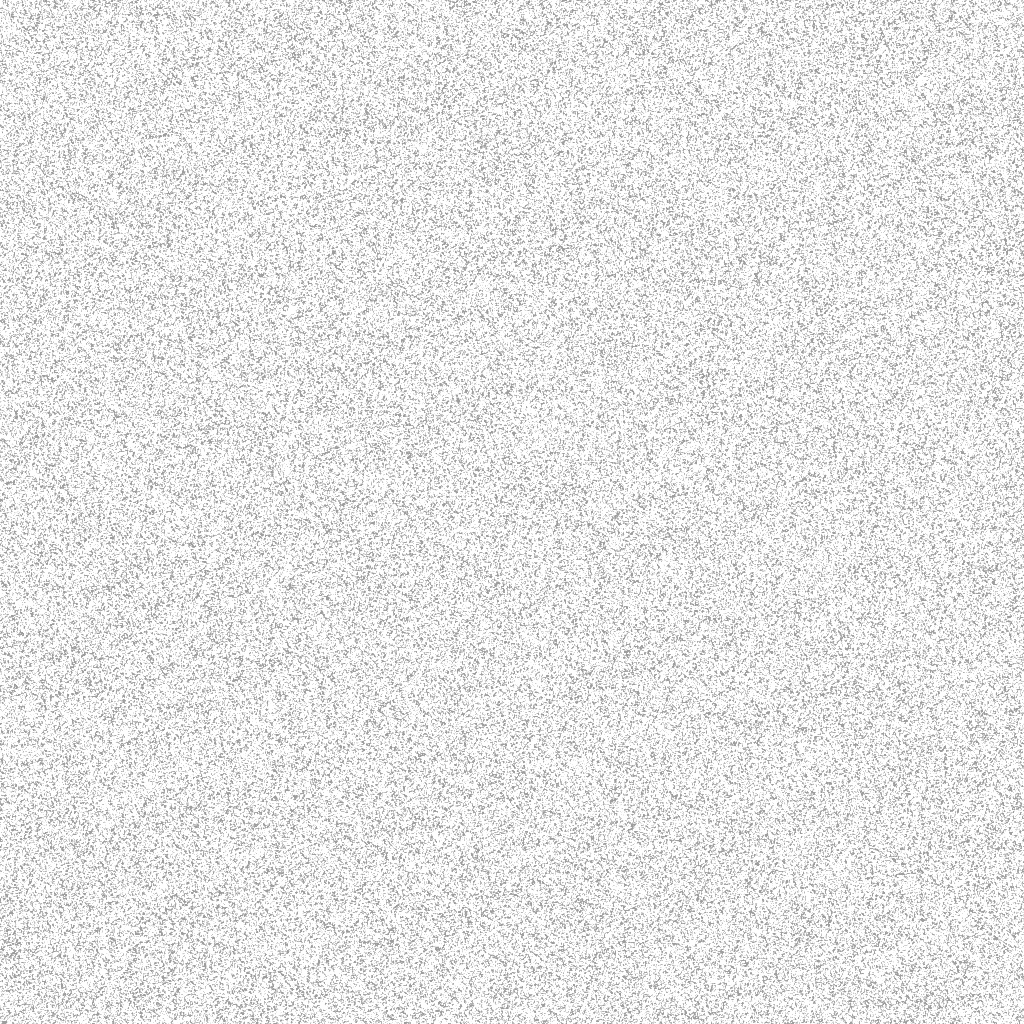
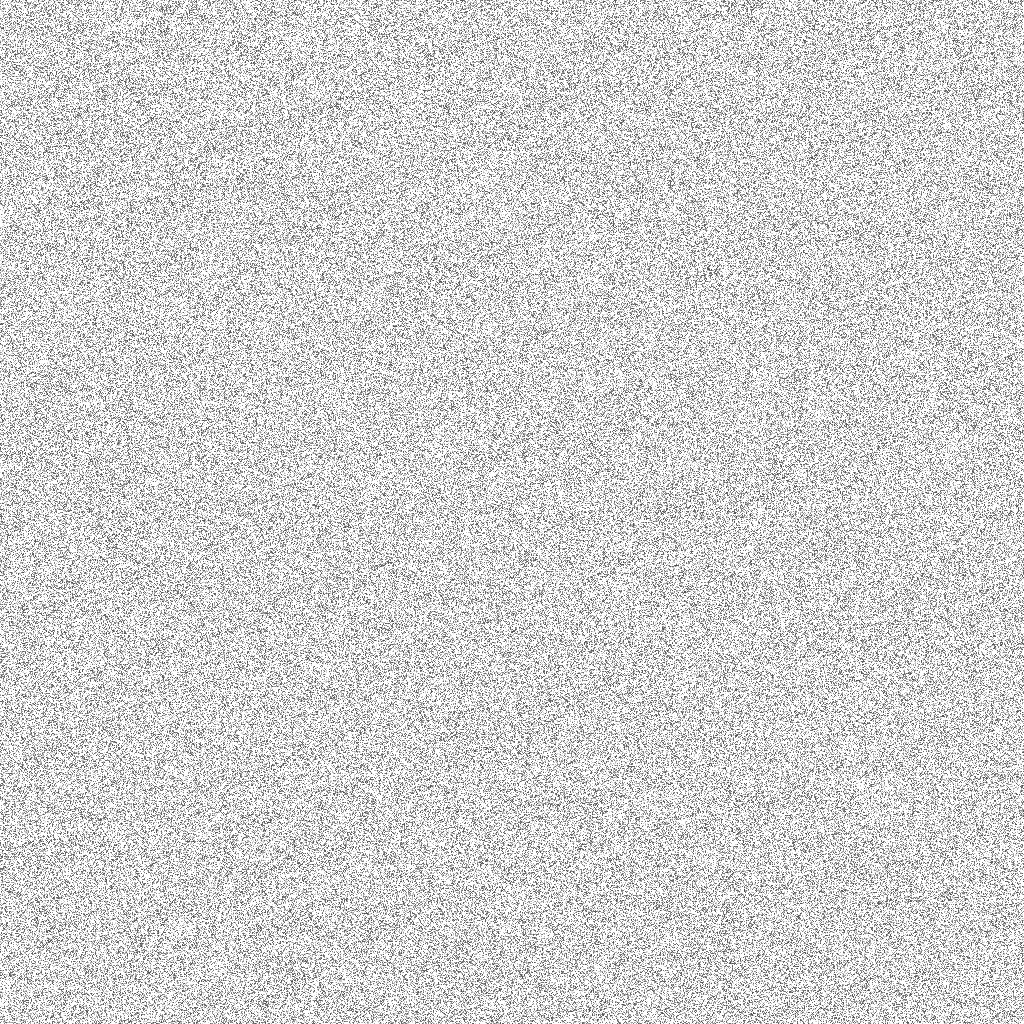
Six seamless, transparent grain overlays made with this generator. Each card shows the file over a gradient; download it and layer it in the suggested blend mode.
Fine film grain
Light and dark specks, per pixel. The all-rounder for photos and gradients.
Download PNG


How to make a grain texture
Set the grain
Choose how strong and how large the grain is, and its tone: light and dark specks, dark only, light only, or color noise. New pattern rolls a fresh seed.
Pick an output
Just the texture as a transparent PNG, grain added to your own image, film grain baked into a gradient, or a CSS snippet that draws the noise in the browser.
Download or copy
Textures download free at every size, from a 256 px seamless tile to a 4K frame, and your own image saves free at its full size. Grainy gradients are free in Full HD, phone or square; Pro adds 4K and 8K.
Getting grain right
Less than you think. Grain works when it is felt more than seen. Start around 25 to 40% and judge it at the size people will see it: grain that looks heavy at 100% often vanishes on a phone.
Size follows the output. Grain is measured in pixels, so a 1-pixel grain on a 4K wallpaper reads finer than on a Full HD one. For big, sharp screens, try Size 1.5 to 2 so the grain survives.
Match the tone to the background. Light and dark specks suit mid-tones. On a near-white background use dark-only grain, and on a deep, dark gradient use light-only grain so it adds texture without muddying the color.
Where grain helps
- Gradient backgrounds for websites and slides, where a little noise removes banding and adds warmth.
- Photos and product shots that look too clean or digital next to film-styled imagery.
- Posters, covers and social graphics with a printed or risograph feel.
- UI surfaces: a faint grain layer behind glass cards or hero sections, done in CSS so nothing extra loads.
Grain on every look
Gradient Lab has the same film grain under Effects, on dozens of animated gradients, with MP4 export.
Backgrounds to add grain to
Grain looks best on soft color. Start from the free gradient wallpapers or the free background pack, or make a gradient from your own photo with image to gradient. If you want texture made of dots instead of specks, the halftone gradient generator screens any gradient or photo. The High-exposure Gradients collection pairs especially well with a light grain.
Explore more: aesthetic wallpapers, moving backgrounds, free gradient wallpapers, gradient backgrounds, cool backgrounds, free aesthetic backgrounds.
FAQs
Grain overlays, noise textures and grainy gradients: how to use them
Pick Your image, then upload a JPG, PNG or WebP or drop one on the preview. Set Amount, Size and Tone while you watch the preview, and download the grainy photo at its full size, free. The photo is processed in your browser and never uploaded. Very large photos over about 16 megapixels are scaled to just under that, and the tool shows the exact size.
Pick Gradient, choose one of the gradients or roll Random colors, then set the grain and download. The grain is baked into the image with the same film grain as Gradient Lab. Grainy gradients are free at 1K (1920×1080), phone and square sizes; 4K and 8K need Backgrounds Supply Pro.
Download a Texture PNG, place it as the top layer over your design and stretch or tile it to cover. In Photoshop, Figma or Illustrator, set its blend mode to Overlay or Soft light and lower the opacity to taste. Canva has no blend modes for uploads, so use Normal with dark or light grain at low transparency, or add grain to the finished image with Your image.
Overlay or soft light for light and dark grain, multiply for dark-only grain, and screen for light-only grain. Normal works too and shows the specks exactly as they are in the PNG; then lower the layer opacity. The tool shows the right mode for the tone you pick.
Yes. Every texture PNG has a transparent background and tiles without a seam: the right edge continues into the left and the bottom into the top. That includes the six ready-made PNGs on this page. Use a 256, 512, 1024 or 2048 px tile as a repeating background, or a full Full HD or 4K overlay.
Yes. Pick Texture PNG, then the 4K size for a 3840×2160 transparent grain overlay, or Full HD for 1920×1080. Every texture size is free with no watermark. Only grainy gradients above 1,920 px need Pro, because those are finished backgrounds, not overlays.
This tool makes still grain, which looks like dust on the lens if it sits frozen over moving footage. For video, place the PNG in Premiere Pro, DaVinci Resolve, Final Cut or CapCut and shift or rotate it slightly every frame, or use the editor's own noise effect. For animated gradients with moving film grain, Gradient Lab exports MP4.
The snippet draws noise with an SVG feTurbulence filter inside a CSS background, on a pseudo-element above your gradient with a blend mode. There is no image file to host, it stays sharp at any size, and it weighs a few hundred bytes. Add the grainy class to any element and copy the snippet again whenever you change the grain.
In design they are mostly the same thing: fine random specks that break up flat color. Film grain usually means soft, slightly clumped specks in light and dark, like analog film, while noise often means harsher per-pixel or color speckle, like a digital sensor. Size and Tone here move between the two.
Less than you think. Start with Amount around 25 to 40% and judge it at the size people will see it: grain that looks heavy at 100% zoom often disappears on a phone. More grain is not better quality; it is a style. Heavy grain suits posters and covers, while websites and UI usually want just a hint.
Grain is measured in pixels, so the same grain reads finer on a bigger image. Size 1 is per-pixel grain for Full HD and smaller. For 4K wallpapers and large prints, try Size 1.5 to 2 so the grain still shows when the image is scaled down to a screen. Size goes up to 6 px for a coarse, clumpy look.
Yes. Smooth gradients, especially dark ones, can show visible steps on 8-bit screens. A light layer of grain breaks those steps up so the eye sees a smooth ramp, which is why many designers add a few percent of noise to every gradient.
Yes. Grain overlays, grain on your own image, the CSS snippet and the ready-made PNGs are free at every size, and grainy gradients are free up to 1,920 px. Everything you make or download here is yours to use in personal and commercial work, with no attribution. Pro, the one-time Backgrounds Supply pack, adds 4K and 8K grainy gradients and the full background library.
No. Your photo, the grain and every download are made on your device by your browser. Nothing is sent to a server or stored, and closing the tab forgets the image. The texture, gradient and CSS outputs never need a file from you at all.