The YouTube banner size is 2560x1440 pixels, in the 16:9 shape, with a file of 6 MB or less. YouTube accepts anything from 2048x1152 up, but recommends 2560x1440 because TVs show the whole image. Phones and computers show only a thin strip across the middle, so keep your channel name, logo and any text inside the central safe area: 1235x338 pixels at the minimum size, which works out to about 1546x423 on a 2560x1440 banner. Below are the official numbers, a diagram of what each device shows, the upload steps and backgrounds that work in that strip.
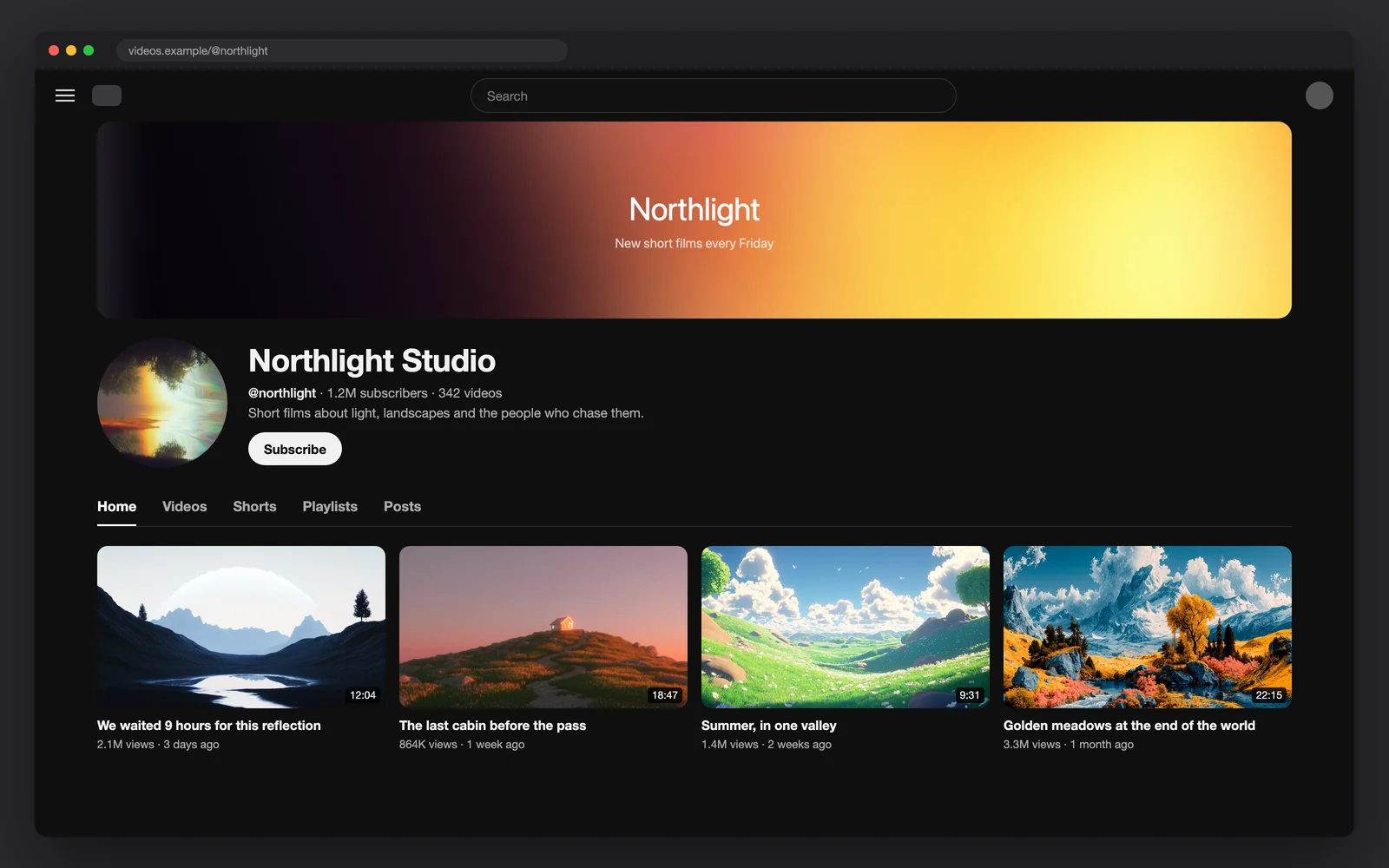
YouTube banner dimensions at a glance
| Spec | Value |
|---|---|
| Recommended size | 2560x1440 px (especially for TV) |
| Minimum upload size | 2048x1152 px |
| Aspect ratio | 16:9 |
| Safe area for text and logos | 1235x338 px at the minimum size (about 1546x423 at 2560x1440) |
| Maximum file size | 6 MB |
| Avoid | Shadows, borders and frames added to the file |
Older guides quote 2560x423 or 1546x423 as "the banner size". Those are only the parts that show on a computer and on every device. The file you upload is always the full 2560x1440.
What each device shows: the safe area explained
One file serves every screen, and each one crops it differently. A TV shows the whole 16:9 image. A computer shows a full-width strip about 423 pixels tall from the middle of a 2560x1440 file. Phones and tablets crop the sides of that strip as well, which leaves the center safe area as the only part that is always visible.
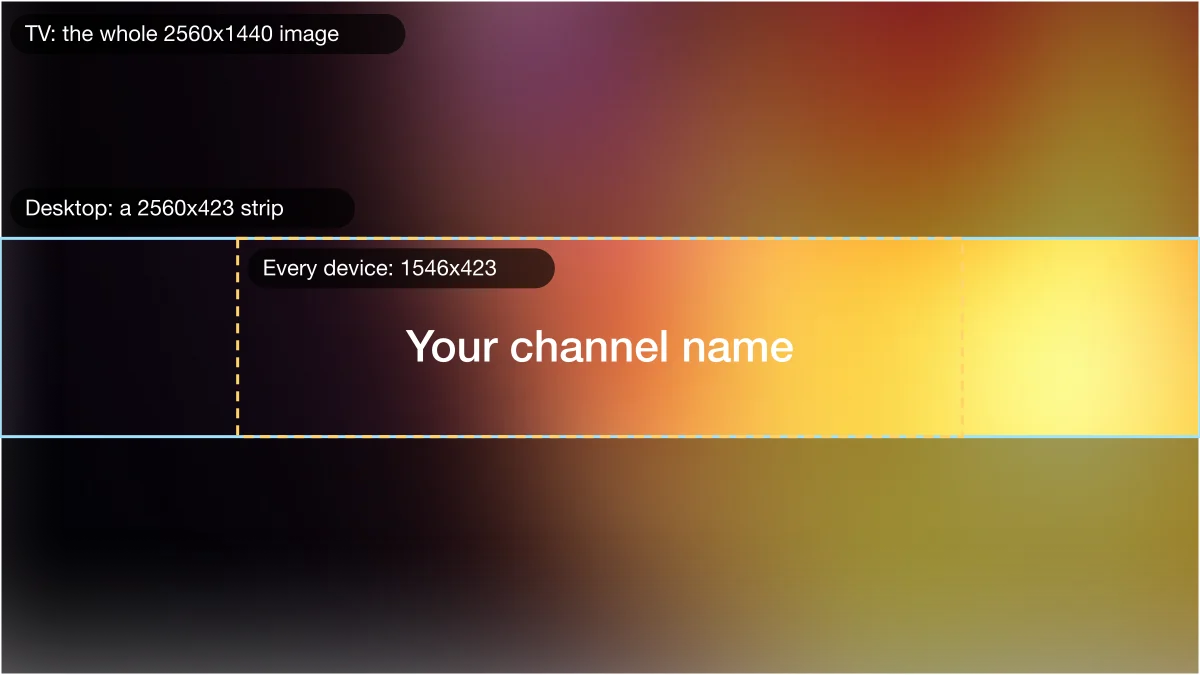
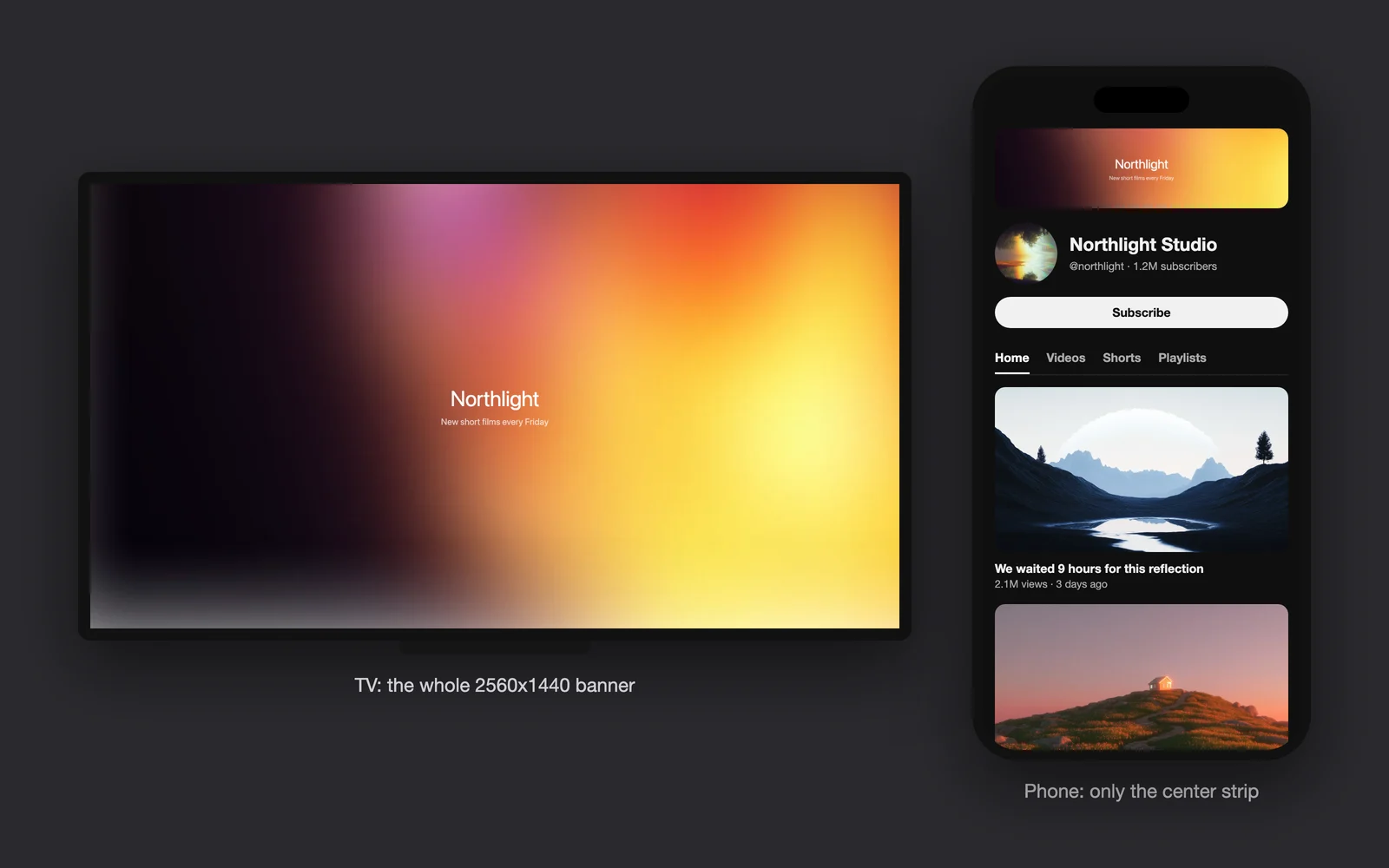
| Where it shows | Visible part of a 2560x1440 banner | Put here |
|---|---|---|
| TV | The whole image | Background art only; nothing important near the edges |
| Computer | A full-width strip, about 2560x423, from the middle | Background that runs edge to edge |
| Every device, including phones | The center, about 1546x423 | Channel name, logo, tagline, upload schedule |
In practice: design the whole 2560x1440 canvas, keep the top and bottom thirds as atmosphere, and treat the middle 1546x423 box as the only place for words. YouTube's own upload screen previews the crop for TV, desktop and all devices before you publish, so you can check it there too.
How to make a YouTube banner that fits every screen
Start at 2560x1440
Set your canvas to exactly 2560x1440. Starting smaller and scaling up makes text soft on TVs.
Lay a background across the whole canvas
Pick an image or gradient that is calm through the middle band and still looks good when only that band shows. Smooth gradients and wide landscapes work best.
Mark the safe area
Draw a guide box of 1546x423 in the exact center (top edge at 508 px, left edge at 507 px). Every word and logo goes inside it.
Add text with room to breathe
Use one or two lines, large and bold enough to read on a phone. Keep a margin of 40 px or so inside the safe box.
Export under 6 MB
Save as JPG at high quality. PNG is fine if it stays under 6 MB, which smooth gradients usually do and detailed photos often do not.
No design app? The free wallpaper maker exports a background at exactly 2560x1440 (its QHD 1440p preset) from a free background, a gradient or your own photo, which you can then add text to in any editor. For a single flat color, the solid color background tool has a YouTube banner preset at the same size.
Free 16:9 backgrounds for your banner
Every free background here is a 16:9-class landscape file of about 3K or 4K, so it scales down to 2560x1440 without a crop. Free for personal and commercial use. Sign up with an email, no card.
Banner backgrounds that work in a thin strip
The middle band is all most viewers see, so the best banner backgrounds have something worth seeing there: a glow, a horizon or a single streak of light, with no faces or key details at the very top or bottom. All of these are free.
Free 16:9 banner backgrounds
Free picks for a YouTube banner
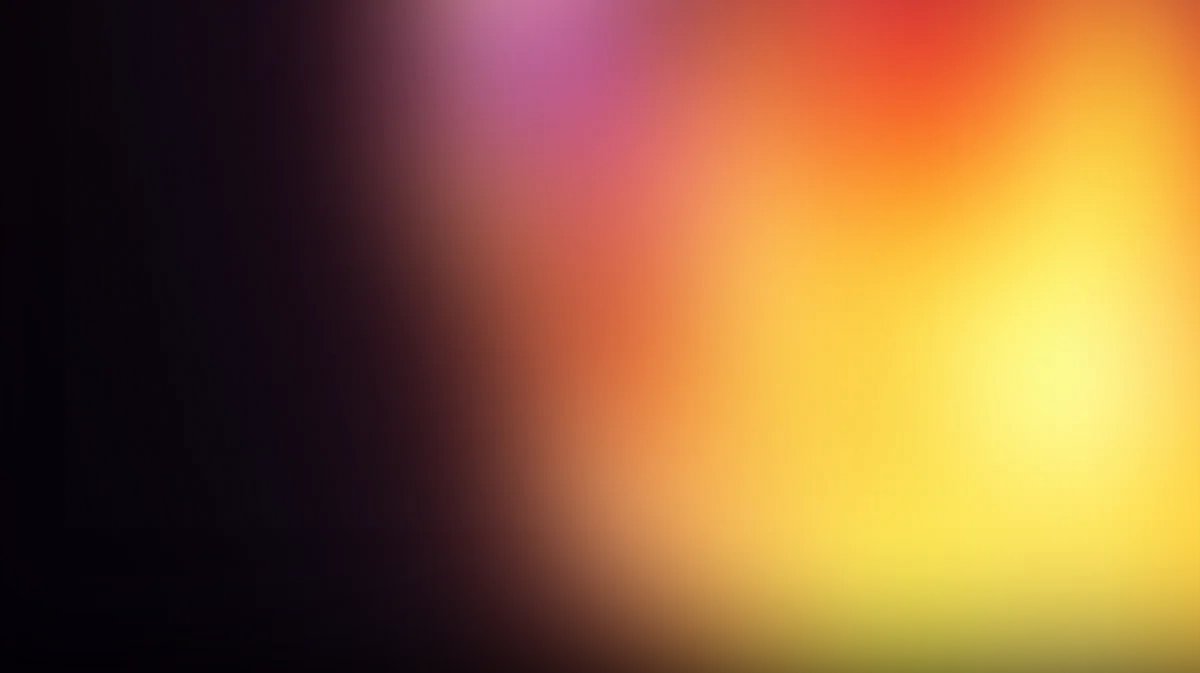 Plum sunriseA soft glow from plum to yellow. White text reads on the dark left side.Gradient BGs collection
 Navy and tealCalm and dark across the middle band, where your name goes.Gradient BGs collection
 Lavender beamOne bright streak across the strip: a ready-made underline for a title.High-exposure Gradients collection
 Light trailsDiagonal motion that suits gaming, music and tech channels.Gradience collection
 Chrome ribbonsBold color with a dark base, so a white logo pops.Chromatica collection
 Slate valleyA wide, quiet landscape. The horizon sits right in the safe band.Velvex collection
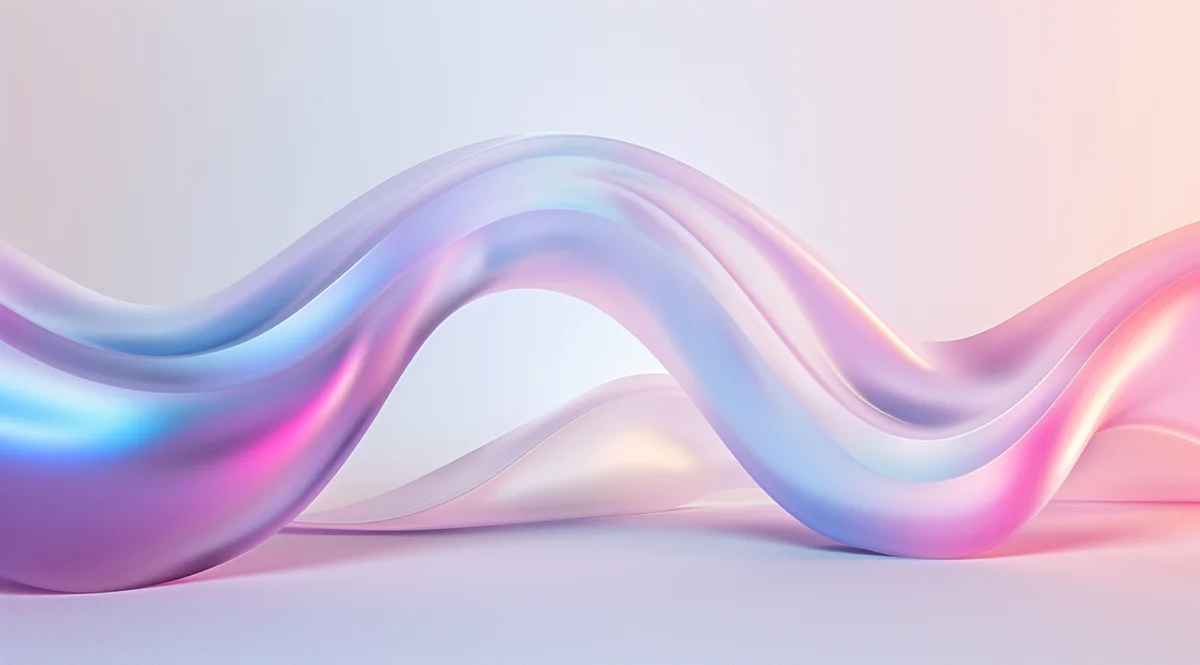 Pastel waveLight and friendly. Use dark text for lifestyle and craft channels.Iridescence collection
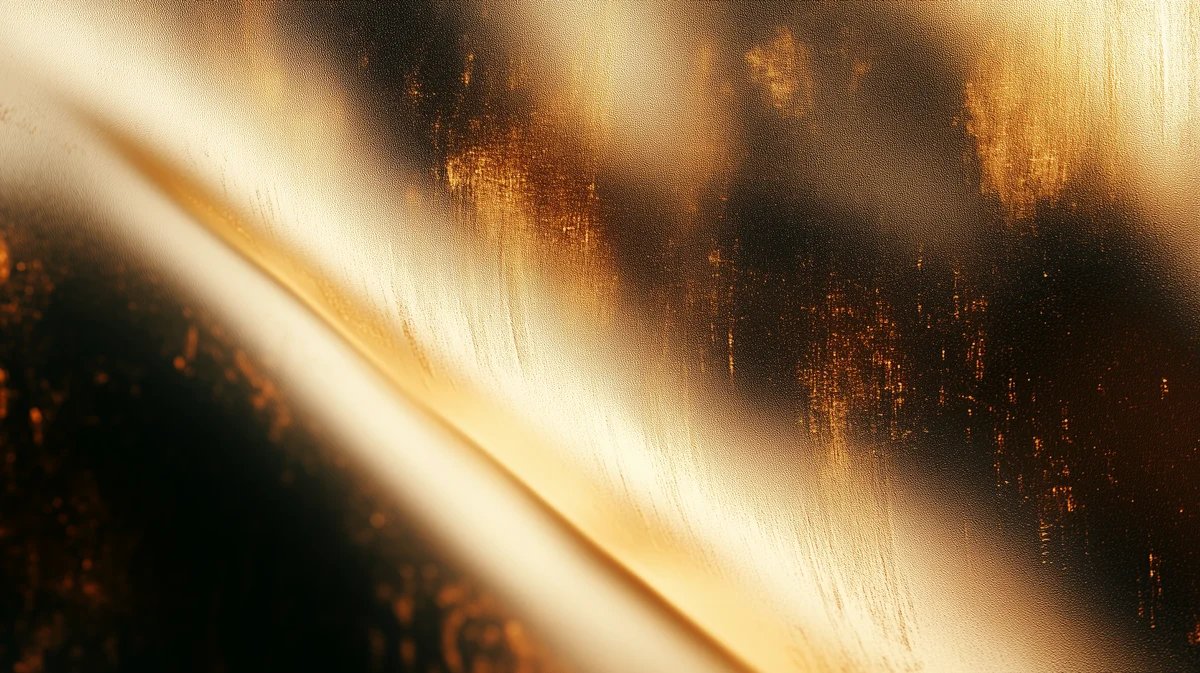 Golden beamsWarm diagonal light on black, good for podcasts and film channels.Etherial collection
- Dark middle, light textWhite text on a dark band is the most readable choice on every device, in light and dark mode.
- Match your thumbnailsTake one or two colors from your thumbnails or logo so the channel page feels like one brand.
- Gradients scale perfectlyA smooth gradient has no detail to lose, so it looks the same at 2560x1440 on a TV and as a strip on a phone.
- Leave the edges emptyTVs show the full image, so a busy corner looks fine there, but anything important in a corner is lost everywhere else.
Our library files are 16:9-class landscape images, most at 2912x1632 and about a quarter at 3840x2160, so they scale down to 2560x1440 with almost nothing to trim. The free 4K gradient wallpapers are 3840x2160, exactly 16:9, and downsize to 2560x1440 with no crop at all. For more ideas by mood, see our aesthetic background ideas.
One honest limit: Gradient Lab's free exports stop at 1920 pixels wide, below YouTube's 2048x1152 minimum. Use a free 4K gradient from the gradients page instead, or the wallpaper maker's 2560x1440 preset.
How to upload or change your YouTube banner
Open YouTube Studio
Sign in to YouTube Studio on a computer.
Go to your profile settings
From the left menu, select Customization, then Profile.
Choose your image
Under the banner image, click CHANGE and select your 2560x1440 file.
Check the crop
Look at the preview for TV, desktop and all devices. Adjust the crop if needed, then click DONE.
Publish
Click PUBLISH. The new banner can take a few minutes to show everywhere.
Steps from YouTube Help, Manage your channel branding. Checked: 2026-11-13.
Banner, profile picture and watermark sizes
| Image | Size | File |
|---|---|---|
| Banner | 2560x1440 recommended, 2048x1152 minimum, 16:9 | 6 MB or less |
| Profile picture | Renders at 98x98 px (upload a larger square) | JPG, GIF, BMP or PNG, no animated GIF, 15 MB or less |
| Video watermark | At least 150x150 px, square | Less than 1 MB |
Setting up a whole desktop or second screen for recording as well? Our desktop wallpaper size guide has the exact sizes for every common monitor and Mac.
Where the library fits in
Free backgrounds cover a banner. If you also need thumbnails, end screens, stream scenes and slides that look like one channel, the full library helps: 1,900+ hand-picked backgrounds across more than 50 collections, with a one-time $49 unlock for lifetime access, full-size originals, every new drop and commercial use. Browse every collection to find a look before you decide.
YouTube banner size questions: dimensions, safe area, cropping and upload
It renders at 98x98 px. Upload a larger square image (JPG, GIF, BMP or PNG, no animated GIFs) of 15 MB or less so it stays sharp.
Yes. The free backgrounds are licensed for personal and commercial use, including banners, thumbnails and videos, with no attribution. You may not resell or redistribute the files as they are.