The right desktop wallpaper size is your screen's native resolution, the exact number of pixels it has. On most PCs that is 1920x1080 (about half of all screens) or 2560x1440 (about a fifth); 4K monitors are 3840x2160 and ultrawides are usually 3440x1440. MacBooks and iMacs use their own sizes, such as 2560x1664 on a 13-inch MacBook Air. If you are not sure, a 3840x2160 image in the 16:9 shape scales down cleanly to every common 16:9 screen. Below are the full size tables, how to find your own resolution, what happens when the shape does not match, and the steps to set the wallpaper on Windows and Mac.
Desktop wallpaper sizes for every common screen
These are the most used primary display resolutions on PCs, from Steam's hardware survey of October 2026, the largest public sample of desktop screens. Size your wallpaper to the row that matches your monitor.
| Screen | Wallpaper size | Shape | Share of PC screens |
|---|---|---|---|
| Full HD (1080p) | 1920x1080 | 16:9 | 50.2% |
| QHD (1440p) | 2560x1440 | 16:9 | 21.8% |
| QHD+ laptops and monitors | 2560x1600 | 16:10 | 5.5% |
| 4K UHD | 3840x2160 | 16:9 | 5.1% |
| Ultrawide QHD | 3440x1440 | 21:9 | 3.2% |
| WUXGA | 1920x1200 | 16:10 | 3.0% |
| Older laptops (HD) | 1366x768 | about 16:9 | 2.3% |
| WXGA+ | 1440x900 | 16:10 | 0.7% |
| Ultrawide Full HD | 2560x1080 | 21:9 | 0.7% |
| HD+ | 1600x900 | 16:9 | 0.7% |
Two things stand out. First, 16:9 screens are about four in five of all PC monitors, so a 16:9 wallpaper fits most desktops with no crop at all. Second, 4K is still a small slice, but a 4K image is the safest single file to keep: it downsizes to 1440p and 1080p with no visible loss, while a 1080p image stretched to 4K looks soft.
Free desktop backgrounds in the 16:9 shape
Every free background on Backgrounds Supply is a landscape 16:9 file (or within a few pixels of it), so it fills 1080p, 1440p and 4K screens without a crop. Free for personal and commercial use. Sign up with an email, no card.
Dual monitor and super ultrawide wallpaper sizes
With two or three screens side by side, Windows can stretch one wallpaper across all of them (the Span option). The image then needs the width of every screen added together. These are the most common multi-monitor desktops in the same survey.
| Setup | Wallpaper size to span | Share of multi-monitor desktops |
|---|---|---|
| Two 1080p screens | 3840x1080 | 46.8% |
| 1440p plus 1080p | 4480x1440 | 28.1% |
| Two 1440p screens, or one 49-inch super ultrawide | 5120x1440 | 10.8% |
| Two 4K screens | 7680x2160 | 2.7% |
| Three 1080p screens | 5760x1080 | 2.3% |
Mixed setups (a 1440p screen next to a 1080p one) never line up perfectly with Span, because the screens have different heights. It usually looks better to give each screen its own wallpaper at its own size, or to use one calm gradient that hides the seam.
MacBook and iMac wallpaper sizes
Macs use their own resolutions, and most are not 16:9. MacBooks are close to 16:10, so a 16:9 wallpaper is cropped slightly at the sides. Use the native pixel size below, not the smaller "looks like" size that System Settings shows under Displays: the screen draws every one of these pixels.
| Mac | Wallpaper size | Shape |
|---|---|---|
| MacBook Air 13-inch | 2560x1664 | about 16:10 |
| MacBook Air 15-inch | 2880x1864 | about 16:10 |
| MacBook Pro 14-inch | 3024x1964 | about 16:10 |
| MacBook Pro 16-inch | 3456x2234 | about 16:10 |
| iMac 24-inch | 4480x2520 | 16:9 |
The iMac is the odd one out: its 4480x2520 screen is a true 16:9, so a 16:9 wallpaper fits it exactly, just at a higher pixel count than 4K. A 3840x2160 image still looks good on it; for the last bit of sharpness, export at 4480x2520.
How to find your screen resolution
On Windows 11
Open Settings, then System, then Display. The number under Display resolution marked (Recommended) is your native resolution. With two screens, click each one at the top to see its own.
On a Mac
Look up your model in the Mac table above or on Apple's tech specs page. The Displays pane in System Settings shows a scaled size ("looks like"), which is smaller than the real pixel count.
On a Chromebook or Linux
Use the display settings (Chromebook: Settings, Device, Displays). Pick the largest resolution listed; that is the screen's native one.
Windows display scaling (125%, 150%) does not change the wallpaper size. A laptop with a 2560x1600 screen at 150% scaling still needs a 2560x1600 wallpaper.
What happens when the wallpaper is the wrong shape
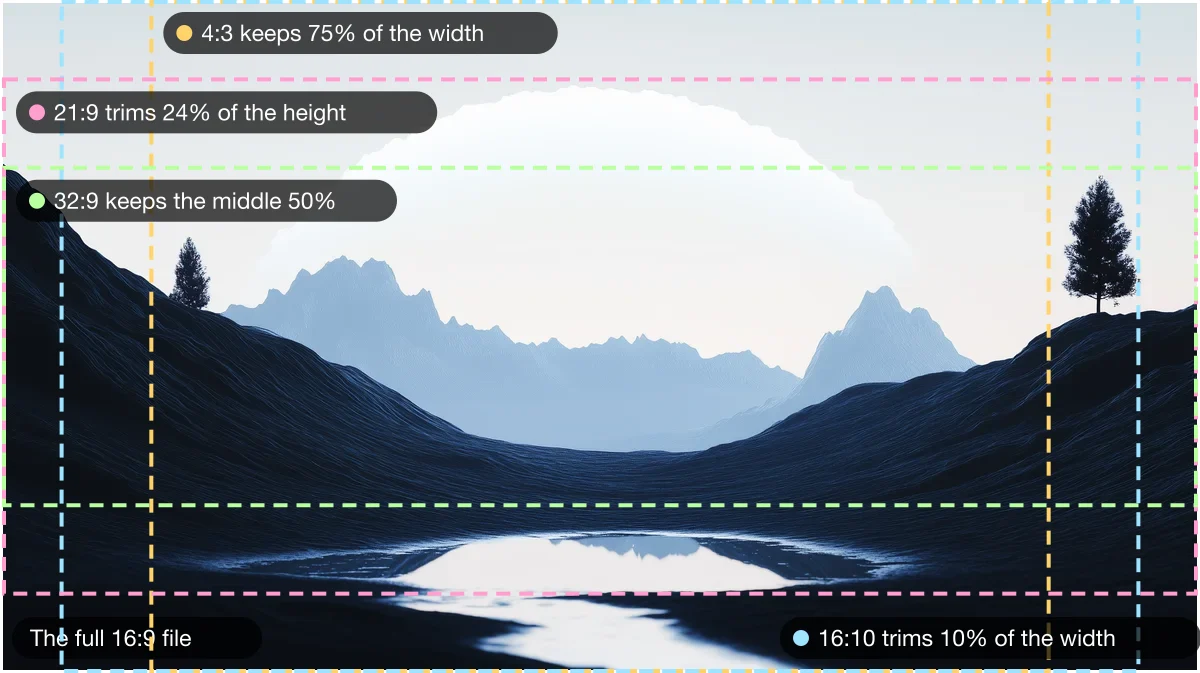
Size and shape are two different things. If the wallpaper is bigger than the screen but the same shape, it simply shrinks to fit and stays sharp. If the shape is different, the computer has to crop it, add bars, or stretch it. Here is the same 16:9 background with the crop each common screen shape makes.
| Your screen | 16:9 wallpaper set to Fill | What to do |
|---|---|---|
| 16:9 (1080p, 1440p, 4K, iMac) | Fits exactly | Nothing. Any 16:9 file works |
| 16:10 (most laptops, MacBooks) | Loses 10% of the width, 5% each side | Fine for almost every image; keep the subject away from the edges |
| 21:9 ultrawide | Loses 24% of the height | Pick images with a wide, calm middle band, or make a 21:9 file |
| 32:9 super ultrawide | Keeps only the middle half of the height | Make a 32:9 file; most 16:9 art crops too hard |
| 4:3 (older screens, iPad) | Loses 25% of the width | Keep the subject centered |
The fix for any odd shape is to make the wallpaper at the exact size. Our free wallpaper maker has presets for 35 screens, from a 13-inch MacBook Air to a pair of 4K monitors, and lets you drag the image to choose which part stays in the crop. Smooth gradients are the other easy answer: with no fixed subject, they crop to any shape without losing anything, which is why the free 4K gradient wallpapers suit ultrawides so well.
4K, 1440p or 1080p: which file to keep
- Bigger is fine, smaller is notA wallpaper larger than your screen is scaled down and stays crisp. A smaller one is scaled up and turns soft, most visibly on text-like detail and fine lines.
- Keep a 4K master when you canA 3840x2160 file covers 1080p, 1440p and 4K screens in one download, and is close enough for an iMac or a 16-inch MacBook Pro.
- Smooth images forgive moreGradients, mist and soft light hide upscaling much better than sharp photos or illustration. A 3K gradient looks fine on a 4K screen; a 3K city photo may not.
- PNG for gradients, JPG for photosPNG keeps smooth gradients free of blocky banding. A high-quality JPG is much smaller and is perfect for detailed, textured images.
For reference, here is how our own library is made, so you know what you are downloading. Most backgrounds are 2912x1632, a 3K-class 16:9 file that fills 1080p and 1440p screens with room to spare. About a quarter are true 4K at 3840x2160. A few collections, such as Bloomhaze and Nocturne, are 1456x816, so they suit smaller screens and phones better than a 4K monitor. Every file is landscape, at or within a hair of 16:9.
Desktop backgrounds that crop well on any screen
The images that survive every crop share a few traits: the subject sits near the middle, the edges are quiet, and there is open space at the top for icons, widgets and the menu bar. All of these are free.
Free 16:9 desktop backgrounds
Free picks that crop well
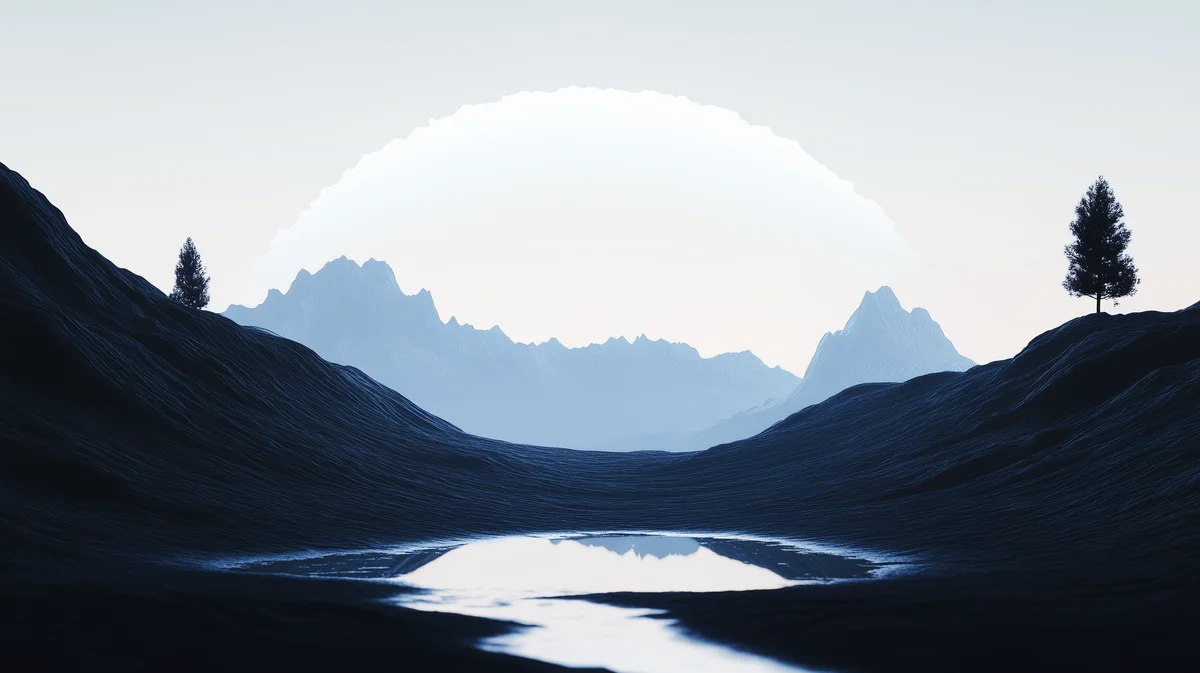 Slate valleyCalm sky across the top third, so icons and widgets sit on clean space.Velvex collection
 Navy and tealA smooth gradient: crops to any shape without losing anything.Gradient BGs collection
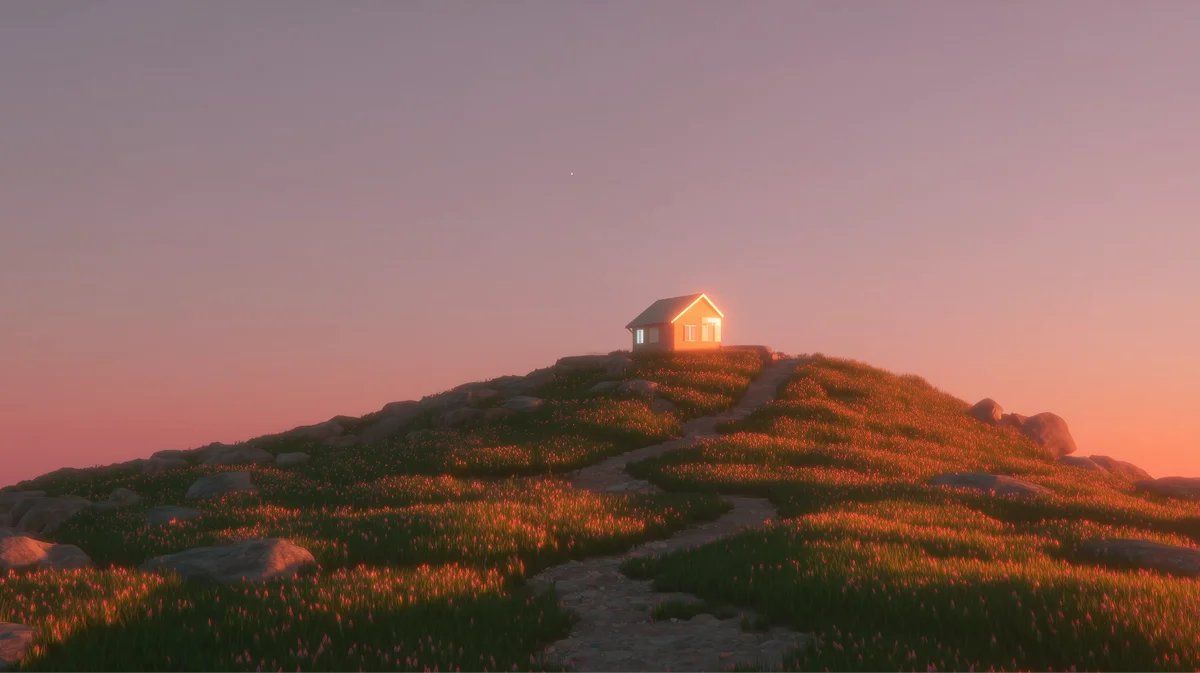 Hilltop cabinThe subject sits in the middle, so 16:10 and 21:9 crops keep it.Serenox collection
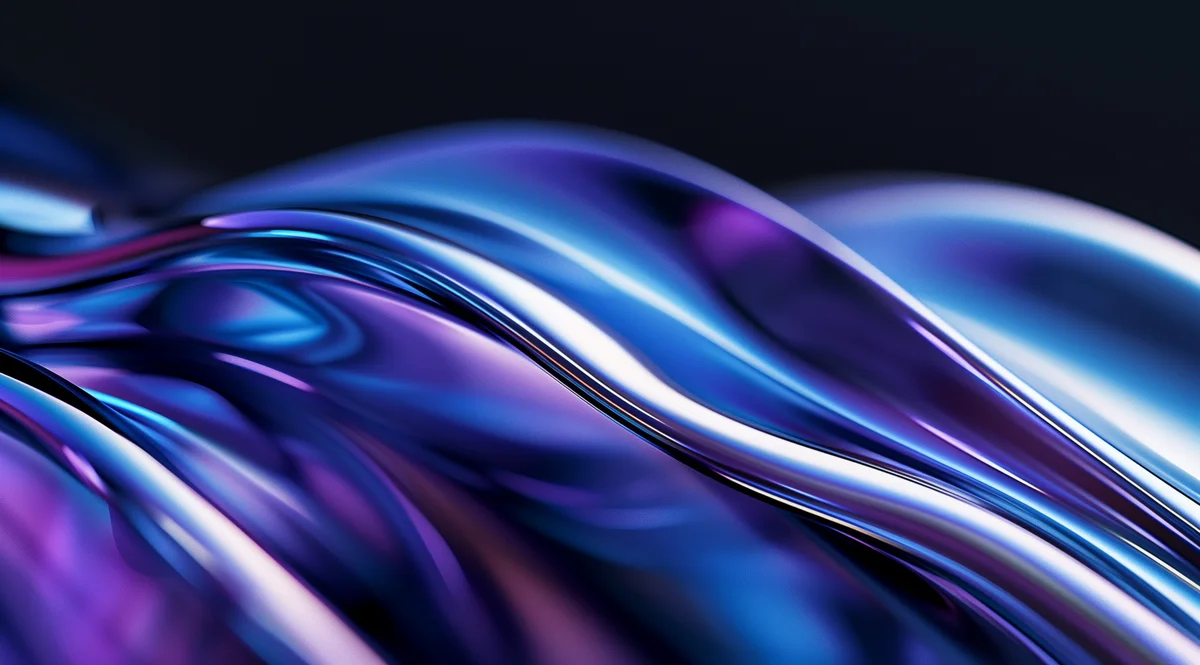 Liquid wavesDark and glossy. Reads well behind a light menu bar.Chromatica collection
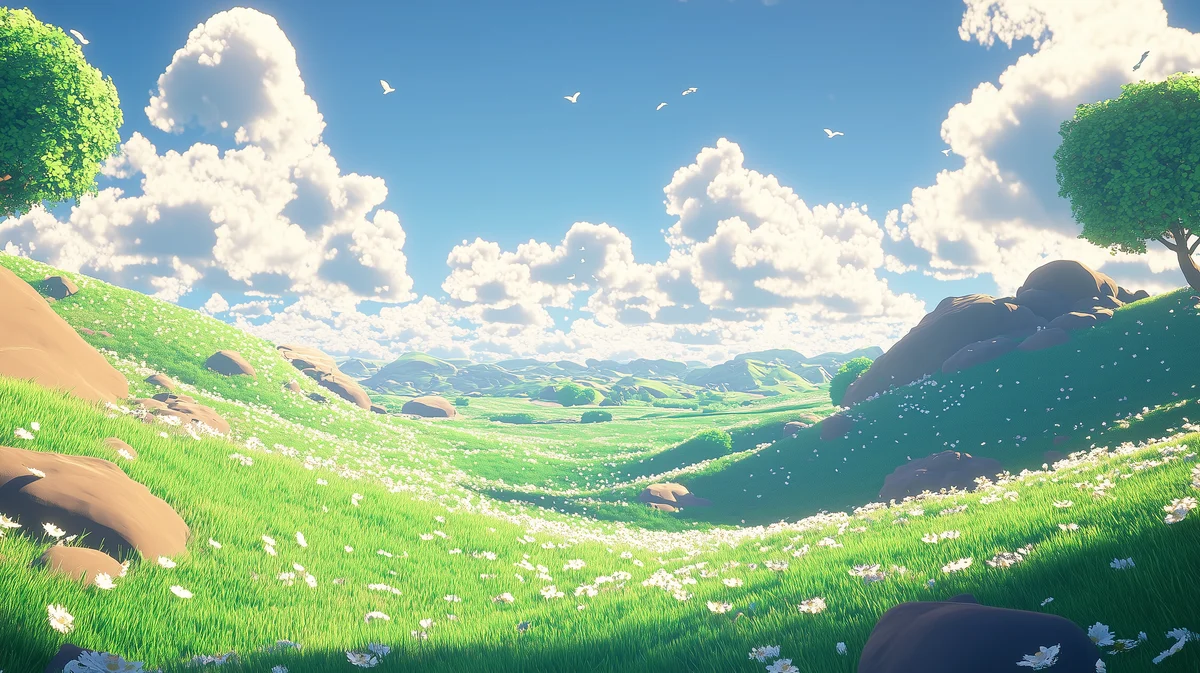 Green meadowBright and open. Big skies suit wide and ultrawide screens.Zephyr collection
 Violet satinSoft folds with no hard detail at the edges, so cropping is invisible.High-exposure Gradients collection
 Gold ribbonBlack with one bright curve. Dark desktops make app windows pop.Etherial collection
 Pastel waveLight mode friendly: dark text and icons stay readable.Iridescence collection

26%of the width on screen


A 9:19.5 phone shows about 26% of the width of a 16:9 file. Drag to choose the slice.
How to set a desktop wallpaper on Windows and Mac
Windows 11
Open the background settings
Right-click the desktop and choose Personalize, then Background. Or open Settings, Personalization, Background.
Pick your picture
Set Personalize your background to Picture, then click Browse photos and choose your file.
Choose the fit
Under Choose a fit for your desktop image, pick Fill for a matching shape. Use Fit to see the whole image with bars, or Span to stretch one wide image across several monitors.
macOS
Open Wallpaper settings
Choose Apple menu, System Settings, then Wallpaper in the sidebar.
Add your picture
Click Add Photo (or Add Folder) and choose your file, then select it.
Choose how it fills the screen
Pick Fill Screen for a full-bleed image. Fit to Screen shows the whole image with bars on screens of a different shape.
Steps from Microsoft: Change the desktop background in Windows and Apple: Customize the wallpaper on your Mac. Checked: 2026-11-13.
Make one at your screen's exact size
Pick your Mac, PC, ultrawide or dual-monitor size in the free wallpaper maker, start from a free background, a gradient or your own photo, and download a PNG or JPG with no watermark.
Where the library fits in
If you change your wallpaper often, or set up desktops for a team, the full library saves a lot of searching. Backgrounds Supply has 1,900+ hand-picked backgrounds across more than 50 collections, from calm gradients to 3D landscapes, all 16:9 and most at 3K or true 4K. A one-time $49 unlock gives lifetime access to every collection, the full-size originals and every new drop, with commercial use included. The free picks stay free either way; browse every wallpaper collection or read our aesthetic background ideas for more starting points.
One honest limit: the library has no phone or portrait versions. For a phone, crop a 16:9 file in the wallpaper maker, which has every current iPhone and Android size.
Desktop wallpaper size questions: Windows, Mac, 4K, ultrawide and dual screens
The same as your screen's native resolution. For most PCs that is 1920x1080 or 2560x1440, for 4K monitors 3840x2160, and for ultrawides 3440x1440. If you do not know your resolution, a 3840x2160 image in the 16:9 shape works on almost every desktop.
1920x1080. In Steam's October 2026 hardware survey it was the primary resolution on 50.2% of PC screens, followed by 2560x1440 on 21.8%. Both are 16:9, so one 16:9 wallpaper fits both.
3840x2160 pixels, in the 16:9 shape. It is exactly four times the pixels of 1080p, so it also scales down perfectly to 1920x1080 and 2560x1440 screens.
Check the laptop's native resolution in Settings, System, Display (Windows) or the maker's spec page. Many are 1920x1080 or 1920x1200; newer ones are often 2560x1600 or higher. MacBooks range from 2560x1664 (13-inch Air) to 3456x2234 (16-inch Pro).
MacBook Air 13-inch is 2560x1664 and 15-inch is 2880x1864. MacBook Pro 14-inch is 3024x1964 and 16-inch is 3456x2234. Use these native sizes, not the smaller "looks like" size shown in System Settings.
Most ultrawide monitors are 3440x1440 (21:9); cheaper ones are 2560x1080. 49-inch super ultrawides are 5120x1440 (32:9). A 16:9 wallpaper loses about a quarter of its height on 21:9 and half on 32:9, so wide-format or gradient images work best.
Add the widths together: two 1080p screens need 3840x1080 and two 1440p screens need 5120x1440. Set the fit to Span in Windows to stretch it across both. With screens of different sizes, a separate wallpaper per screen usually looks better.
Yes. A larger wallpaper in the same shape is scaled down and stays sharp. Only a smaller one causes problems, because scaling up makes it soft.
It is smaller than your screen and has been scaled up, or it was saved as a heavily compressed JPG. Use an image at least as large as your native resolution, and PNG for smooth gradients, which show compression as banding.
Its shape does not match your screen. A 16:9 image on a 16:10 laptop loses a little at the sides with the Fill setting; on a 21:9 ultrawide it loses the top and bottom. Make the wallpaper at your exact size, or choose Fit to see the whole image with bars.
PNG for gradients and flat colour, because it avoids banding. JPG for photos and detailed art, because it is much smaller at the same visible quality. Windows and macOS both accept either.
They are all landscape 16:9-class files, most at 2912x1632 and about a quarter at 3840x2160, so they fill 1080p, 1440p and 4K screens without a crop. On MacBooks they lose a sliver at the sides. The free previews are free for personal and commercial use.