

A good video-call background does two jobs: it hides a messy room, and it makes you look considered. A calm gradient or a soft aesthetic background reads far more professional than a stock office photo, and it works in both Zoom and Microsoft Teams. Here is how to set one in each, plus where to download backgrounds free.
Grab a free video-call background
Download a hand-picked set of aesthetic backgrounds, or make an animated one in Gradient Lab. Free, no card.
What makes a good video-call background
- Calm and low-contrast, so your face stays the focus rather than the wall behind you.
- A tight, professional palette. A soft single-colour gradient beats a busy photo on a call.
- 16:9 and high-resolution, so it doesn't look pixelated on a large monitor.
- Optional subtle motion (an animated background) for a premium, polished feel.
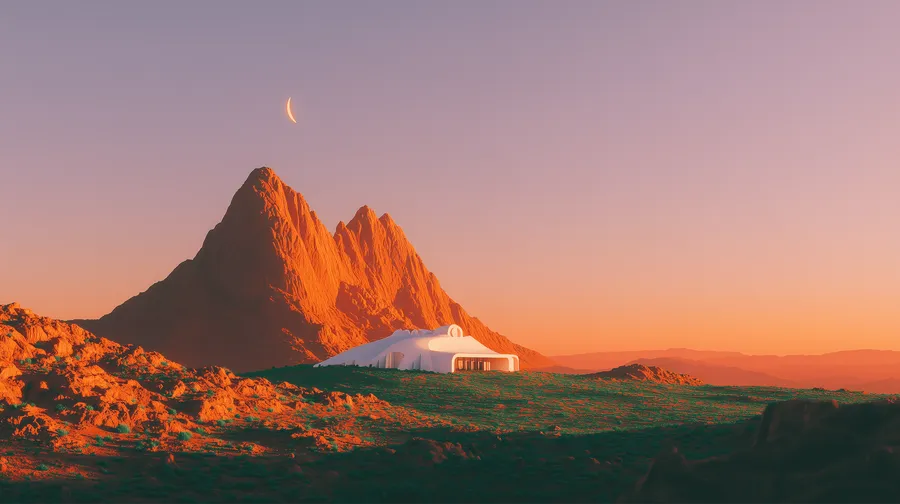
How to set a custom background in Zoom
- In a meeting, click the small arrow next to Stop Video, then choose Virtual Background.
- Click the plus icon and Add Image (or Add Video for an animated MP4).
- Pick your downloaded file. Zoom accepts both images and short video backgrounds.
How to set a background in Microsoft Teams
- On the pre-join screen, click Background filters (or in a call: More, then Video effects and settings).
- Click Add new to upload your downloaded image.
- Select it and apply. Your Teams background is set for the call.
Tip: for the most professional look, pick a soft single-colour gradient rather than a busy scene. It keeps attention on you and never distracts the people you're talking to.
Aesthetic and animated options
Beyond static images, an animated background adds a subtle premium touch on a call, and Zoom supports video backgrounds. Make your own in Gradient Lab, or use a clip from the animated backgrounds collection. For a calmer, on-brand look, the aesthetic wallpapers work perfectly as Zoom and Teams backgrounds.
Download your video-call background
Free aesthetic backgrounds for Zoom and Teams, or animated ones from Gradient Lab. No signup to start.