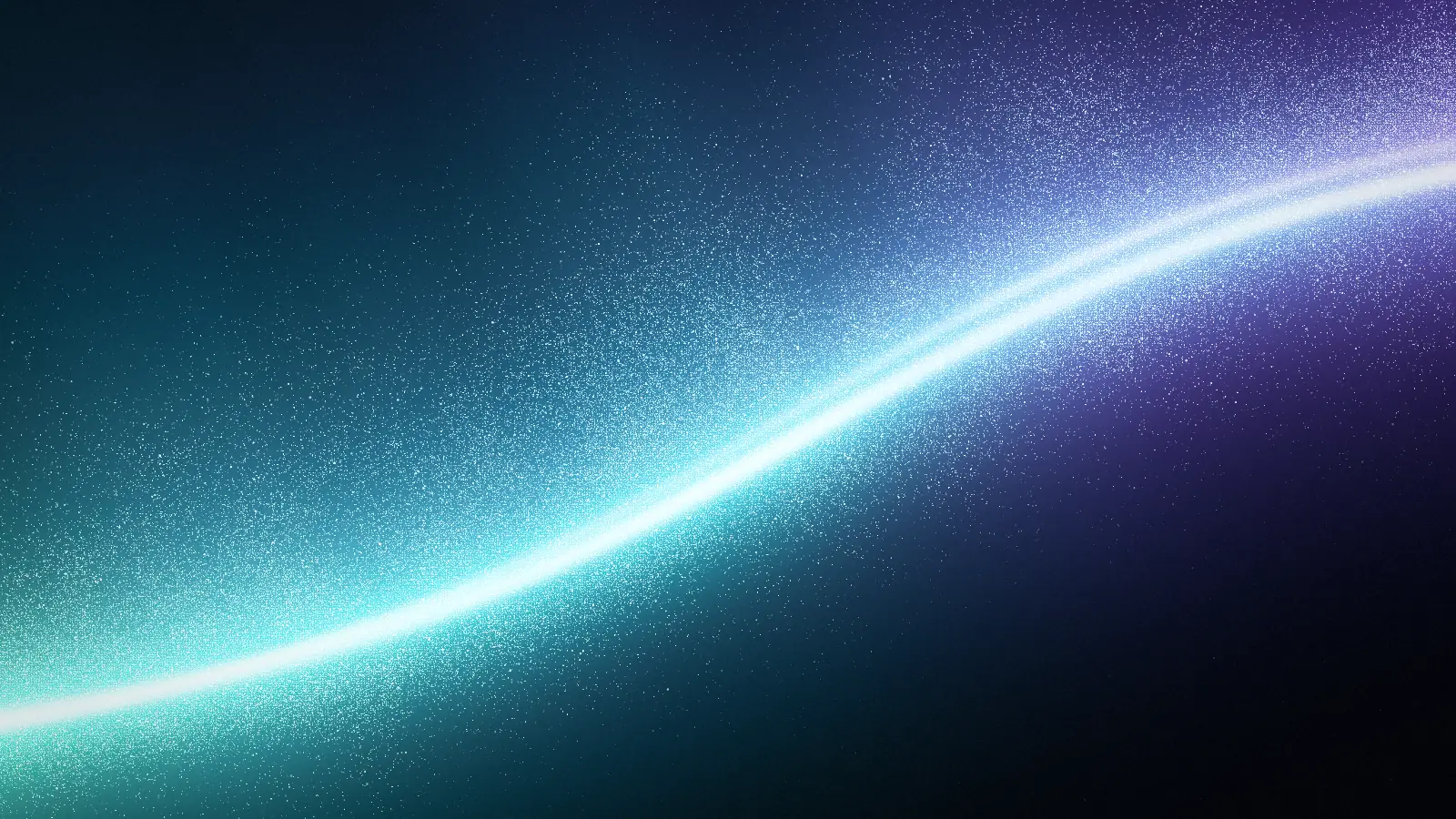
Free VJ loops, made in your browser
Seamless loops of flowing light for clubs, gigs, LED walls and streams. Pick a look, set 60 fps and download an MP4 or WebM that loops with no seam. 1080p is free; 4K comes with Pro.
- Seamless
- Up to 60 fps
- No watermark
Three families of VJ visuals
Each preview is drawn live by the generator, exactly as your export will play. Switch looks inside a family, then open one at 60 fps to make it yours.
Neon ribbons
Saturated ribbons of light that sweep across a black stage. Bright enough for LED walls and projectors in a lit room.
Rings and halos
Closed loops of light that orbit and pulse in place. They sit well behind a DJ booth or under a logo layer.
Stage light
Masked, focused beams and eclipses with deep blacks around them. Good for slow intros, breakdowns and ambient sets.
How to make a VJ loop
Pick a look
Start from one of the families above or any of the 128 looks in the editor's Library. Push Speed and Wobble up for a high energy set, or keep them low for ambient visuals. Inspire rolls a whole new look in one click.
Set 60 fps and a loop length
Open Export, pick MP4 or WebM, a 16:9 or 21:9 frame, 60 fps and a loop length from 4 to 20 seconds. The editor fits whole turns of the motion into that length, so the last frame leads straight back into the first.
Download and load it
Download the loop (1080p free, 4K with Pro) and drop it into Resolume, VDMX, OBS or TouchDesigner. Make a few variations with Shuffle and you have a set of loops that belong together.
Why these loops have no seam
A VJ loop jumps when its last frame does not match its first. The generator avoids that by design: every motion in a look (the drift of the light, the rays, the sparkle of each grain) is a cycle, and the export fits a whole number of cycles into the loop length you pick. The frame after the last one is the first one again, so the clip repeats forever without a cut or a crossfade.
With WebCodecs (current Chrome and Edge) every frame is rendered and encoded one by one, so a 60 fps loop has exactly 60 frames per second and nothing is dropped. Other browsers record the loop in real time up to 1080p.
Export settings for a VJ set
| Frame rate | 24, 30 or 60 fps |
|---|---|
| Loop length | 4, 6, 8, 12 or 20 seconds |
| Format | MP4 (H.264) or WebM (VP9), video only, no audio track |
| Free sizes | 720p and 1080p: 1920×1080 at 16:9, 1920×822 at 21:9 |
| Pro sizes | 4K: 3840×2160 at 16:9, 3840×1646 at 21:9 (needs WebCodecs, as in Chrome and Edge) |
| Frames | 16:9, 21:9, 3:2, 4:3, 1:1, 4:5 and 9:16 |
| Quality | Balanced, or High at about twice the bitrate |
Load your loops into Resolume, VDMX, OBS or TouchDesigner
The exports are standard video files, so every VJ app and video tool opens them. These steps get a loop playing.
Resolume Arena and Avenue
- Drag the MP4 from your file browser onto an empty clip slot in the deck.
- Leave the clip's transport on Loop, its default, and trigger it.
- For long sets or 4K, convert the file to DXV with Alley, the free converter that comes with Resolume.
DXV decodes on the graphics card, so many layers play without dropping frames.
VDMX
- Drag the file into a media bin.
- Trigger it to a layer; set the movie to loop in the layer's playback options.
- For heavy sets, convert to the Hap codec (for example with ffmpeg, -c:v hap) for faster playback.
OBS Studio
- In a scene, add a Media Source and choose the file.
- Tick Loop, and untick Show nothing when playback ends.
- Place it at the bottom of the source list so your camera and overlays sit above it.
A seamless loop can run behind a stream for hours with no visible jump.
TouchDesigner
- Drop the file into the network, which creates a Movie File In TOP.
- Feed it into your composite, or use it as a texture.
- Use WebM or MP4 as exported; for many layers, convert to Hap first.
Tips for VJ loops that work on a big screen
- Keep the blacks. Light on a mostly dark frame reads brighter on projectors and blends cleanly with Add or Screen in a layer stack.
- Match the tempo. A loop of 8 seconds is 4 bars at 120 BPM; 4 seconds is 2 bars. Pick the loop length that suits the music, then tune Speed until the motion feels on the beat.
- Make a set, not a clip. Export one look, then press Shuffle for variations of the same light, or change one color at a time. Clips from one family cut together well.
- Use the right frame. 16:9 for most projectors and screens, 21:9 for wide LED walls, 9:16 for vertical screens and phone content.
- Lower the grain for streaming. Fine speckle is hard to compress. Choose High quality, or lower Film grain, if the stream looks blocky.
Free for gigs, clubs and streams
Loops you export from free looks are free for personal and commercial use: club nights, paid gigs, festivals, streams, music videos and client work, with no watermark and no attribution. You may not resell or redistribute the files as a loop pack of their own.
Free exports go up to 1,920 px on the long edge. Backgrounds Supply Pro adds 4K loops and 4K to 8K stills, plus the whole library, including the ready-made MP4 clips. Need a still backdrop for a flyer or a stream overlay? Export a PNG from the same look, or try the galaxy background generator and Gradient Lab.
FAQs
Free VJ loops: seamless playback, codecs, sizes and use at gigs
Yes. Every look in the generator exports free as an MP4 or WebM loop at 720p or 1080p, up to 60 fps, with no watermark and no signup. 4K loops need Backgrounds Supply Pro, a one-time purchase.
Yes. Loops from free looks are free for commercial use, including paid gigs, club nights, festivals, streams, music videos and client work, with no attribution. You may not resell or redistribute the files as a loop pack.
Yes. Every motion in a look is a cycle, and the export fits a whole number of cycles into the loop length you choose, so the frame after the last one is the first one again. There is no cut and no crossfade, so a clip can repeat for hours.
Yes. Export an MP4 and drag it onto a clip slot in Resolume Arena or Avenue; it loops by default. For long sets, many layers or 4K, convert it to DXV with Alley, the free converter that comes with Resolume, so it decodes on the graphics card.
Match your output. 60 fps gives the smoothest motion on LED walls and 60 Hz projectors; 30 fps halves the file size and suits most streams; 24 fps fits film-style edits. The generator exports all three, and each frame is rendered on its own in Chrome and Edge.
1080p (1920×1080) covers most projectors, screens and streams, and is free. 4K (3840×2160) is for large LED walls and 4K outputs and comes with Pro. For wide LED walls choose the 21:9 frame.
The generator exports H.264 MP4 or VP9 WebM, which every app opens. For live playback with many layers, convert to a GPU codec: DXV for Resolume (with Alley) or Hap for VDMX and TouchDesigner (for example with ffmpeg and -c:v hap).
Long enough not to feel repetitive, short enough to stay small. 8 seconds is 4 bars at 120 BPM and a good default; 4 seconds is 2 bars for fast cuts; 12 or 20 seconds suit slow ambient sets. The generator offers 4, 6, 8, 12 and 20 seconds.
Yes. Every look takes 2 to 4 colors of your own and a background color, or one of 16 palettes, so you can match a brand, an album cover or a stage's lighting. Change the shape of the light, the speckle and the speed, then export.
No. Exports are video only, with no audio track, so they never clash with the music or need muting in your VJ software.
Yes. Add a Media Source with the file, tick Loop, and put it at the bottom of the source list. A 1080p loop at 30 fps keeps the stream light; choose High quality or lower Film grain if your platform compresses hard.
No. Every frame is drawn by the generator's own shader, in your browser, from the look and settings you pick. Nothing is generated on a server and there are no prompts to write.
No. Pointer effects such as ripple or swirl only play in the live preview and in website embeds. Exported loops show the light and its own motion, so they play the same on any screen.
More from the animated background maker
Explore more: aesthetic wallpapers, moving backgrounds, free gradient wallpapers, gradient backgrounds, cool backgrounds, free aesthetic backgrounds.